Press kit · free to use in coverage

Wakeout press kit.

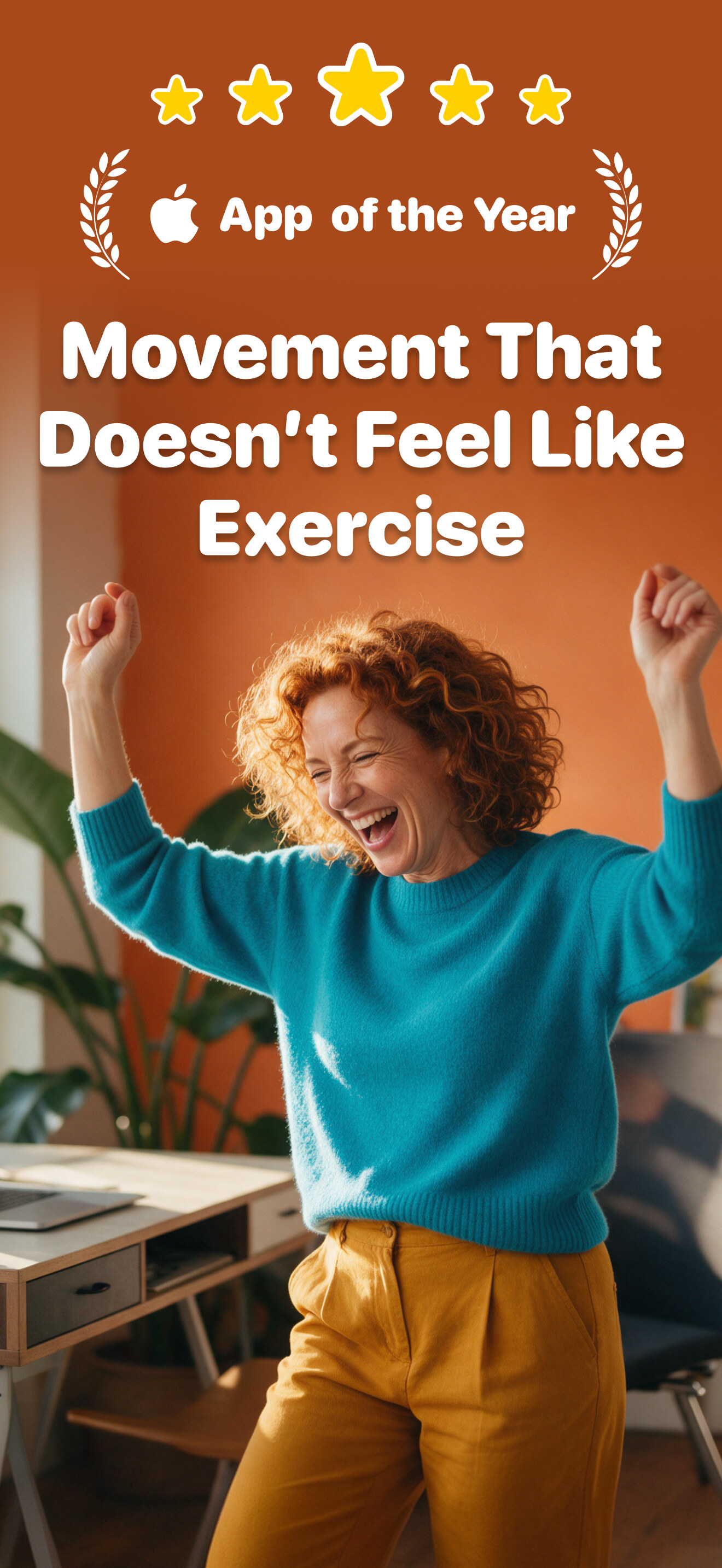
Wakeout turns one-minute movement breaks into play: a goofy move at your desk, a new challenge every morning, and ten games where the camera turns your body into the controller. Apple named it iPhone App of the Year.

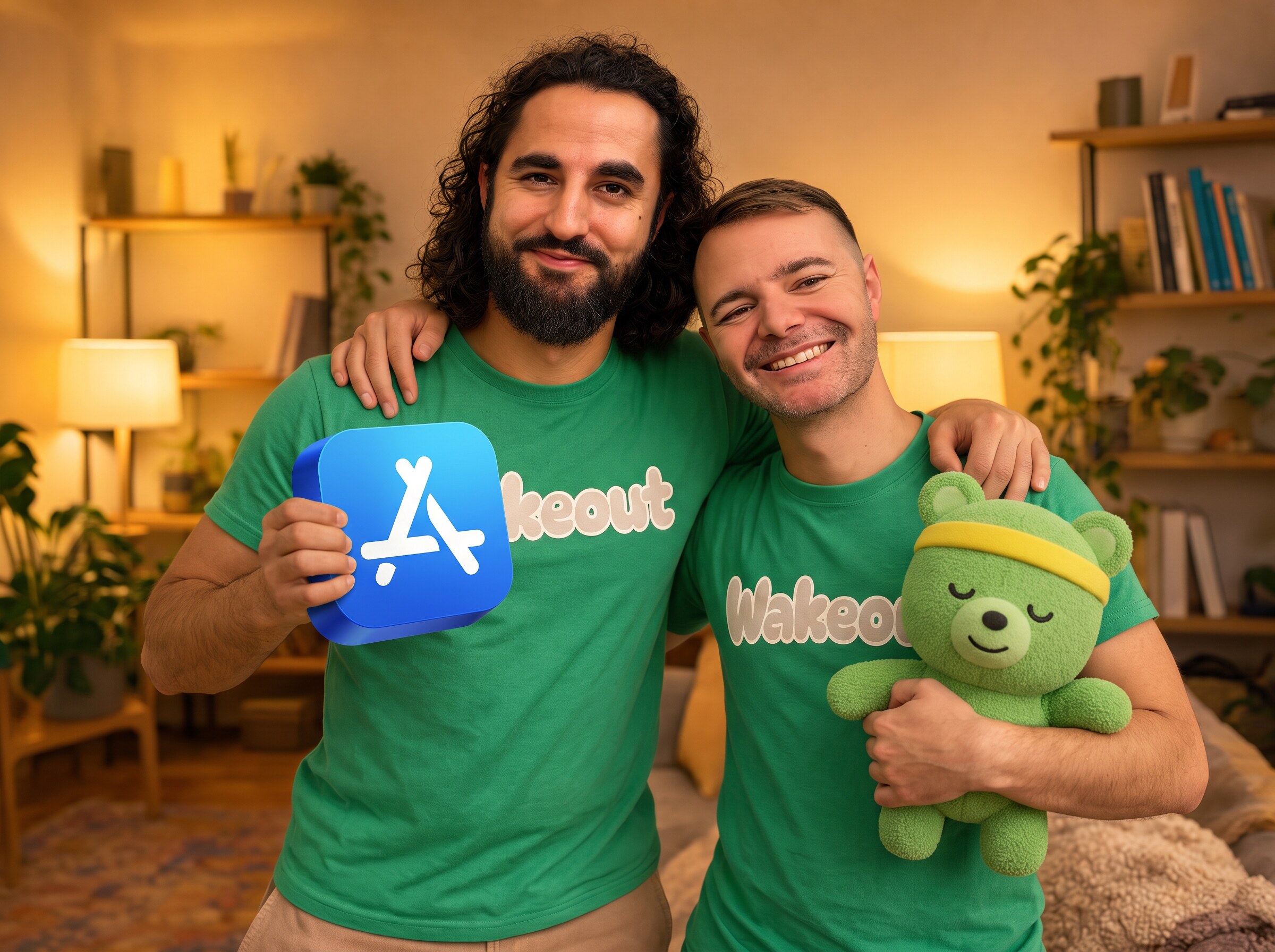
Made by co-founders Pedro Wunderlich and Andrés Canella. Everything below is free to use when you write about Wakeout. Click any preview for the full-size file.

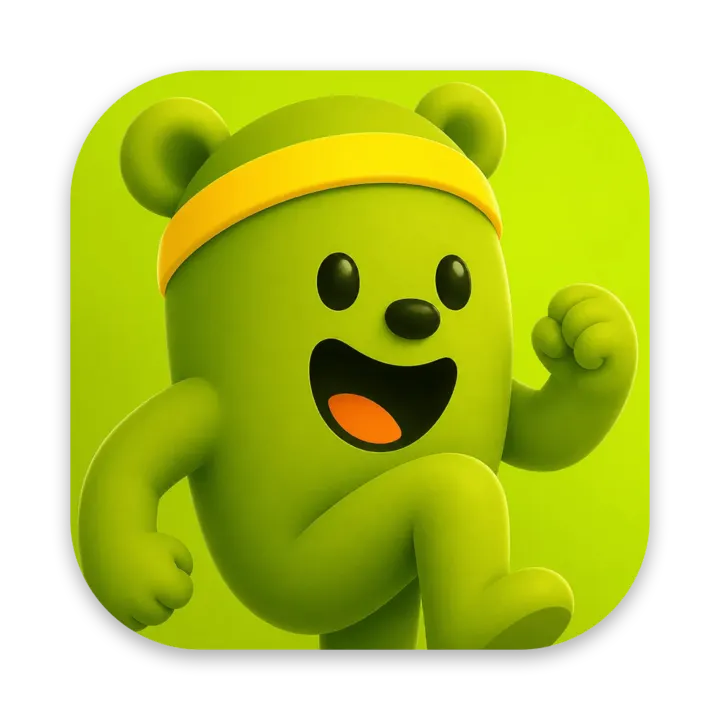
The Wakeout app icon: Wakefield the bear in his yellow headbandApple’s App of the Year award

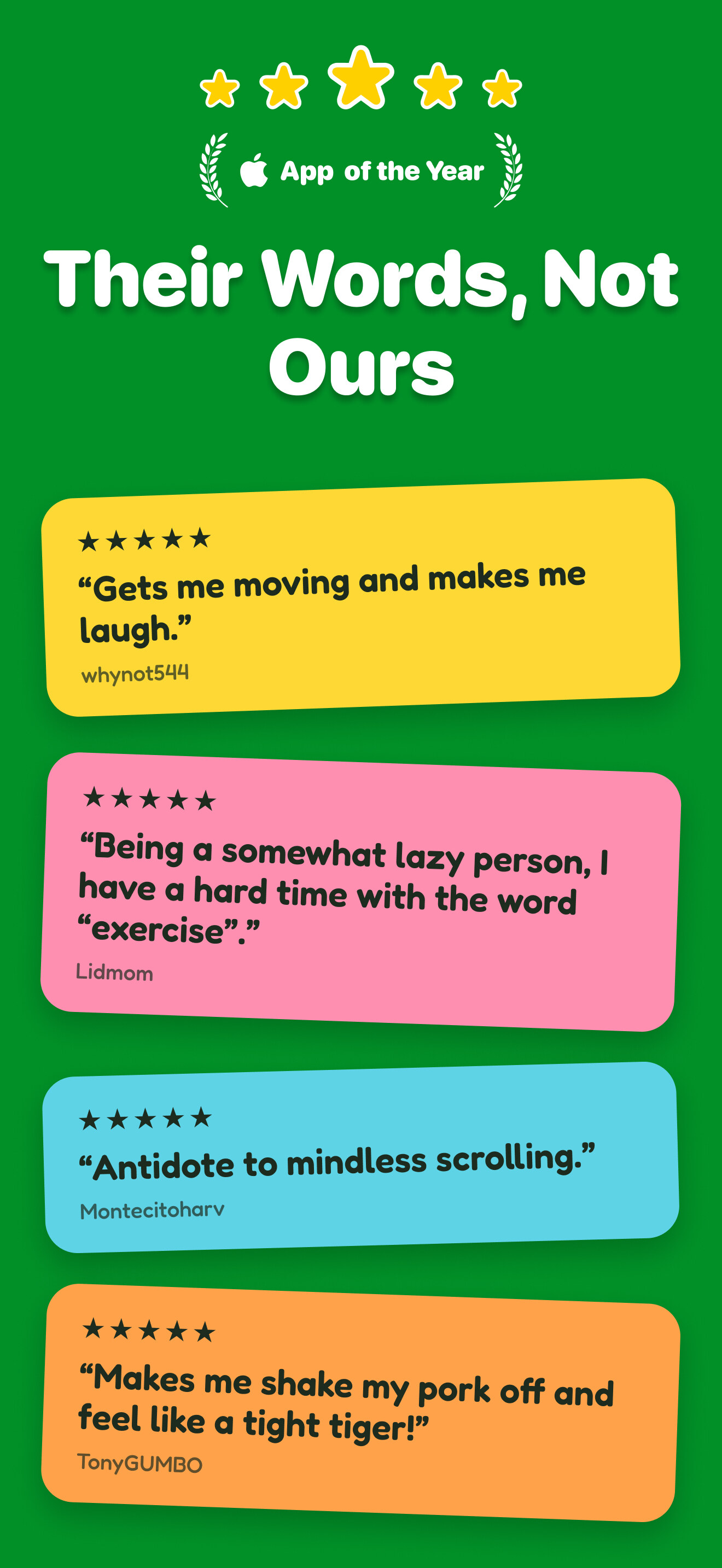
iPhone App of the Year

Apple · 2020

Fact sheet

The short version.

What it is
One-minute movement breaks that feel like play, plus ten games you play with your body
Launched
2017
Founders
Pedro Wunderlich and Andrés Canella
Award
Apple iPhone App of the Year 2020
Platforms
iPhone, iPad, Mac, Apple Watch and iPhone Duo
Languages
19
Movement games
10, played through the camera, seated or standing
Library
3,000+ one-minute moves and a new challenge every morning
Price
7-day free trial, then $69.99/year, $12.99/month or $4.99/week (USD). One subscription covers every device and Family Sharing.
Ratings
19,000+ App Store ratings
Press contact
pedro@wakeout.app

The founder story · Pedro and Andrés

Built by two people who could not face a gym.

Pedro and Andrés grew up in the same neighborhood in Guatemala. Years later both were stuck at desks, worn down by anxiety and the fog that settles in after too many hours in a chair. The standard advice (join a gym, train for something) was no use to two people who could barely get up. What worked was embarrassingly small: a stretch, a wiggle, a walk around the block. In 2017 they built Wakeout around that idea, one-minute moves so silly that nobody has to call them exercise.

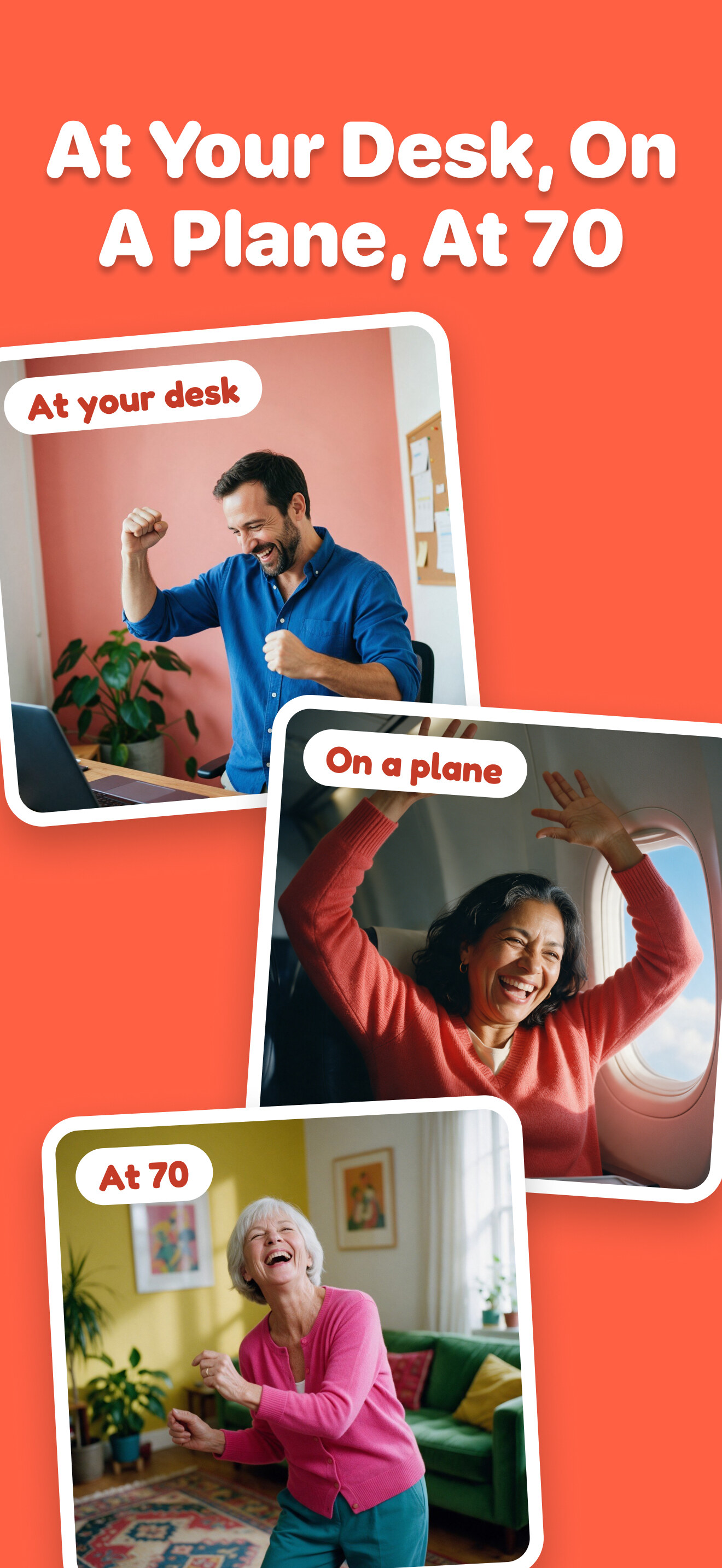
Today Wakeout is for anyone with a body and a full day. Desk-bound professionals use it between meetings, students between study sessions, and active people use it to keep moving on the days they do not make it to the gym. People who say they hate exercise like it because it does not feel like exercise, and people in their 60s and 70s love it. In 2020, the year everyone sat down at home, Apple named Wakeout iPhone App of the Year.

  • Desk-bound professionals
  • Students
  • Active people between gym days
  • People working from home
  • People in their 60s and 70s
  • People who say they hate exercise
Pedro Wunderlich

Pedro Wunderlich

Co-founder

Creative director, fitness expert, product and marketing, engineer. Usually hanging from a pull-up bar.

Photo · PNG · 512×512 · 300 KB
Andrés Canella

Andrés Canella

Co-founder

Engineer, backend master and yoga enthusiast. Always working at a standing desk.

Photo · PNG · 512×512 · 220 KB

The longer version is on our story page.

The long version

What Wakeout actually is.

Wakeout is a movement app for people who do not want a workout. It turns the minutes you already have (waiting for the kettle, between two calls, at the end of a long scroll) into a one-minute move that feels more like play than exercise: a silly stretch, a quick dance, a round of punching saucers out of the sky with your own arms.

Inside is a library of more than 3,000 short moves in 102 themed packs, each one a little video you copy along with, plus ten movement games where the iPhone, iPad or Mac camera tracks your whole body. Everything is built to be small enough to start: a Wakeout takes about a minute, a challenge never more, and nothing needs equipment, special clothes or even standing up.

It runs on iPhone, iPad, Mac, Apple Watch and iPhone Duo, in 19 languages, and it counts every bit of movement, from a Wakeout to the walk to the coffee place, as Watts toward a daily goal. The point is not to train. It is to move more often, all day, because it is fun.

Snack-sized

A minute is enough.

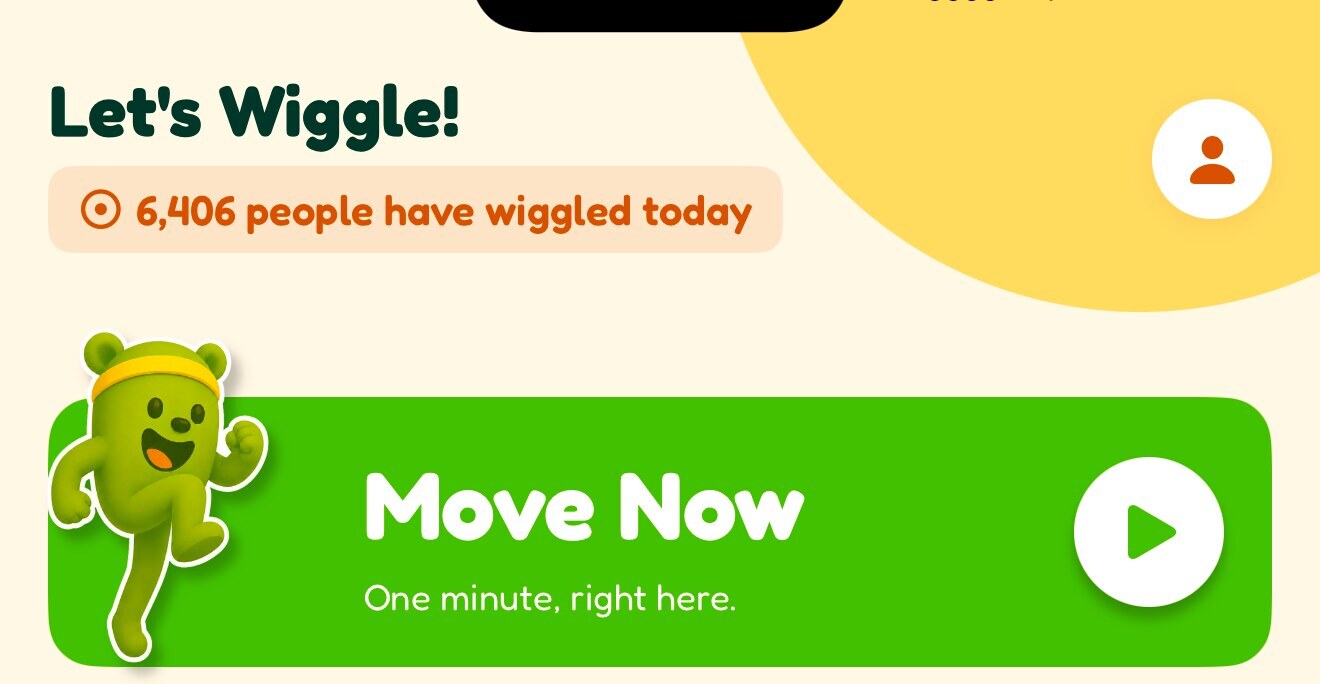
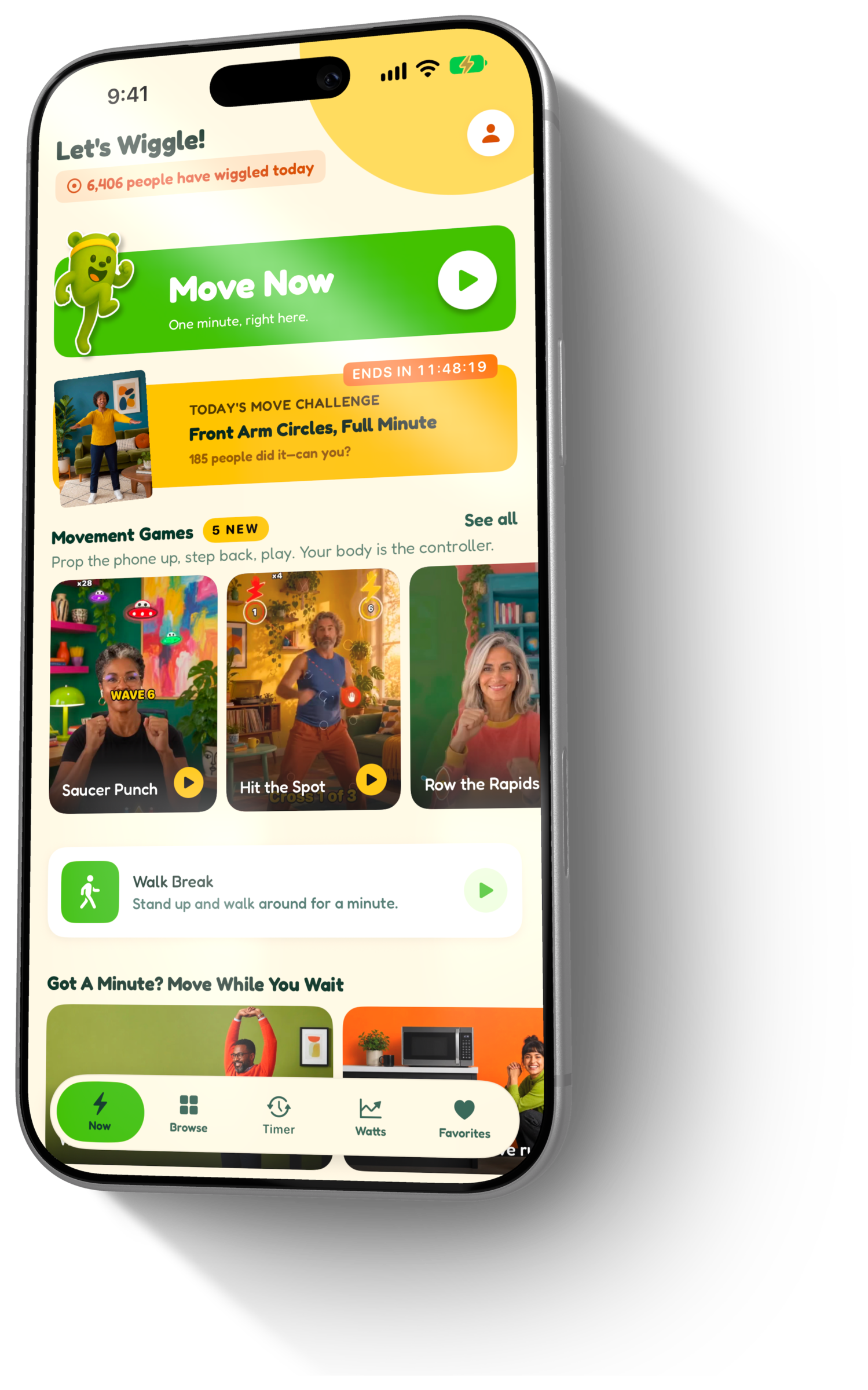
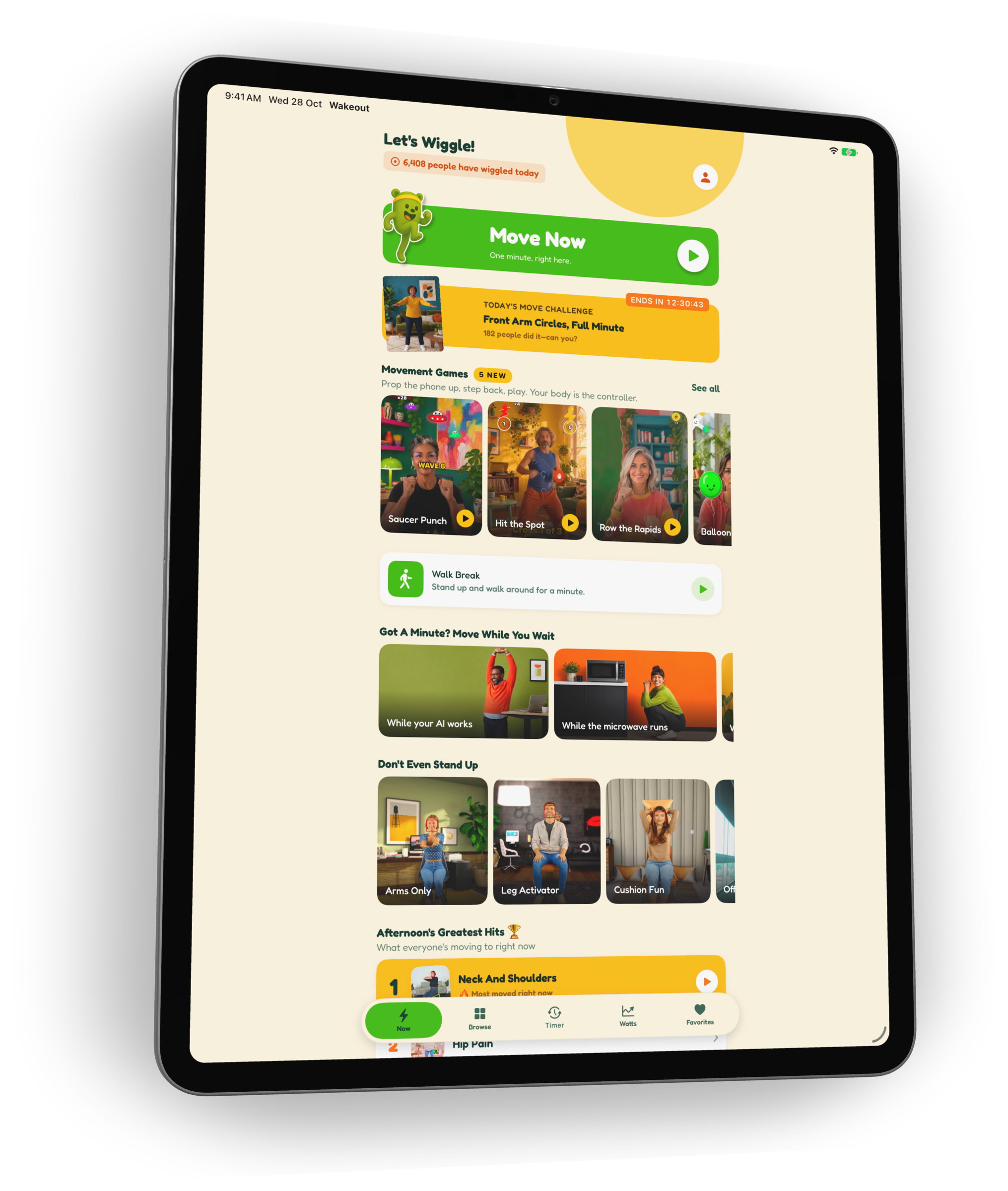
  • The Wakeout home screen: Let’s Wiggle, a live count of people who wiggled today, and the green Move Now button

    Move Now

    One giant button on the home screen. Press it and Wakeout picks a one-minute move from your mix: sitting, standing, dancing, silly, pain relief. No browsing, no deciding.
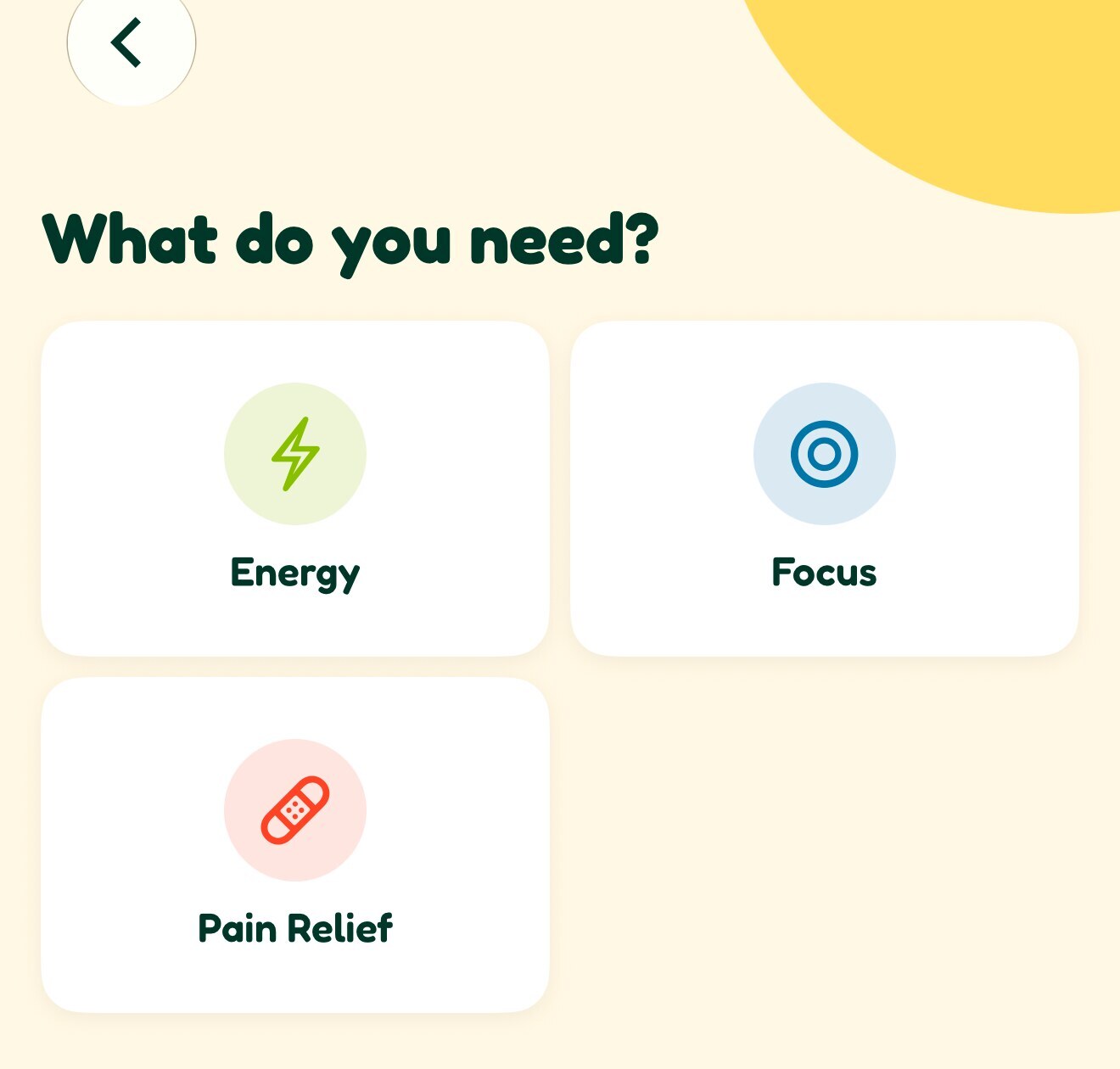
  • What do you need? with Energy, Focus and Pain Relief

    What do you need?

    Energy, focus or pain relief. Say how you feel and Wakeout finds the move that fits, so the app answers the question you actually have at 3pm.

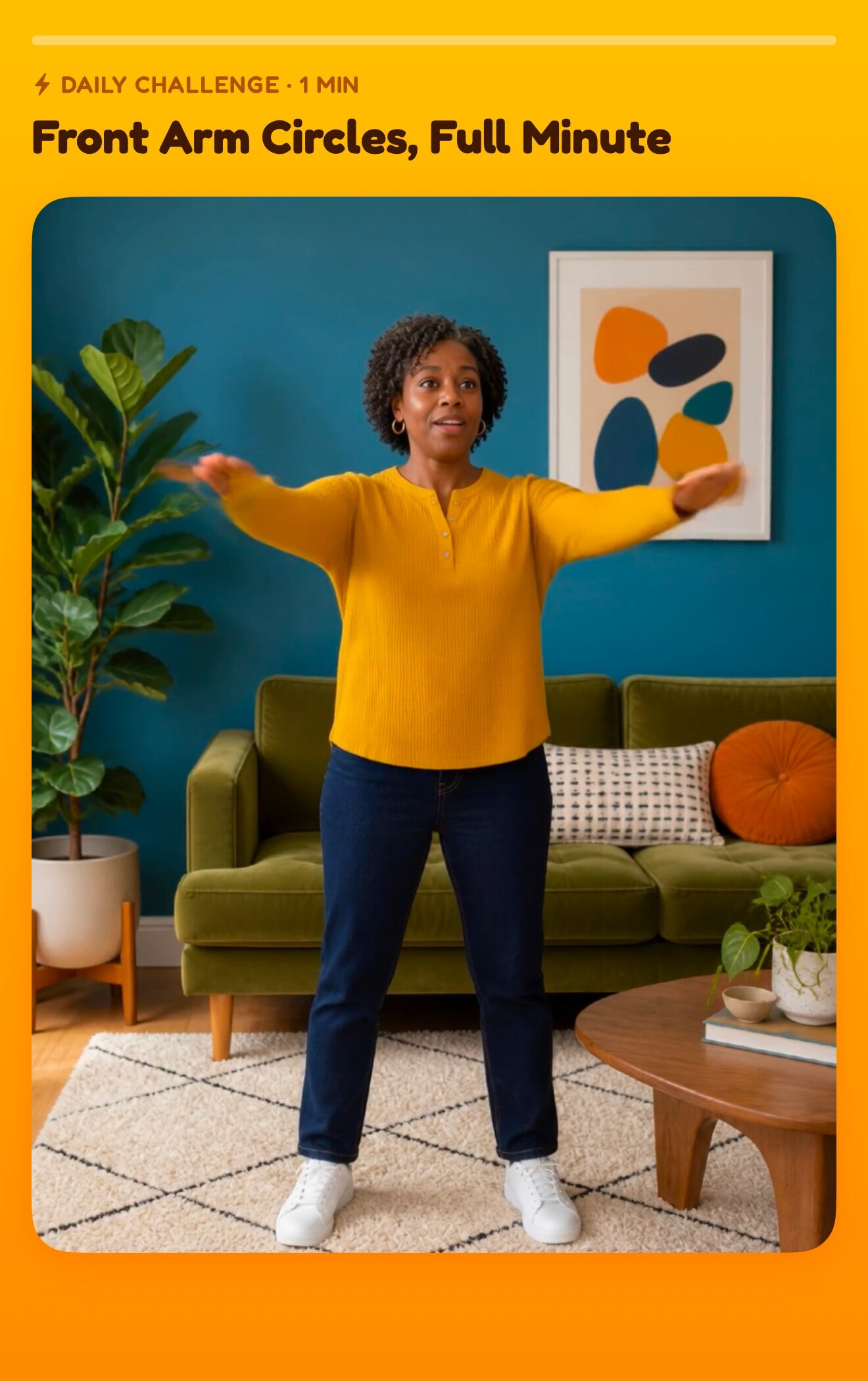
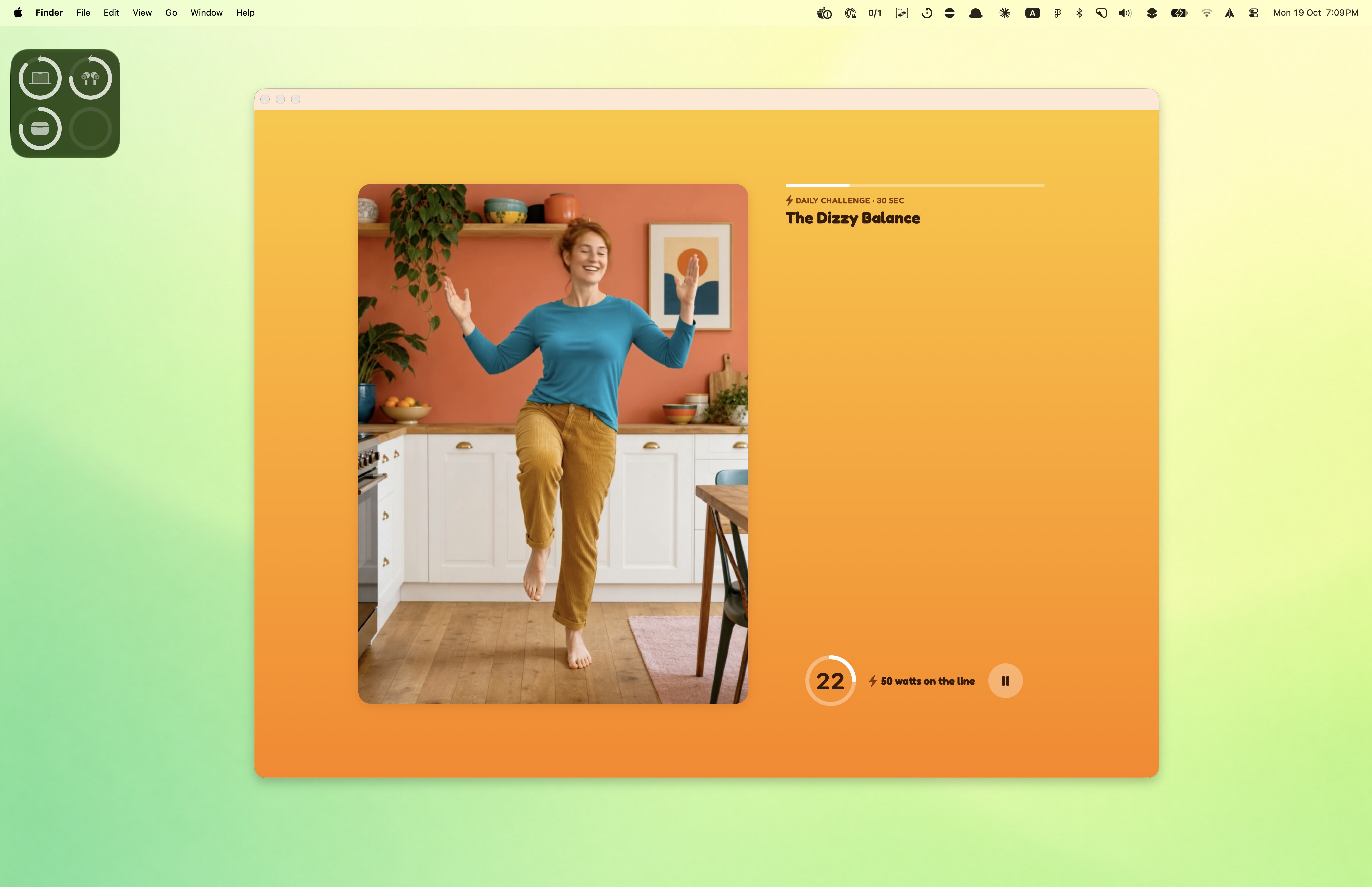
  • The daily challenge Front Arm Circles, Full Minute, with 50 watts on the line

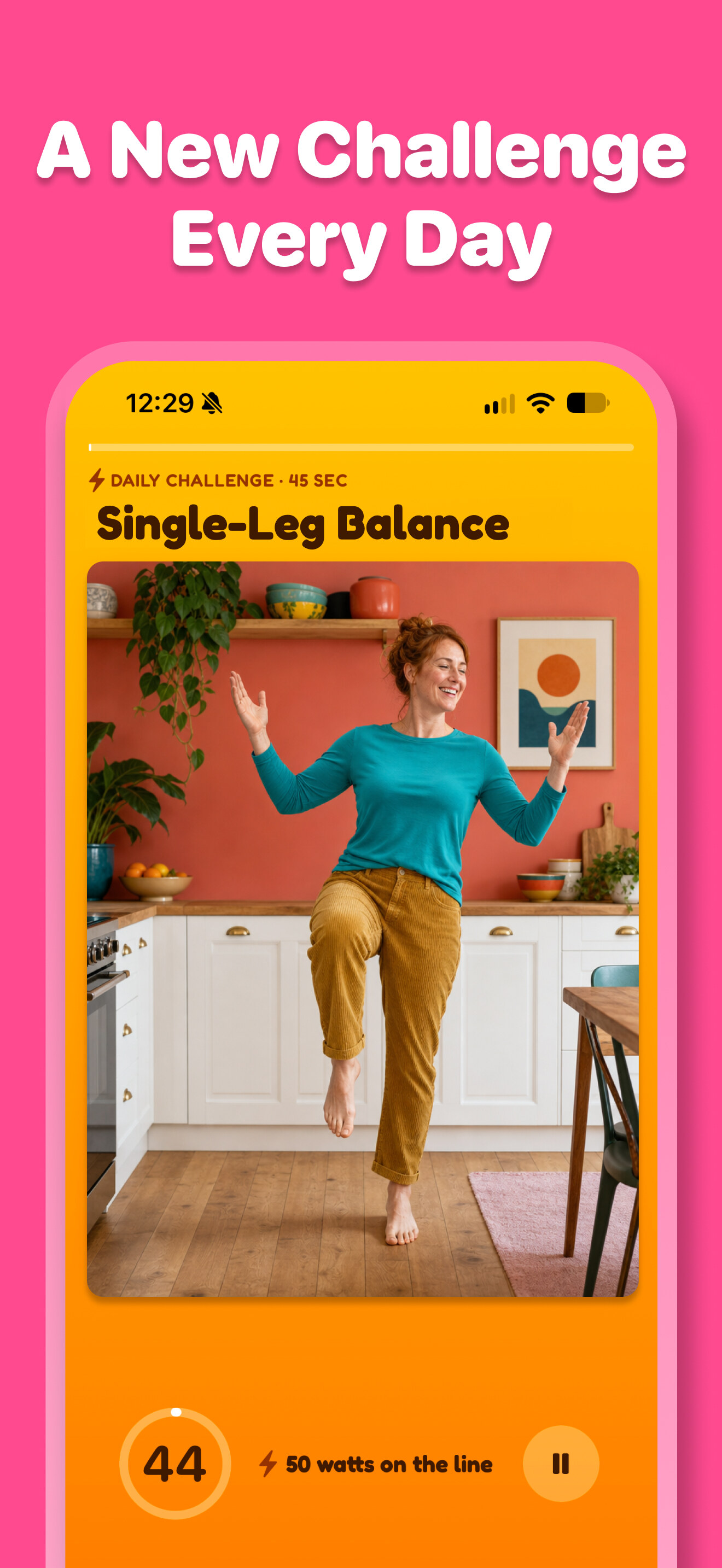
    Daily Move Challenge

    A new challenge every morning, a minute or less: arm circles, a wall sit, a dance. Fifty Watts on the line, and a count of how many people already did it today.

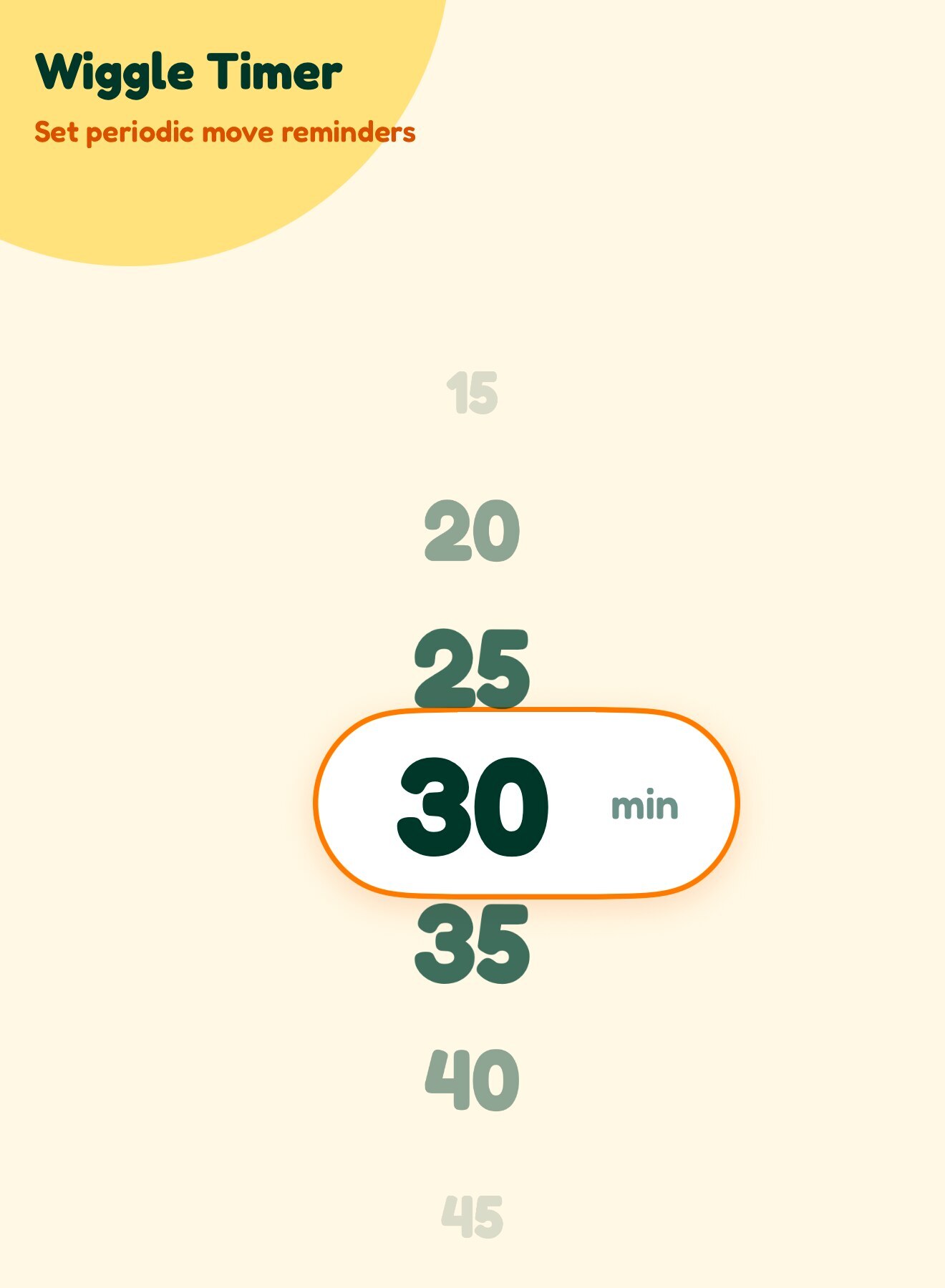
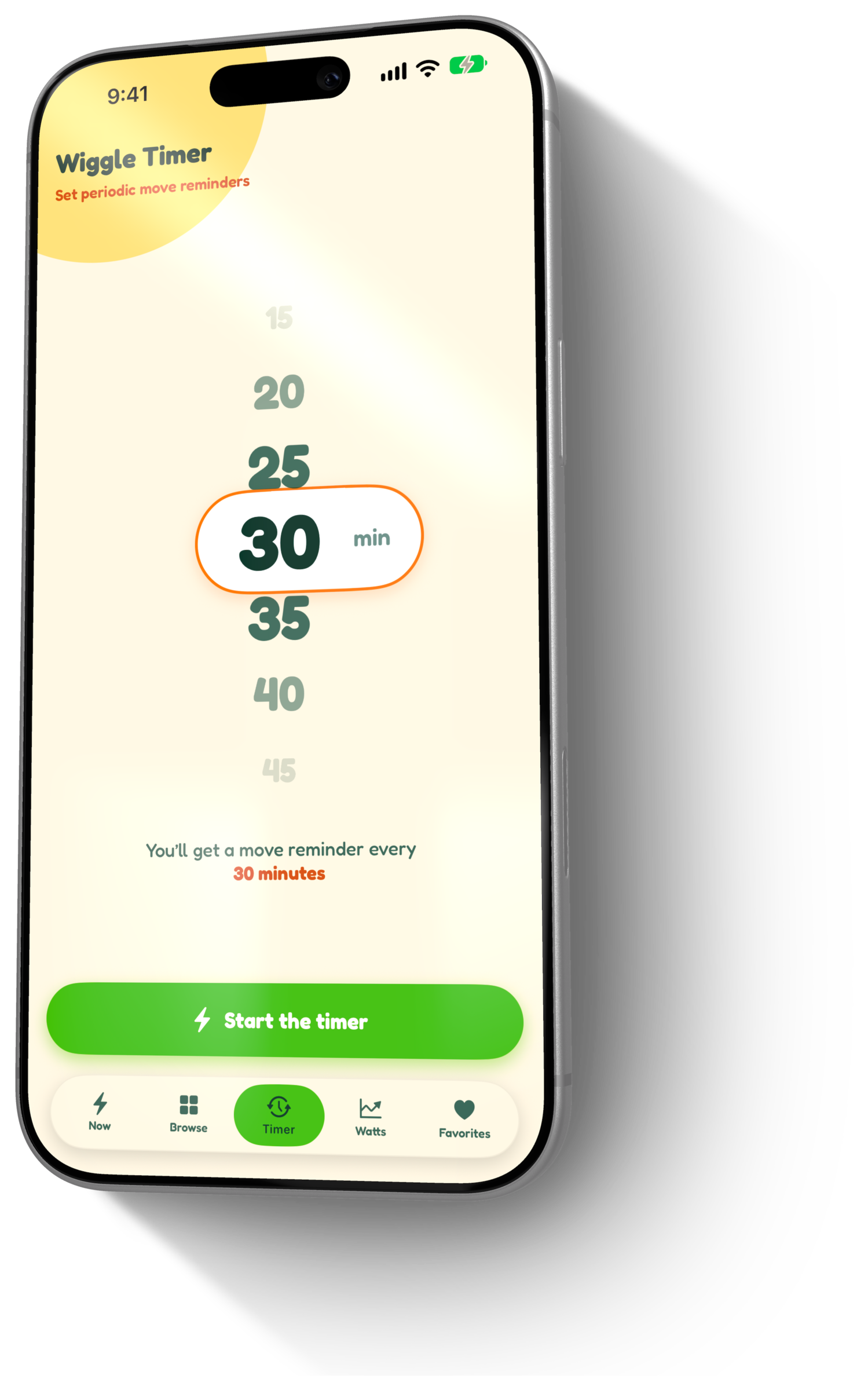
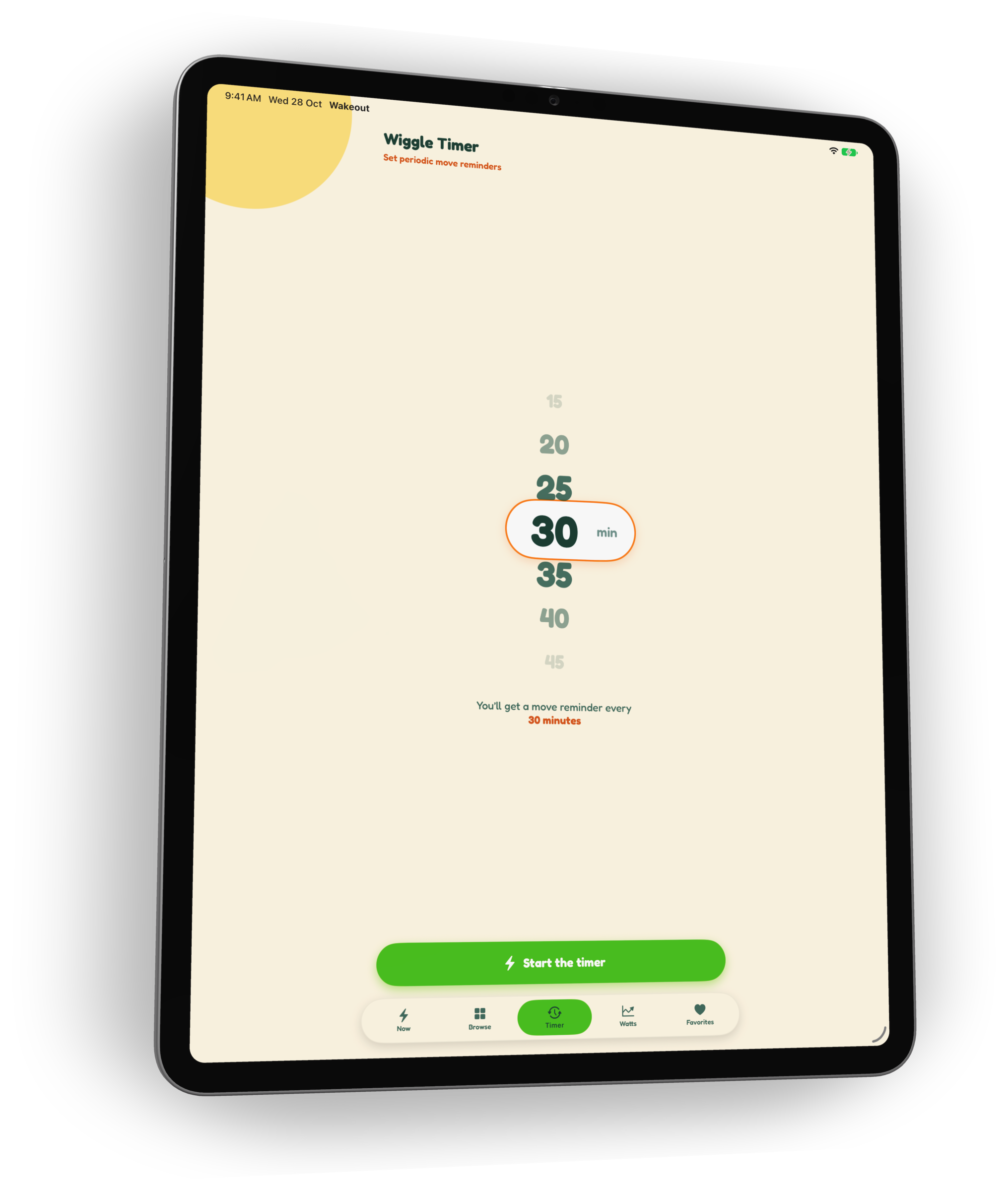
  • The Wiggle Timer set to a move reminder every 30 minutes

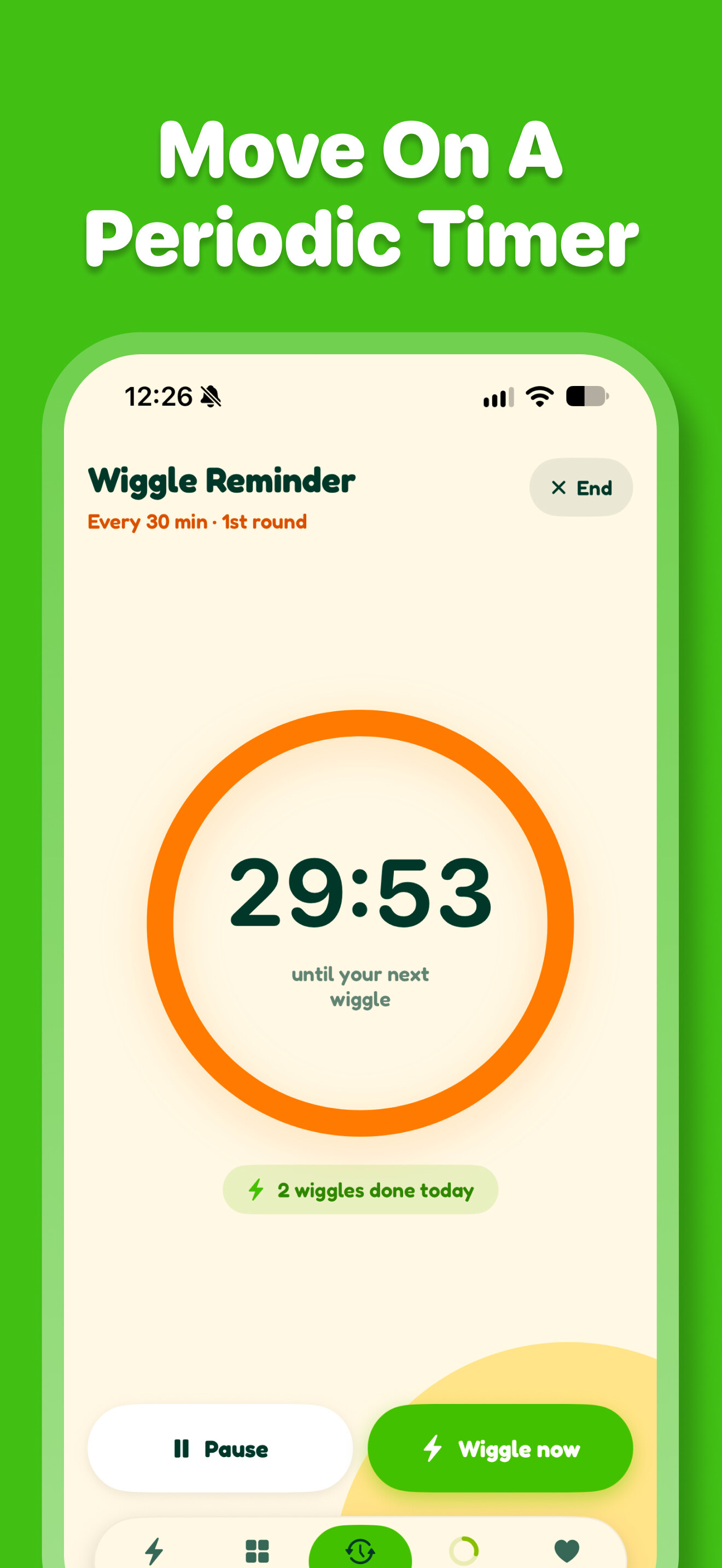
    Wiggle Timer

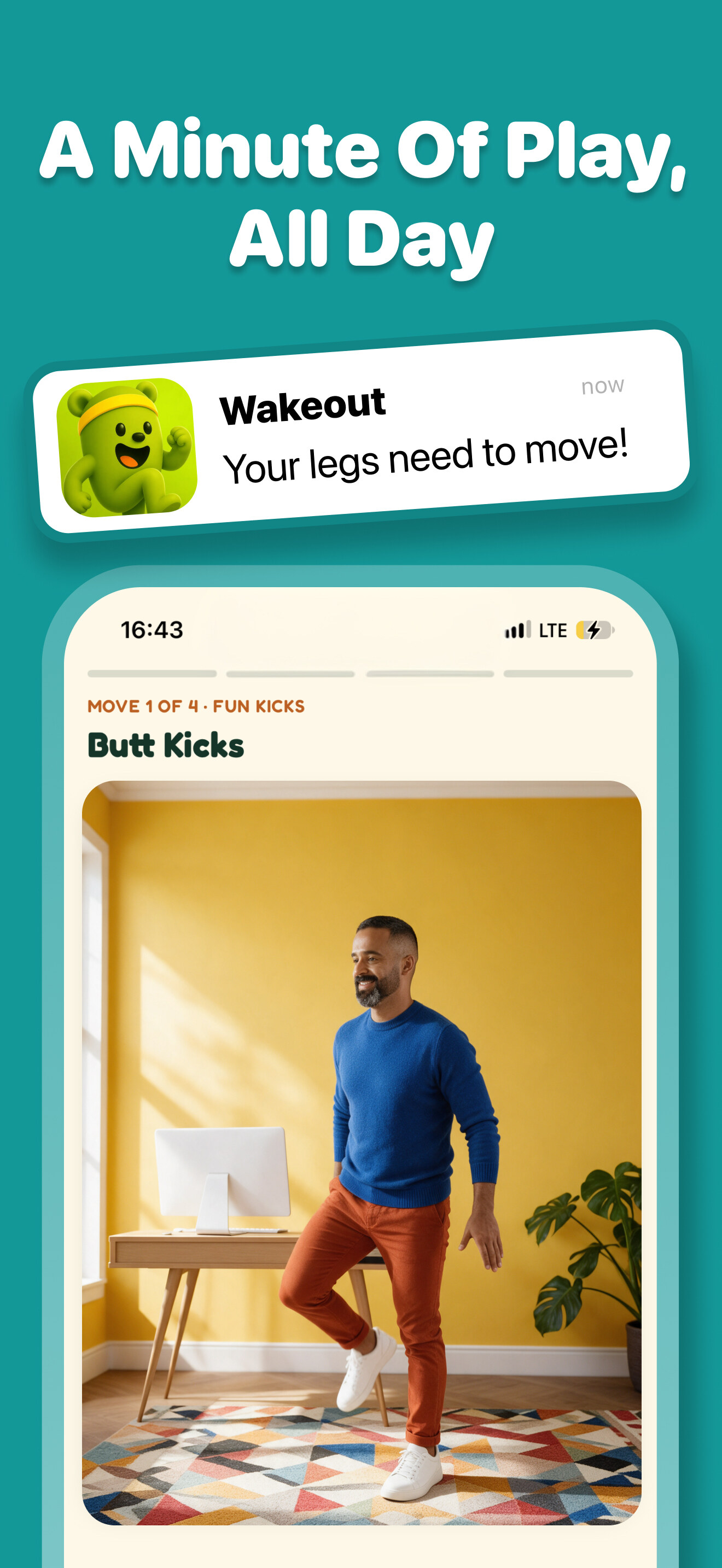
    Pick a rhythm, every 15 to 45 minutes, and Wakeout taps you on the shoulder. Each reminder ends in a quick move, not a lecture.

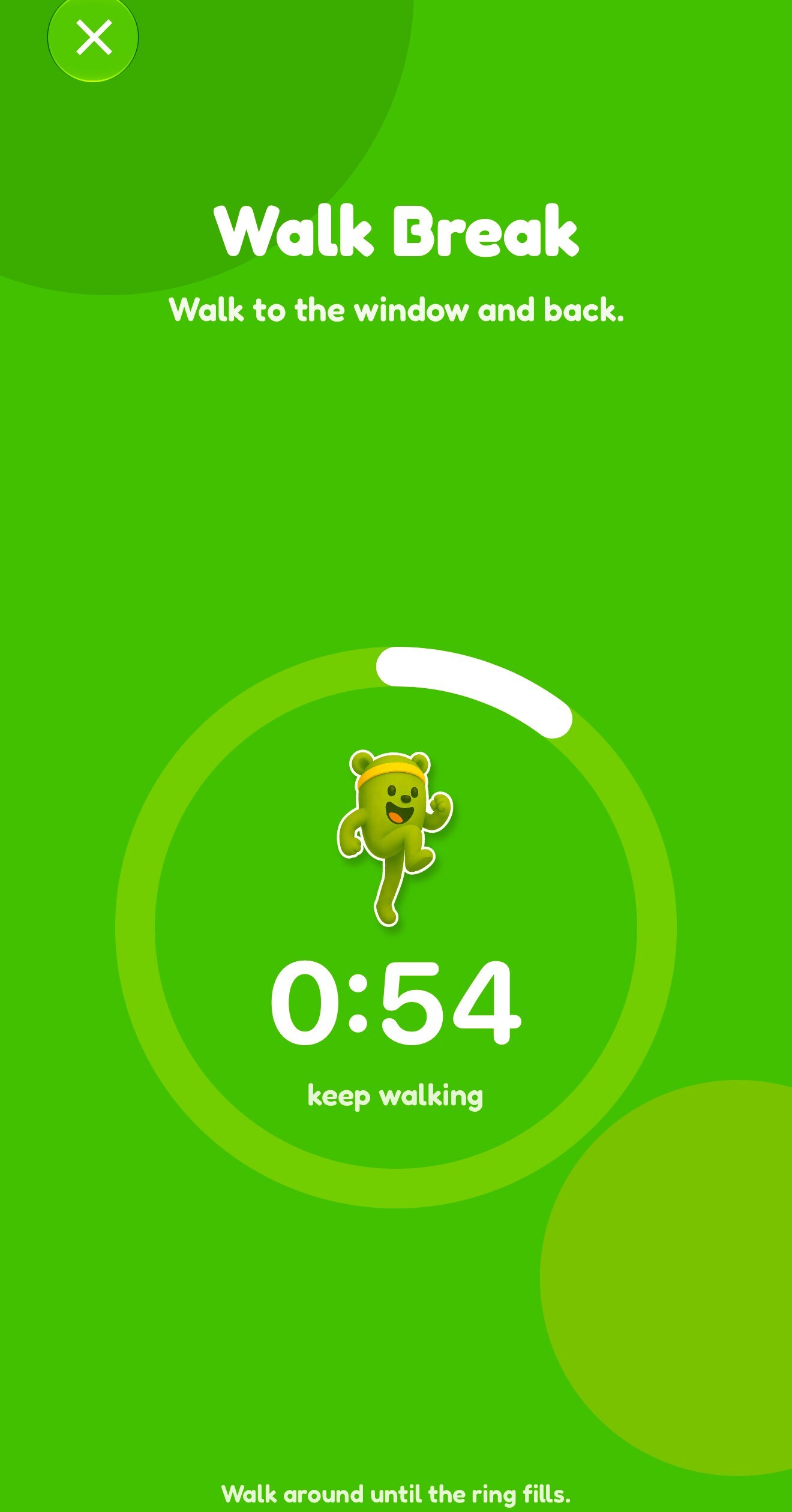
  • A Walk Break in progress with Wakefield in the step ring

    Walk Breaks

    Stand up, walk to the window and back. The ring fills as you walk and the break is done at 100 steps, on the phone or on the wrist.

Fun first

Play, not exercise.

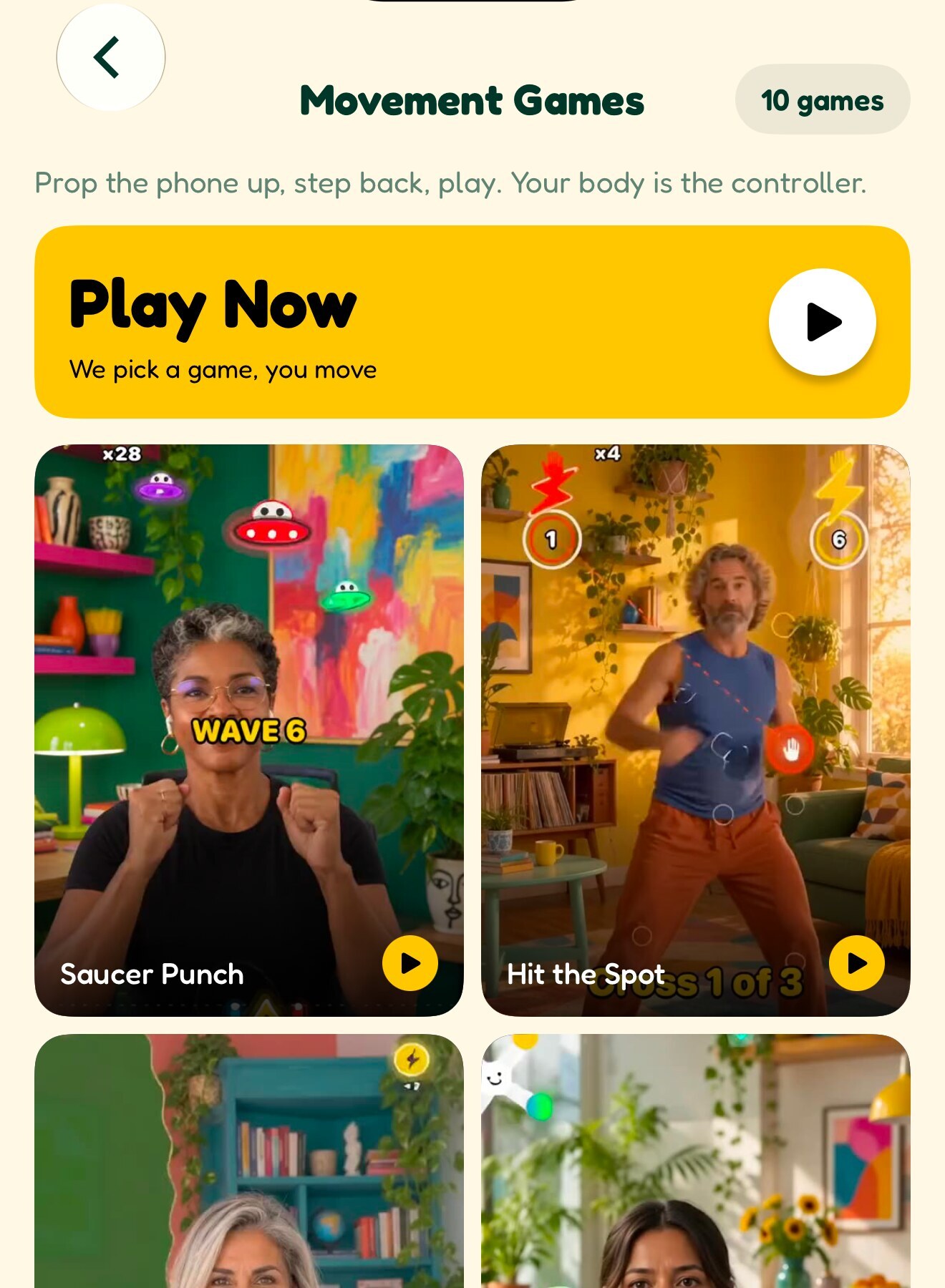
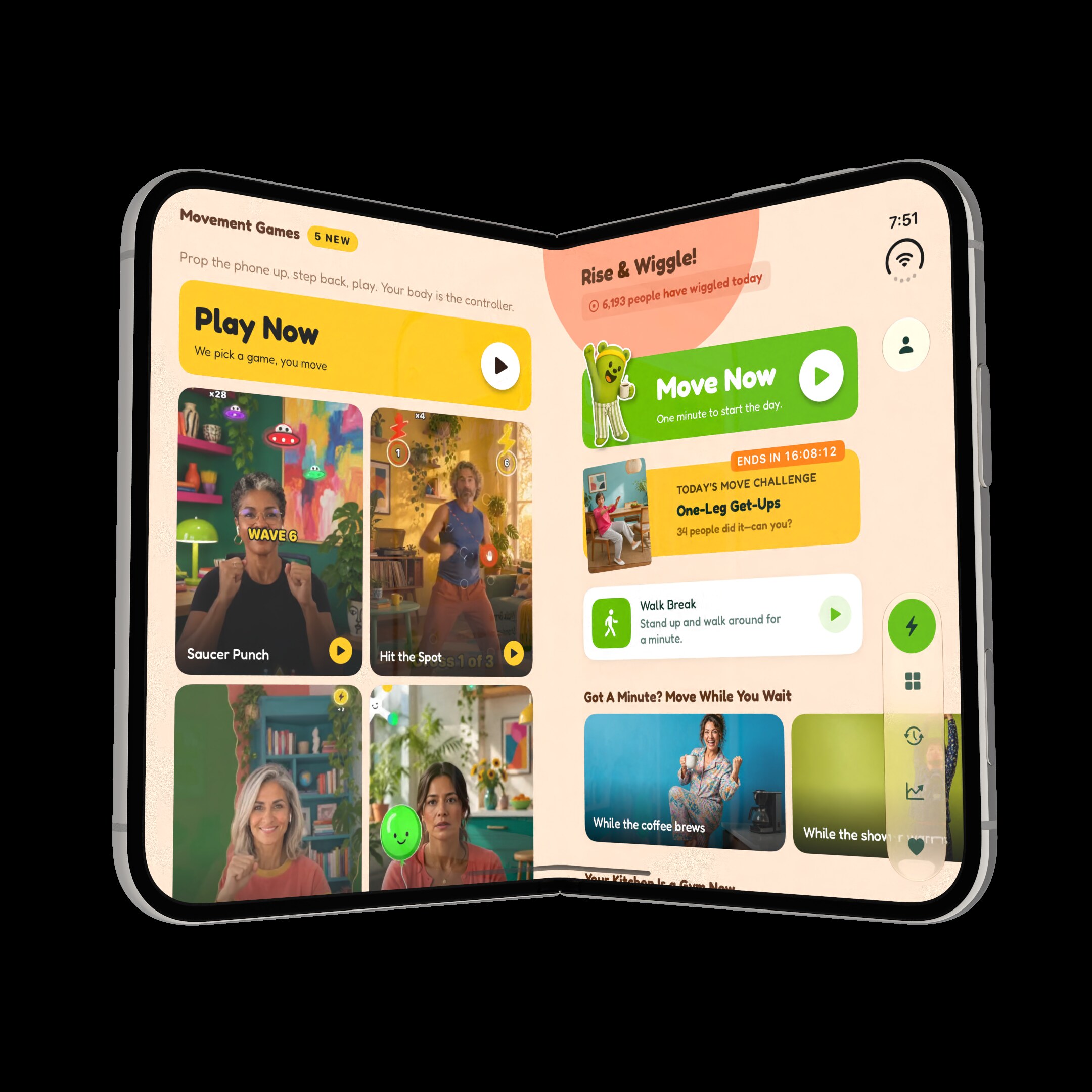
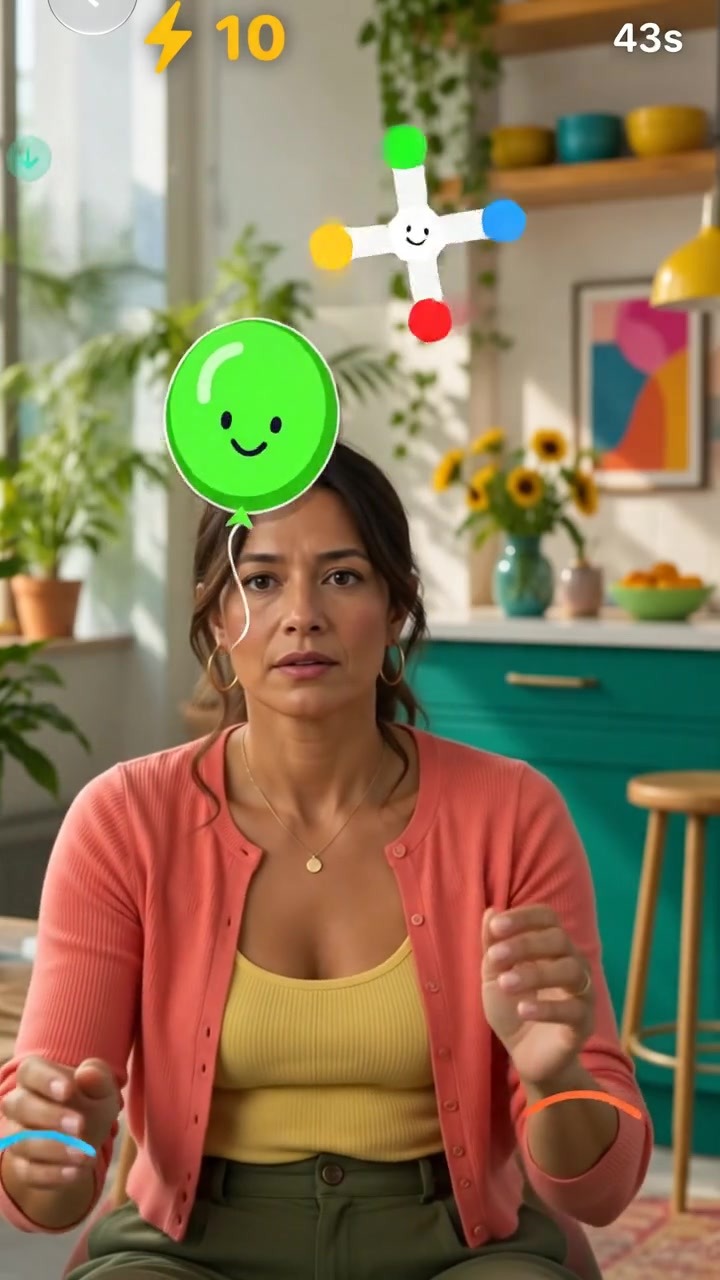
  • The Movement Games shelf with Play Now, Saucer Punch, Hit the Spot, Row the Rapids and Balloon Juggle

    Ten movement games

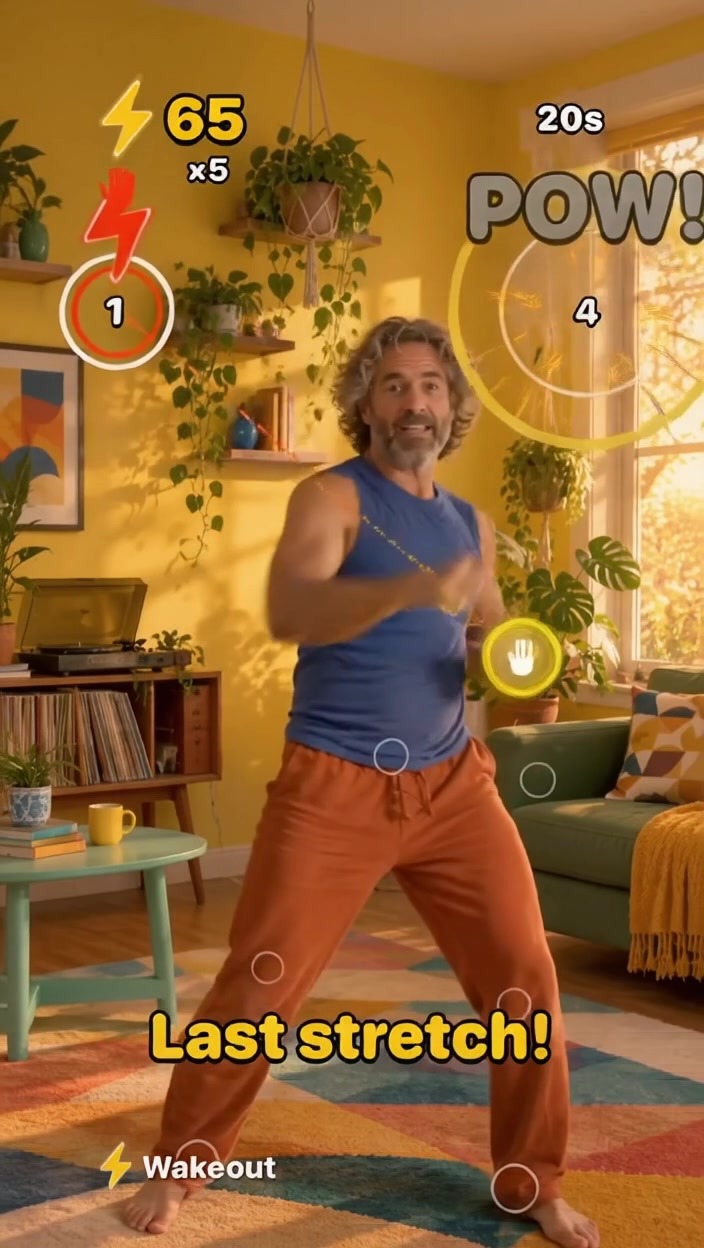
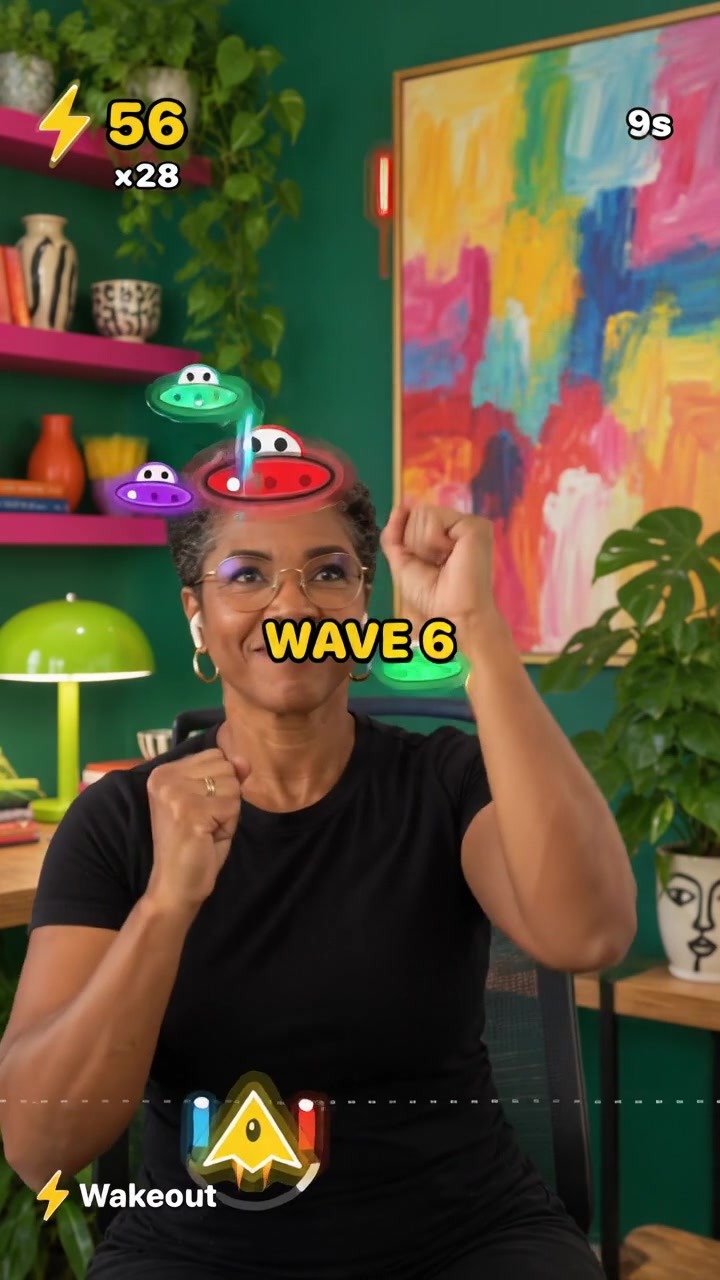
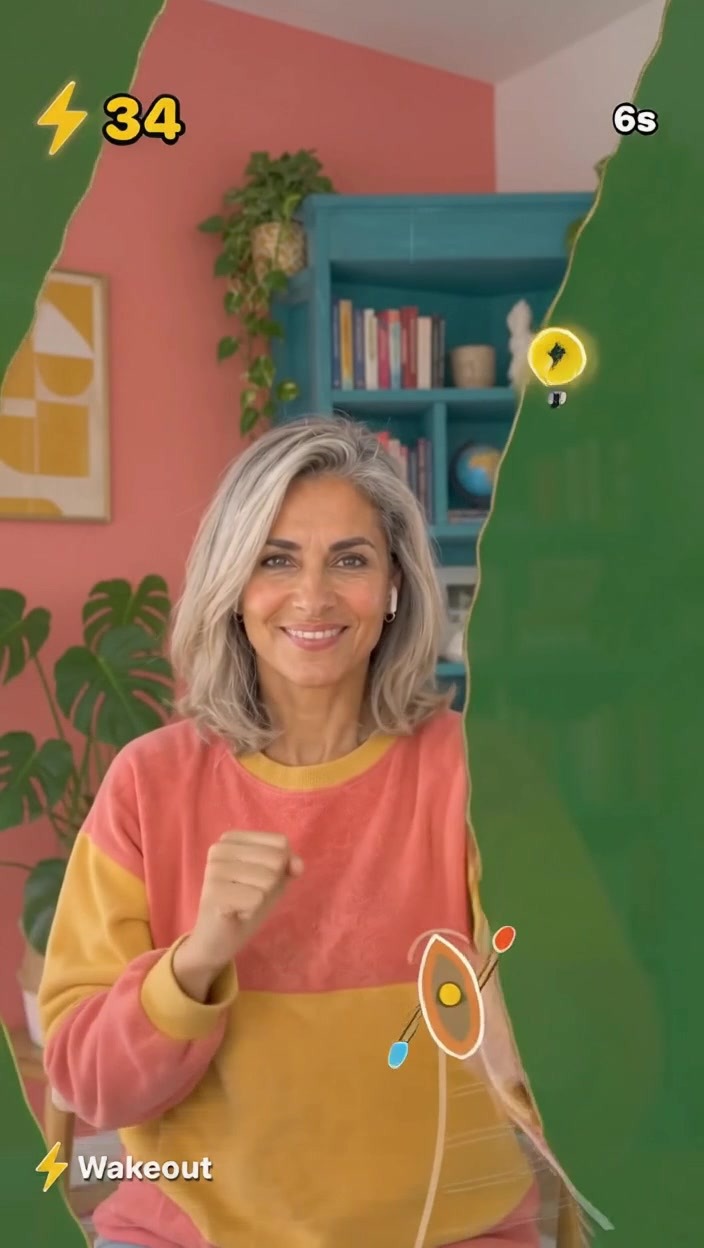
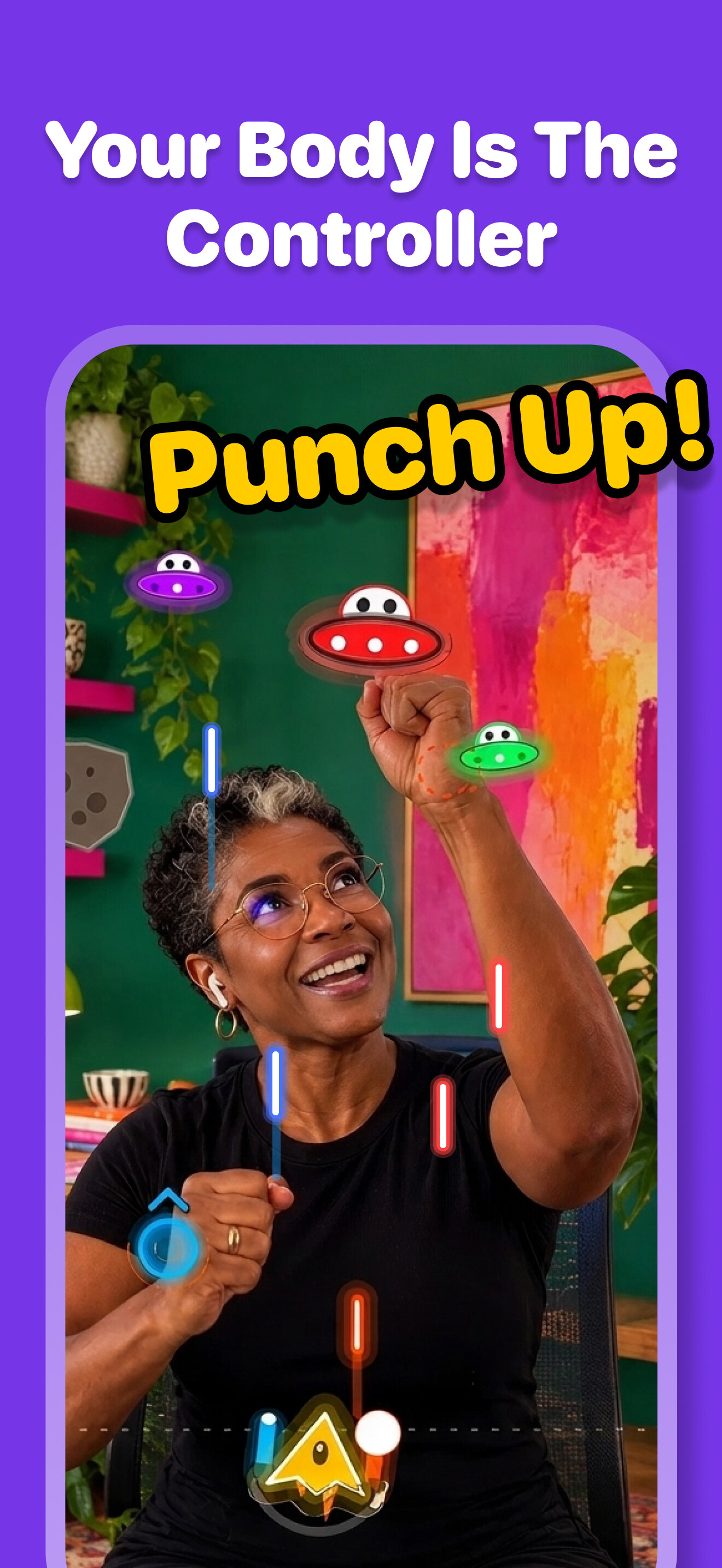
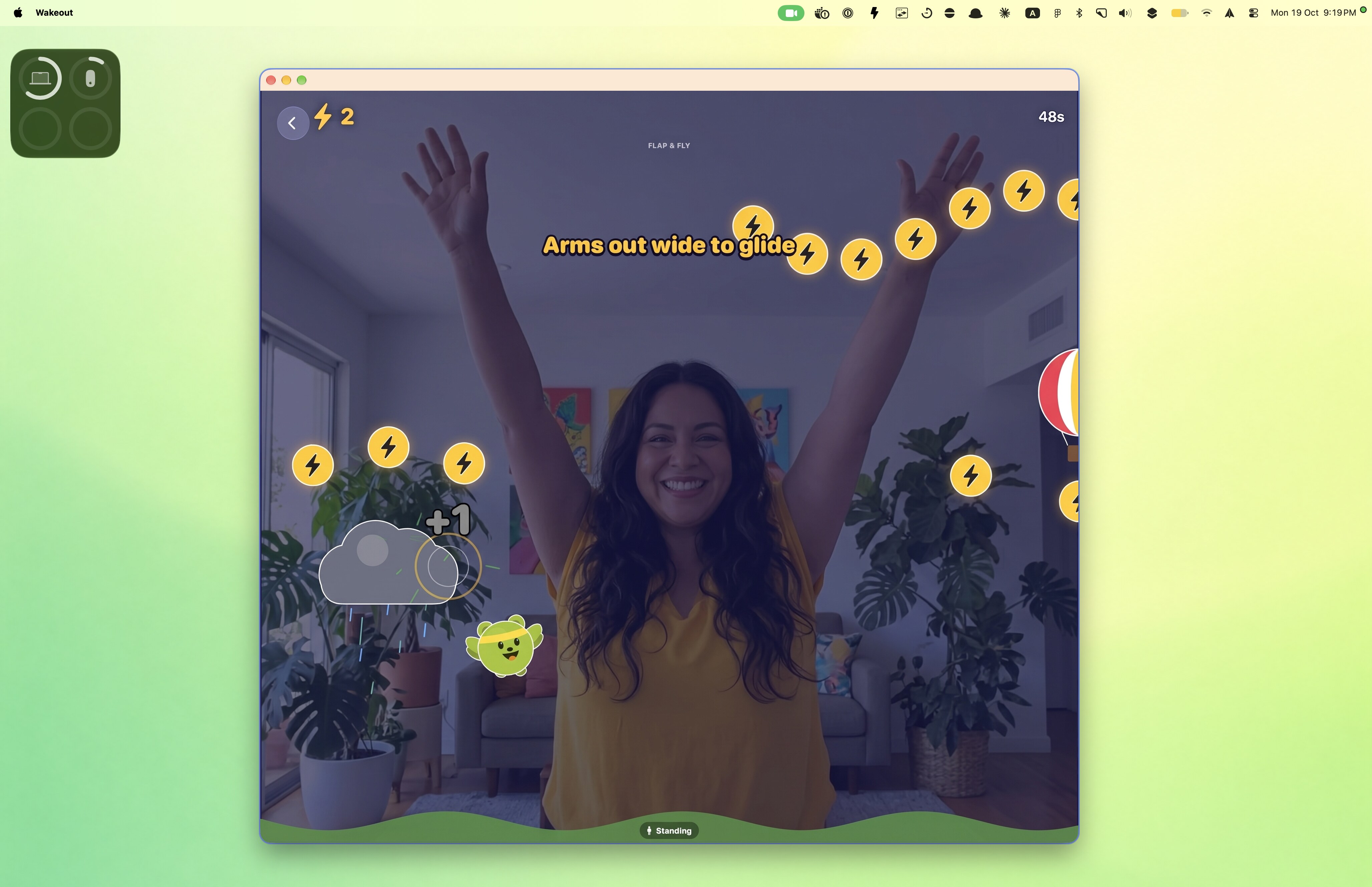
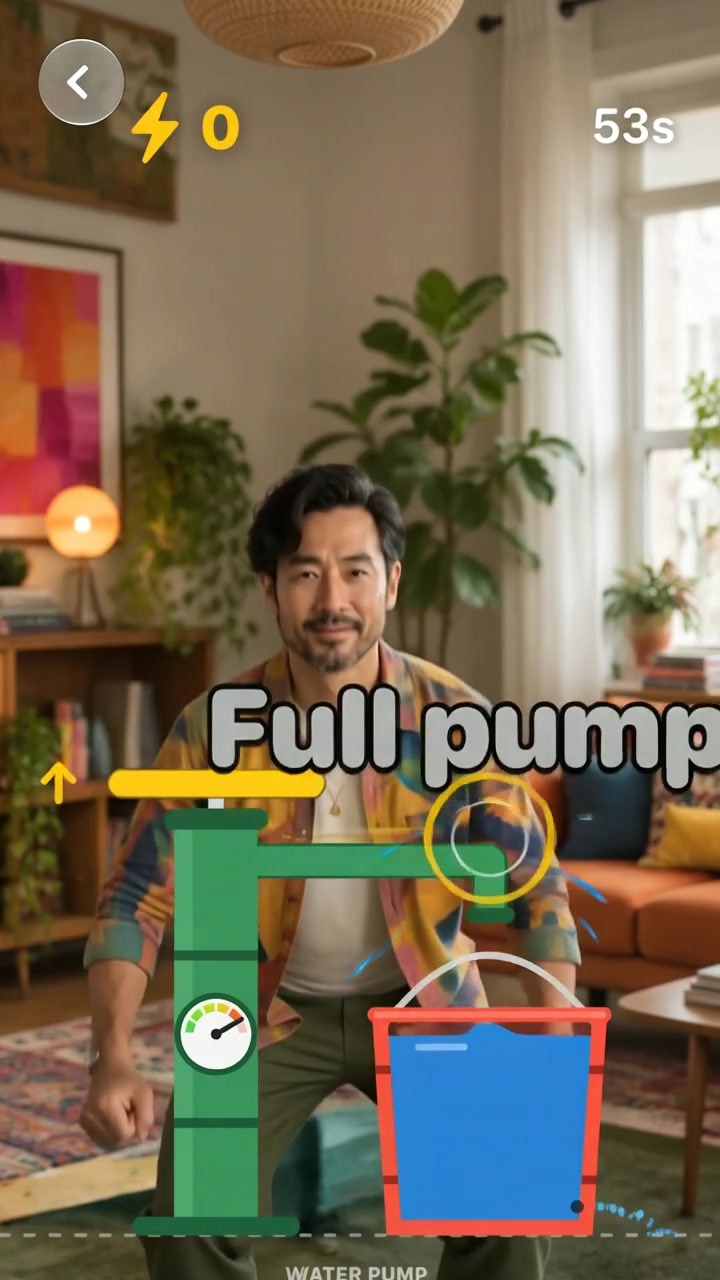
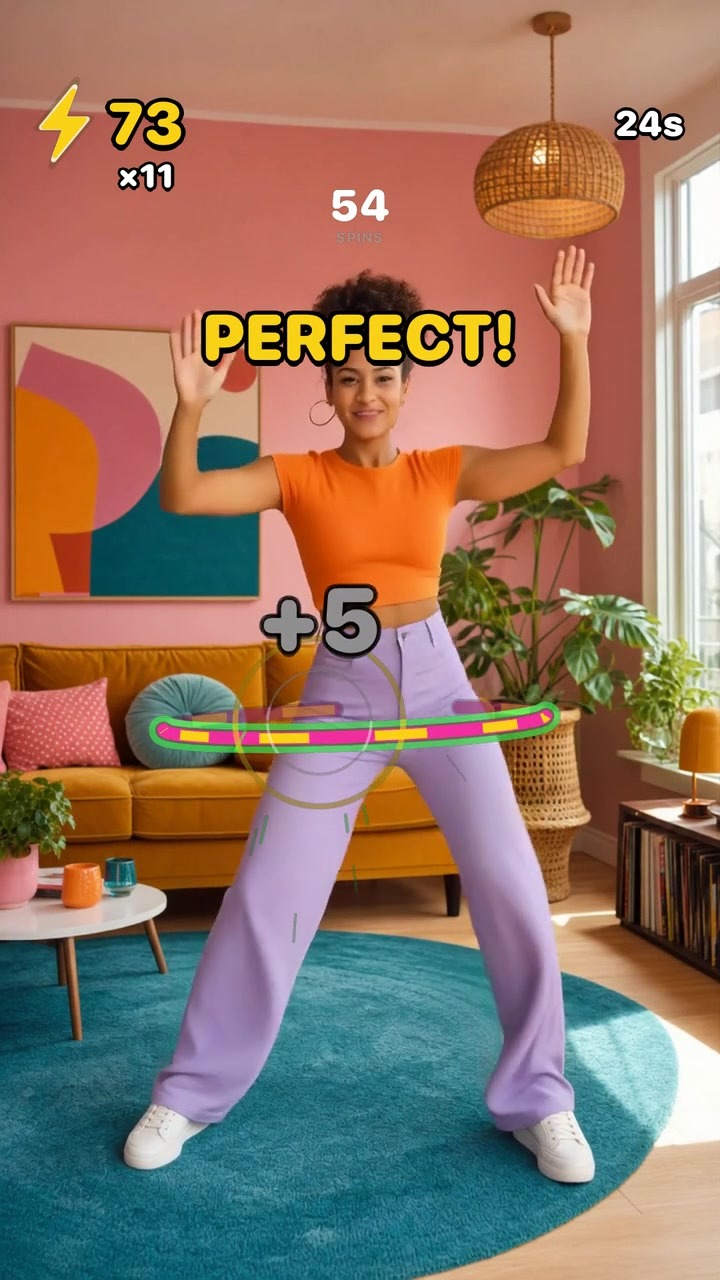
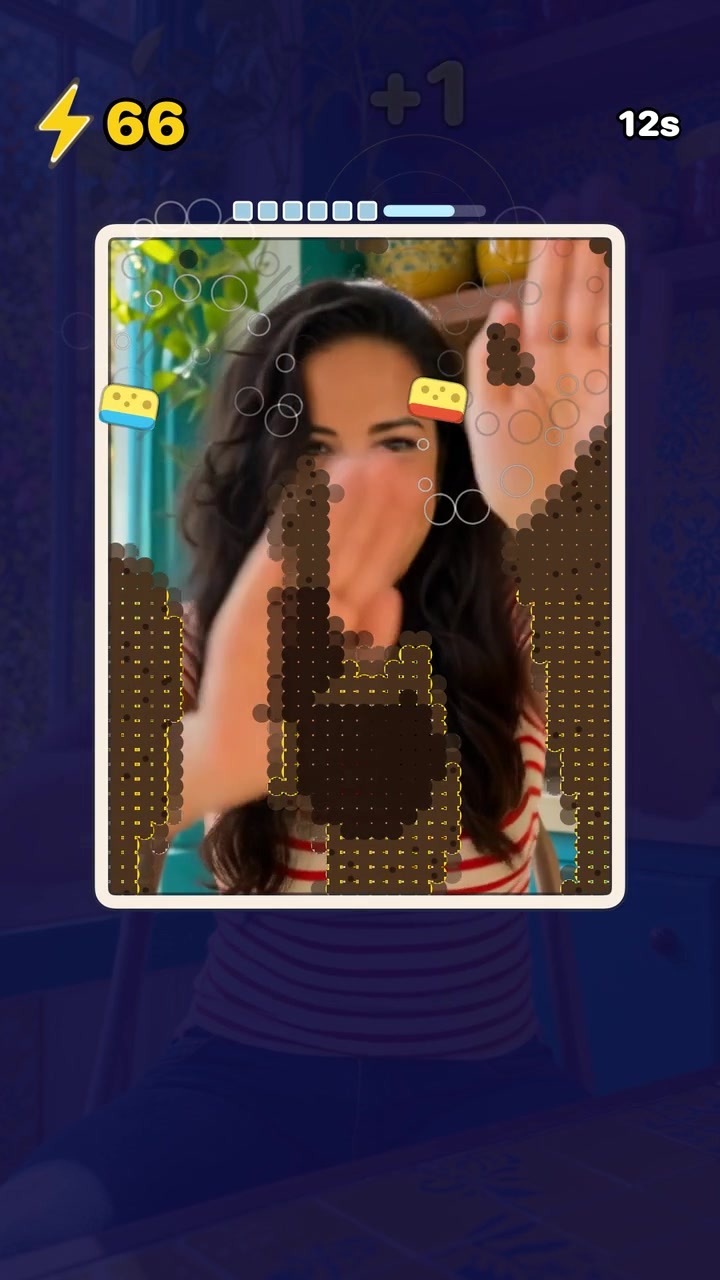
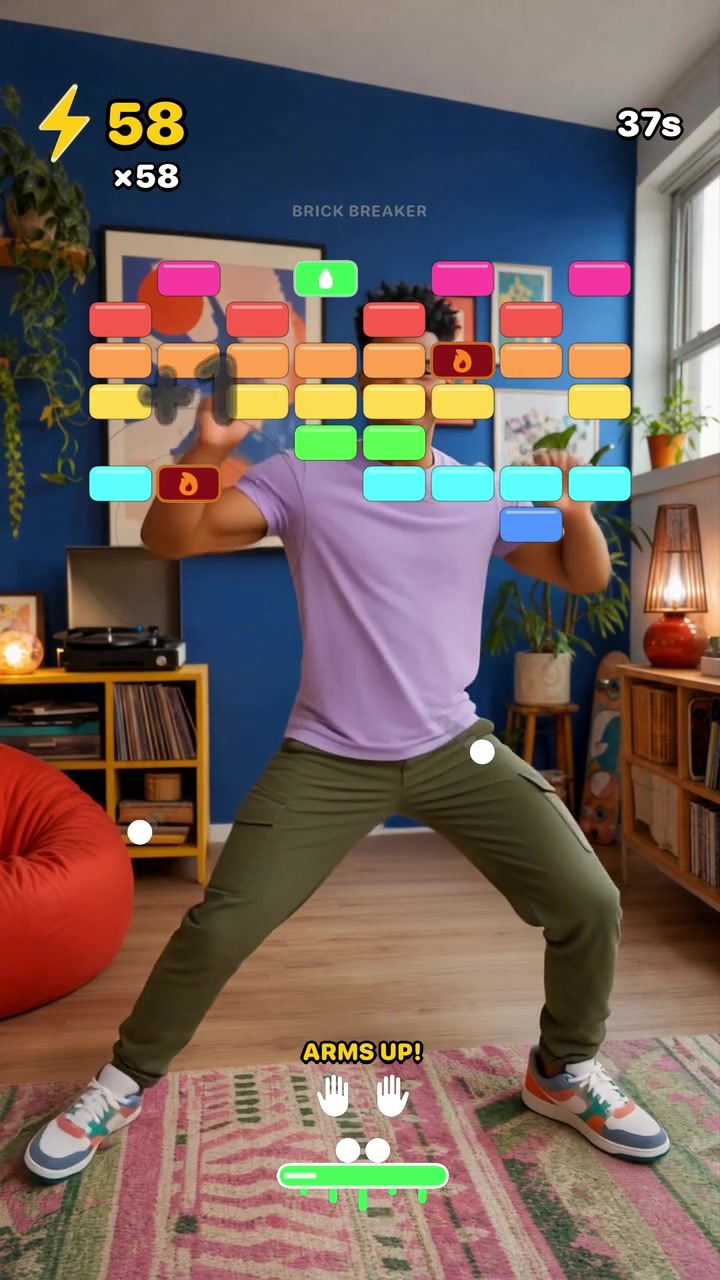
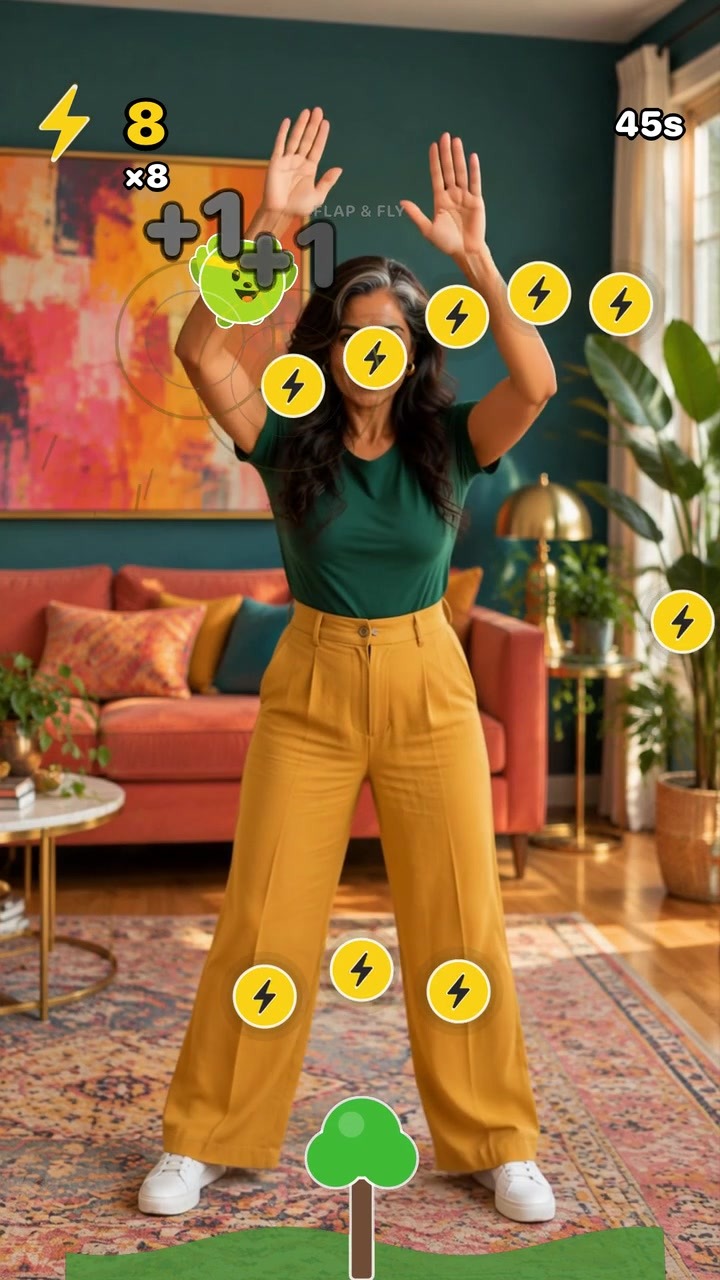
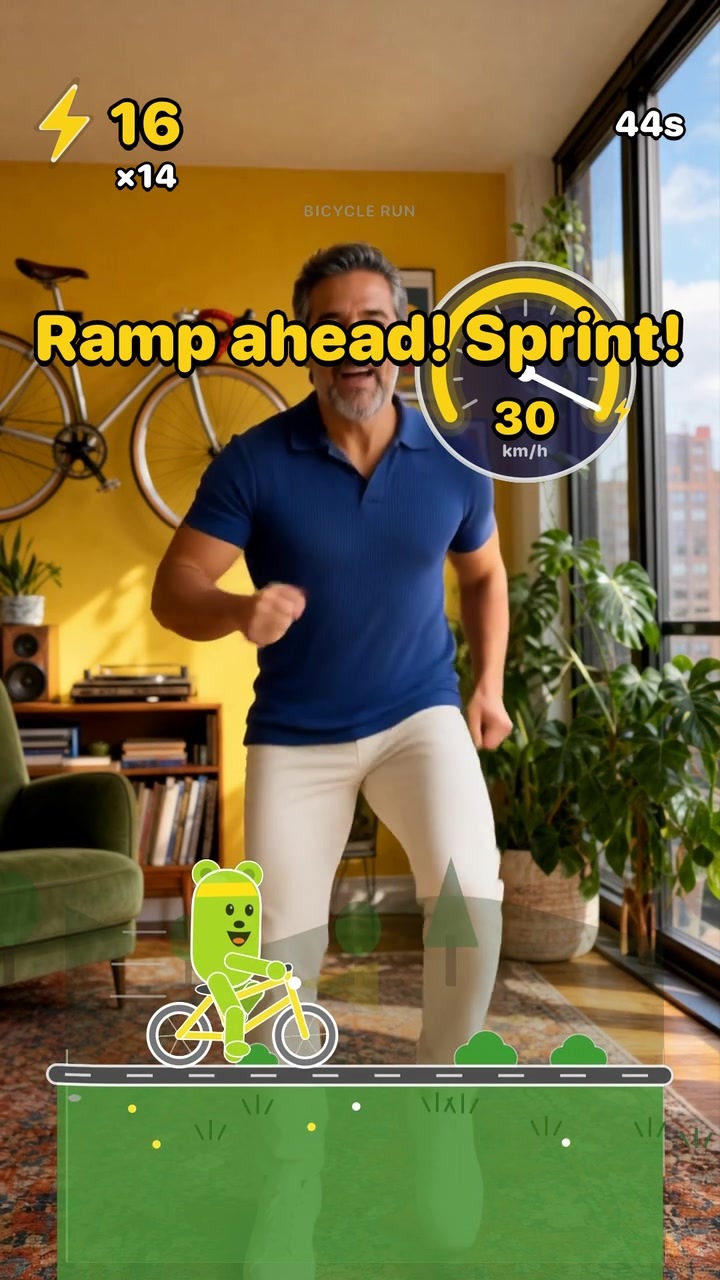
    The camera turns your body into the controller: punch saucers, row a river, spin a hula hoop, flap to fly, pedal Wakefield’s bike up hills. No headset, no controller, and the video never leaves the phone.

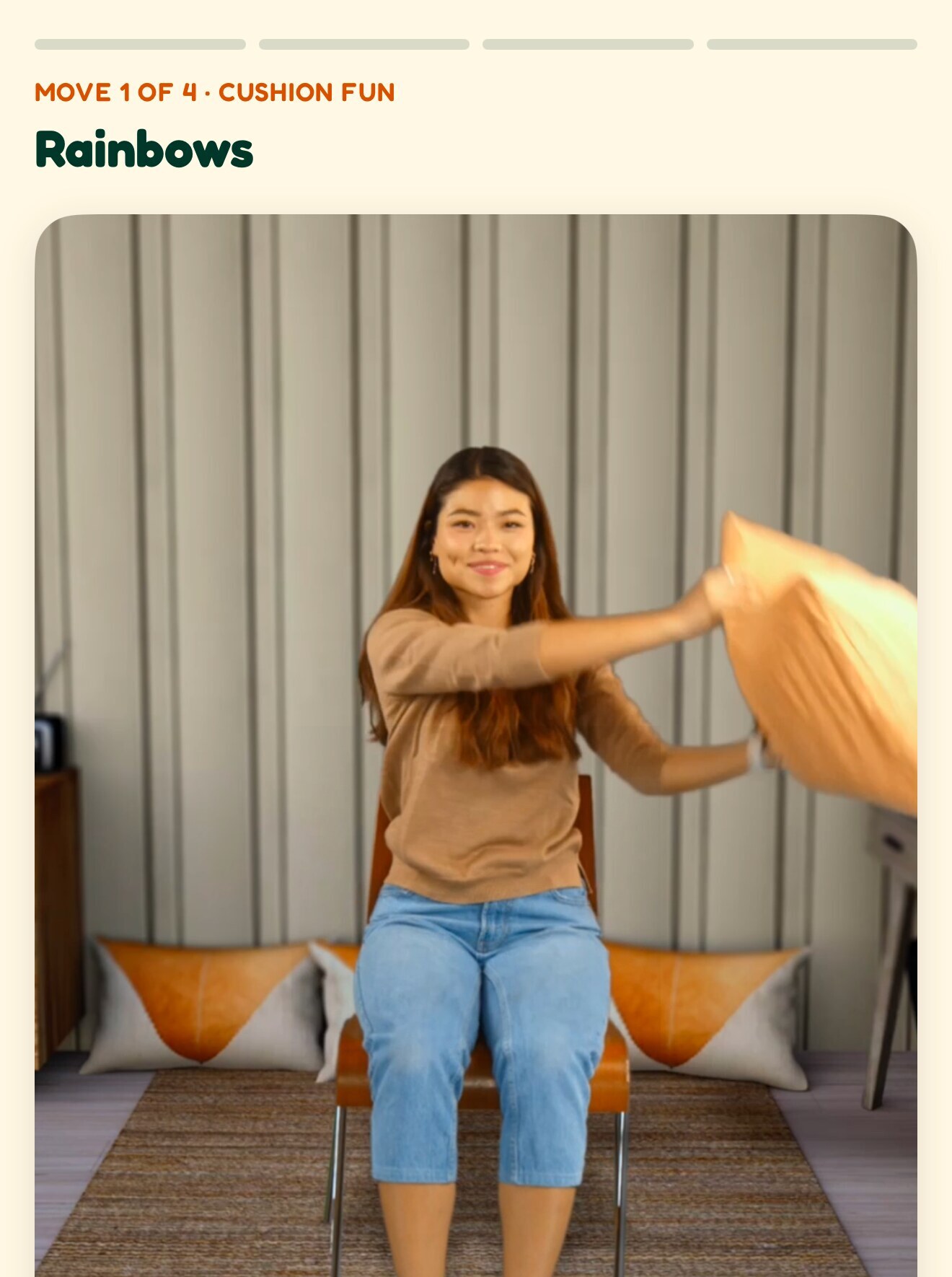
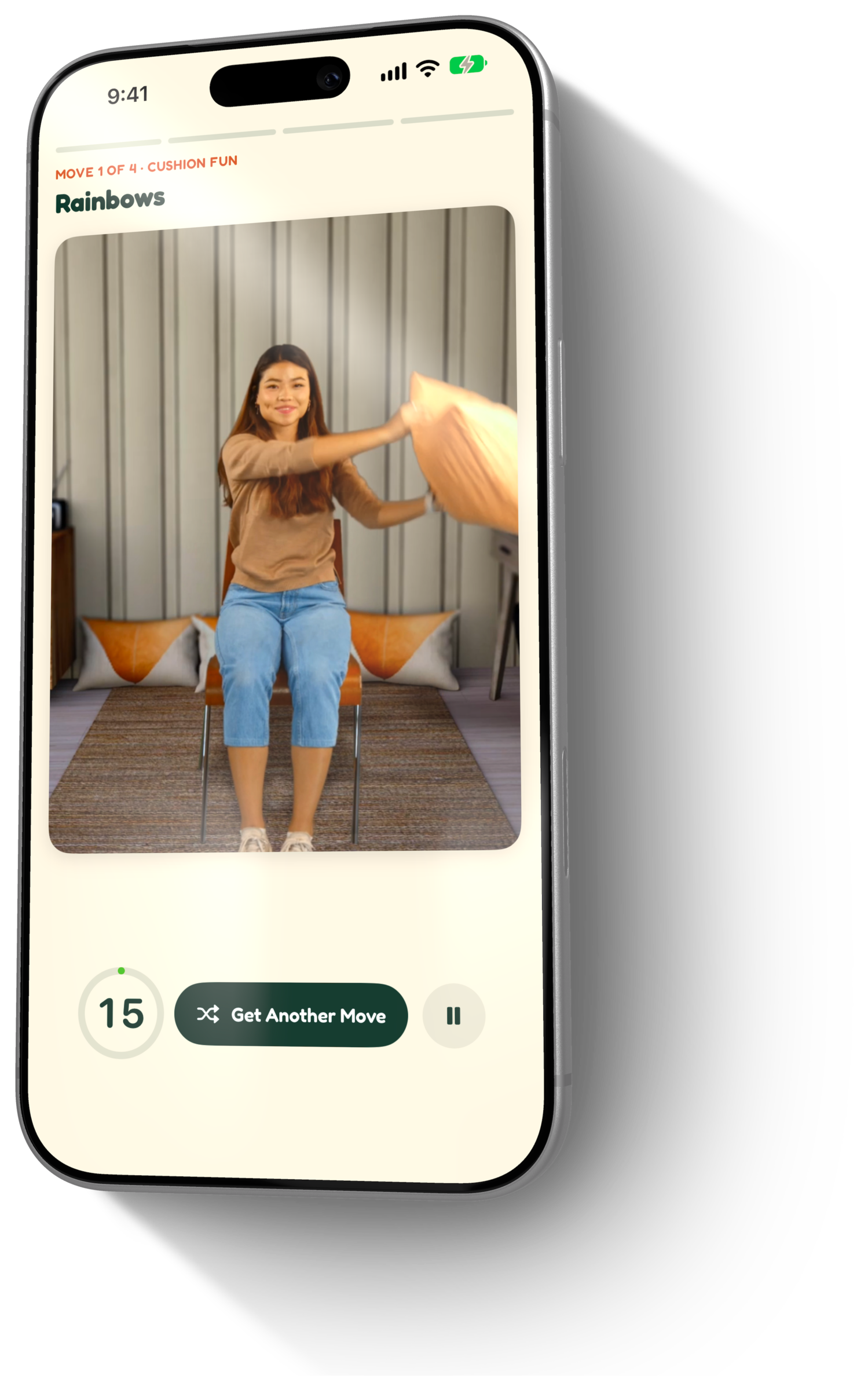
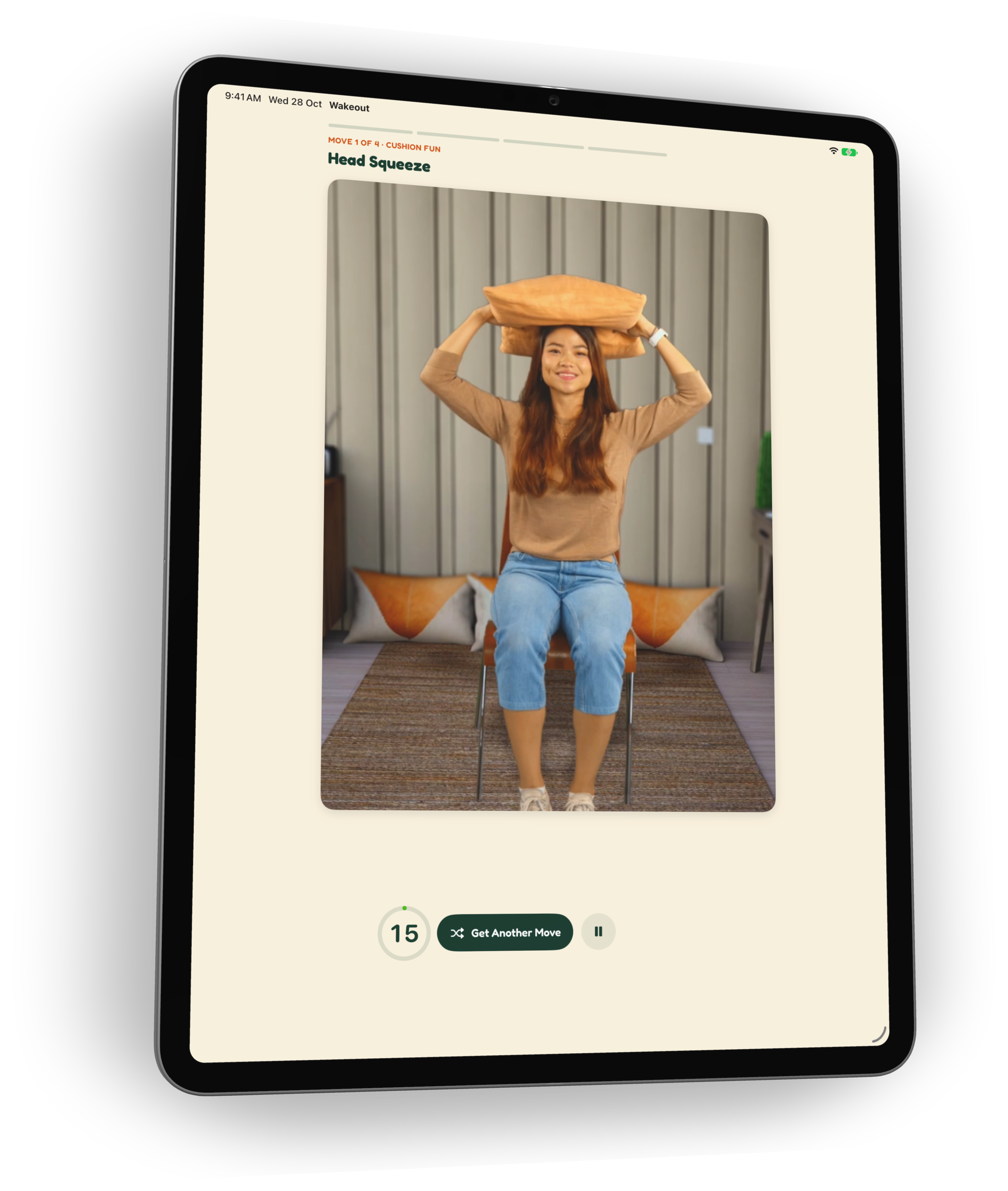
  • A Wakeout playing: Rainbows from the Cushion Fun pack

    Moves you copy along with

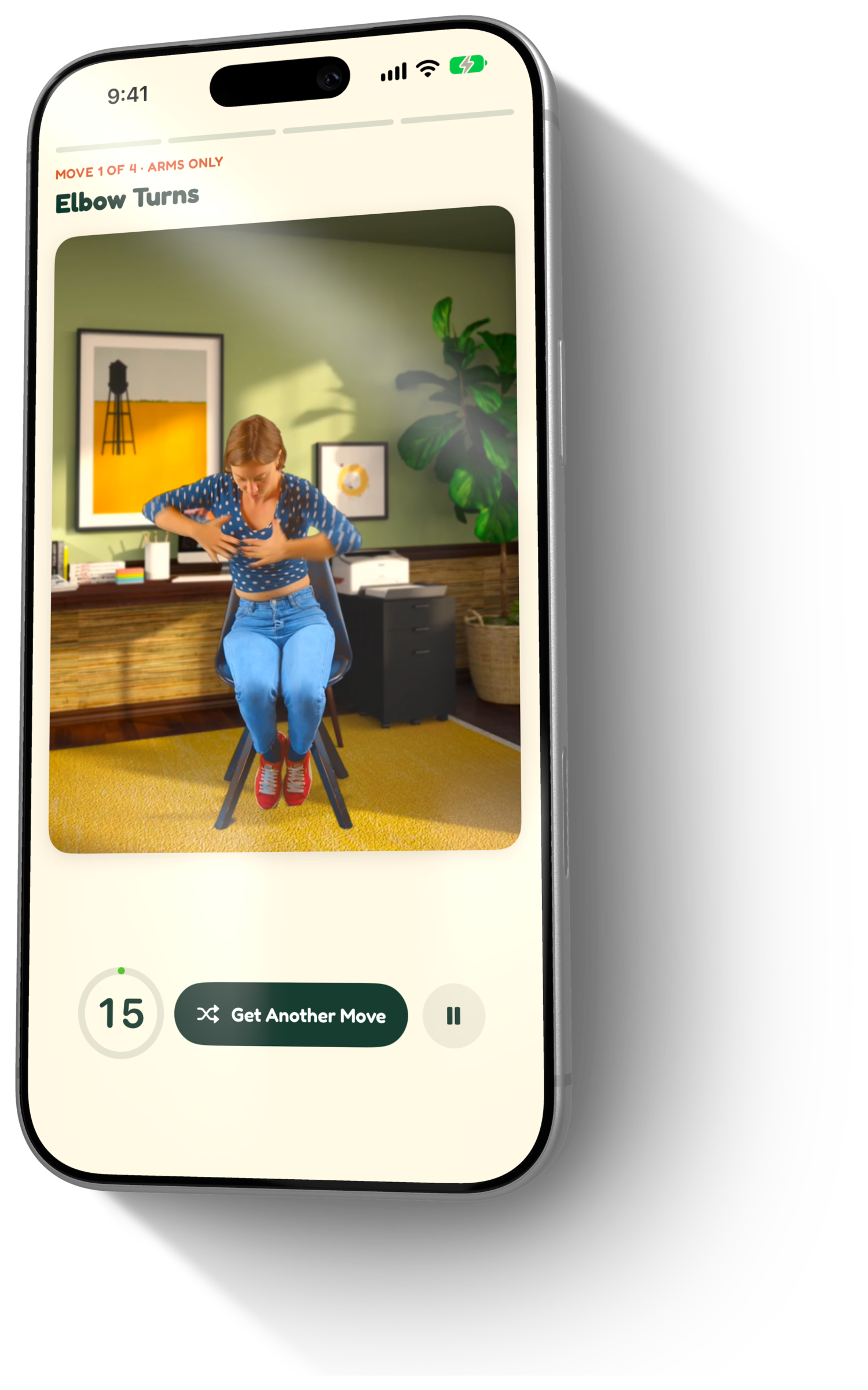
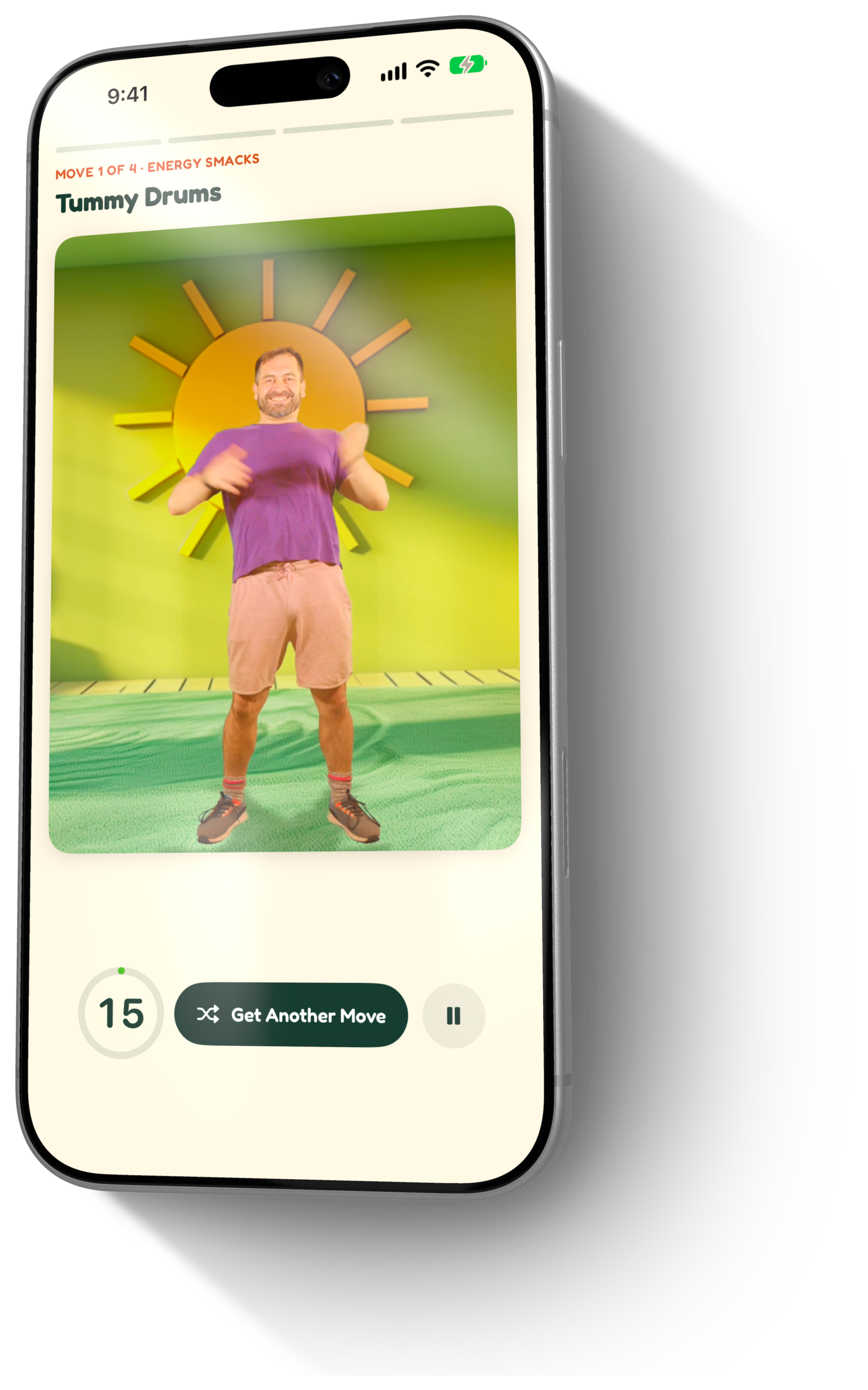
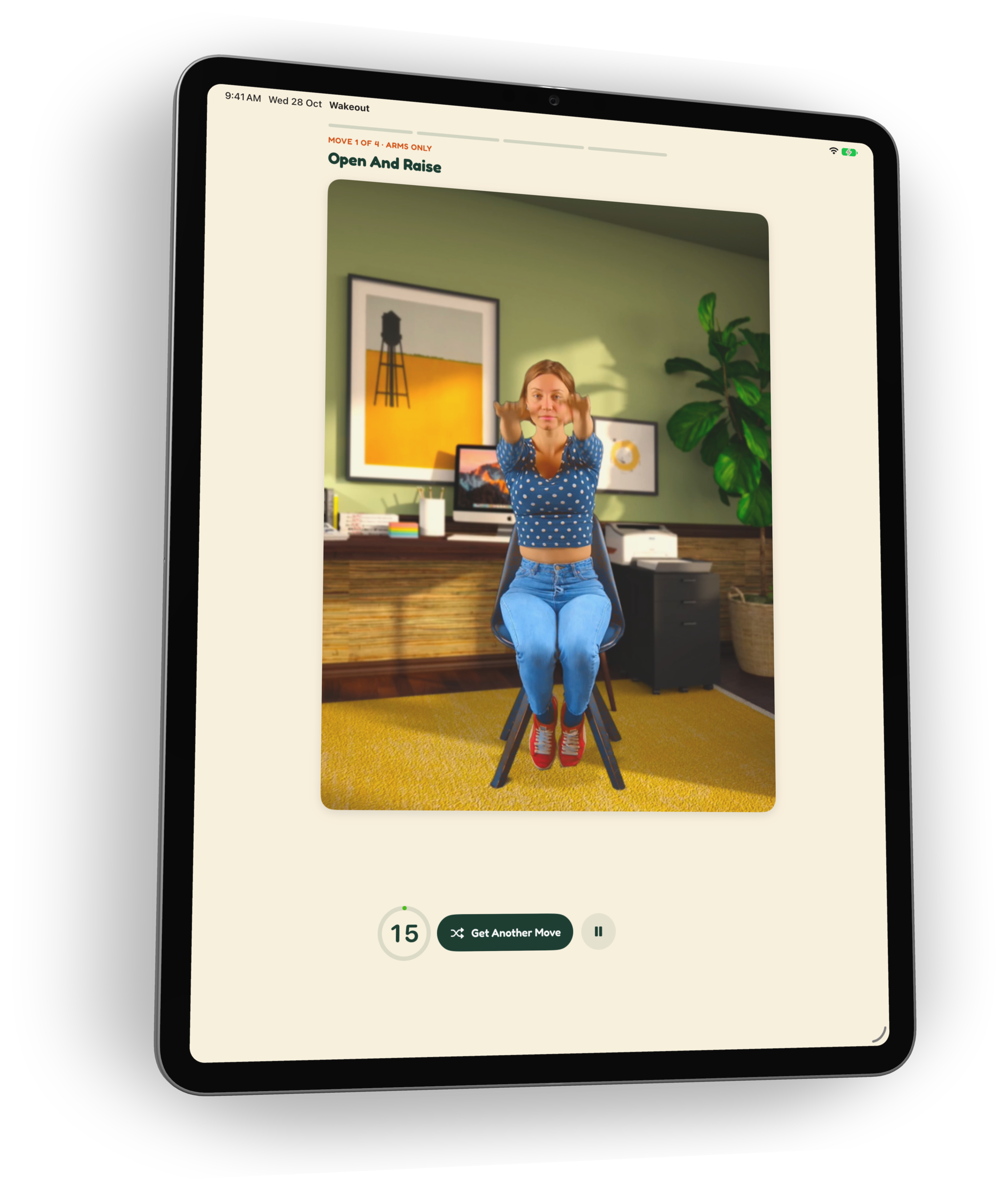
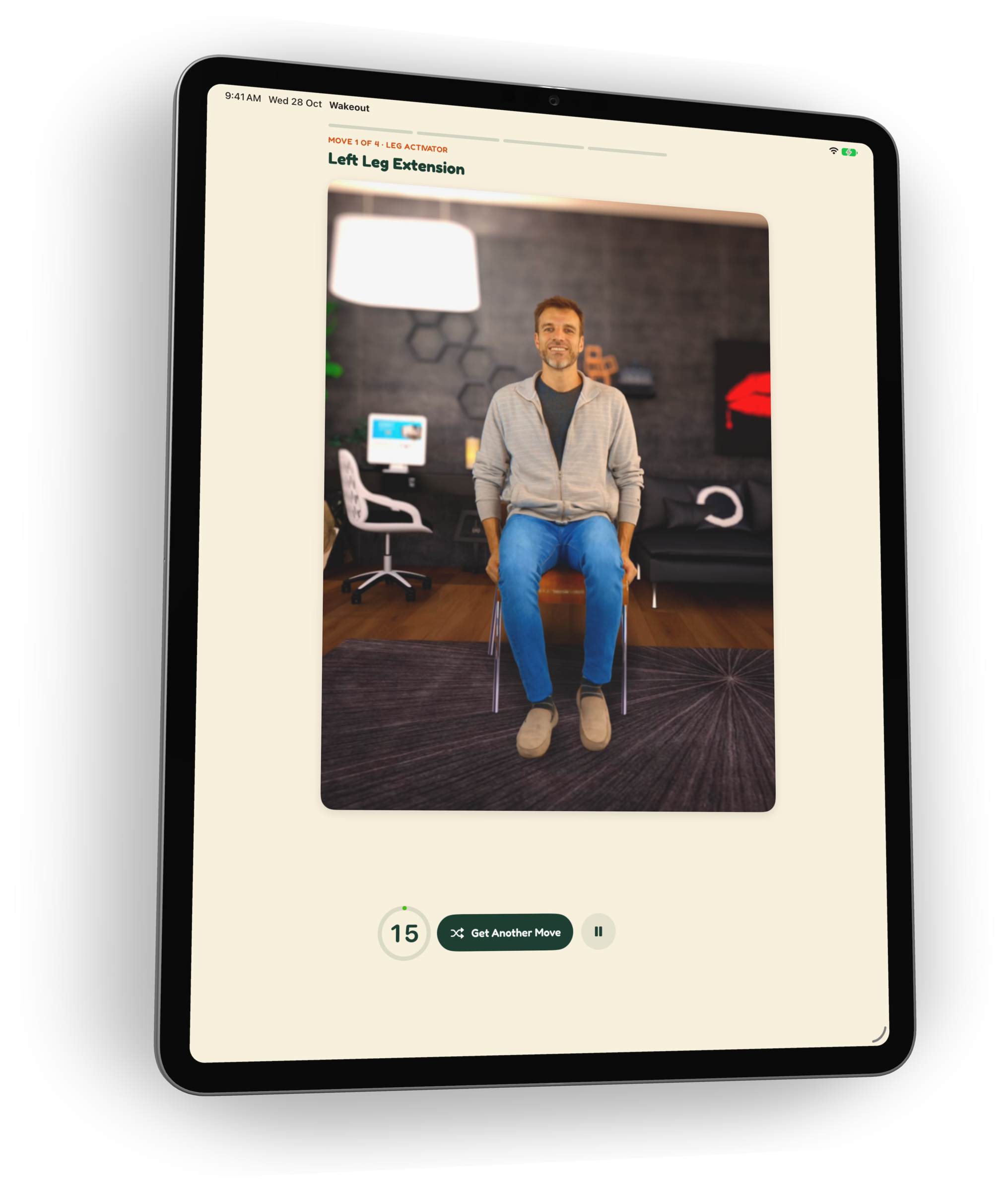
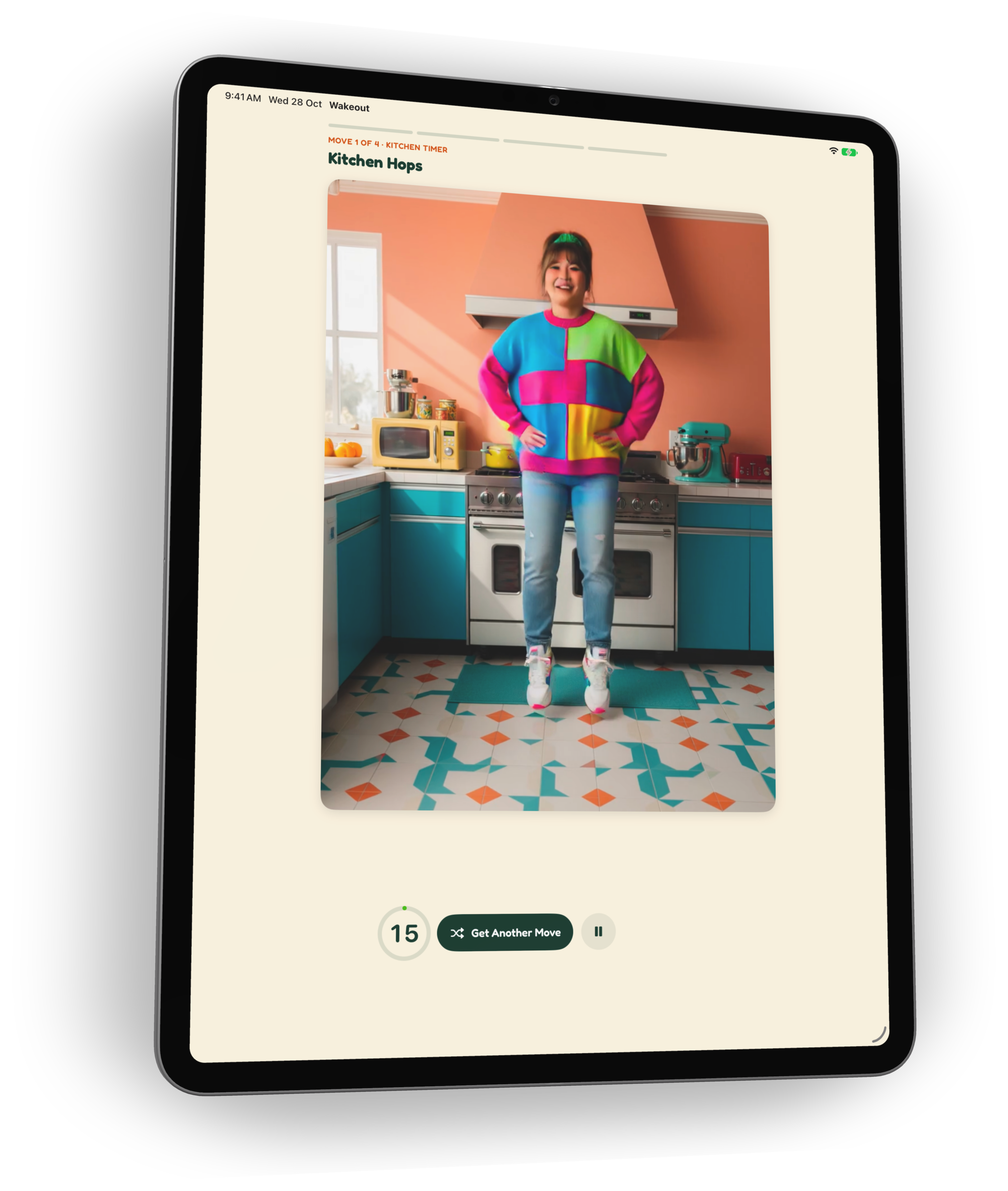
    Every Wakeout is a short video of someone doing the move, so you just follow. Head squeezes and rainbows with a cushion, kitchen hops while the microwave runs. Not feeling it? Get Another Move swaps it in one tap.

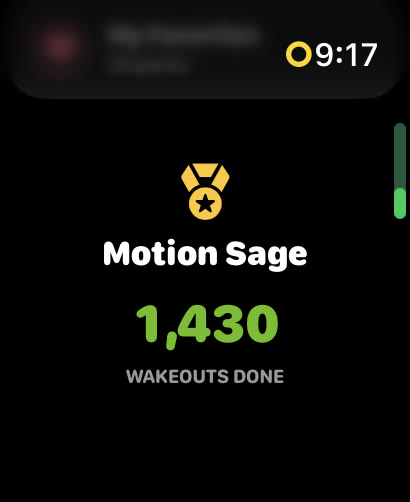
  • Apple Watch showing the Motion Sage title after 1,430 Wakeouts

    Watts, streaks and titles

    Every move earns Watts toward a daily goal: Wakeouts, games, challenges and the steps Apple Health sees. Keep a day streak going and climb titles from Fresh Wiggler to Motion Sage.

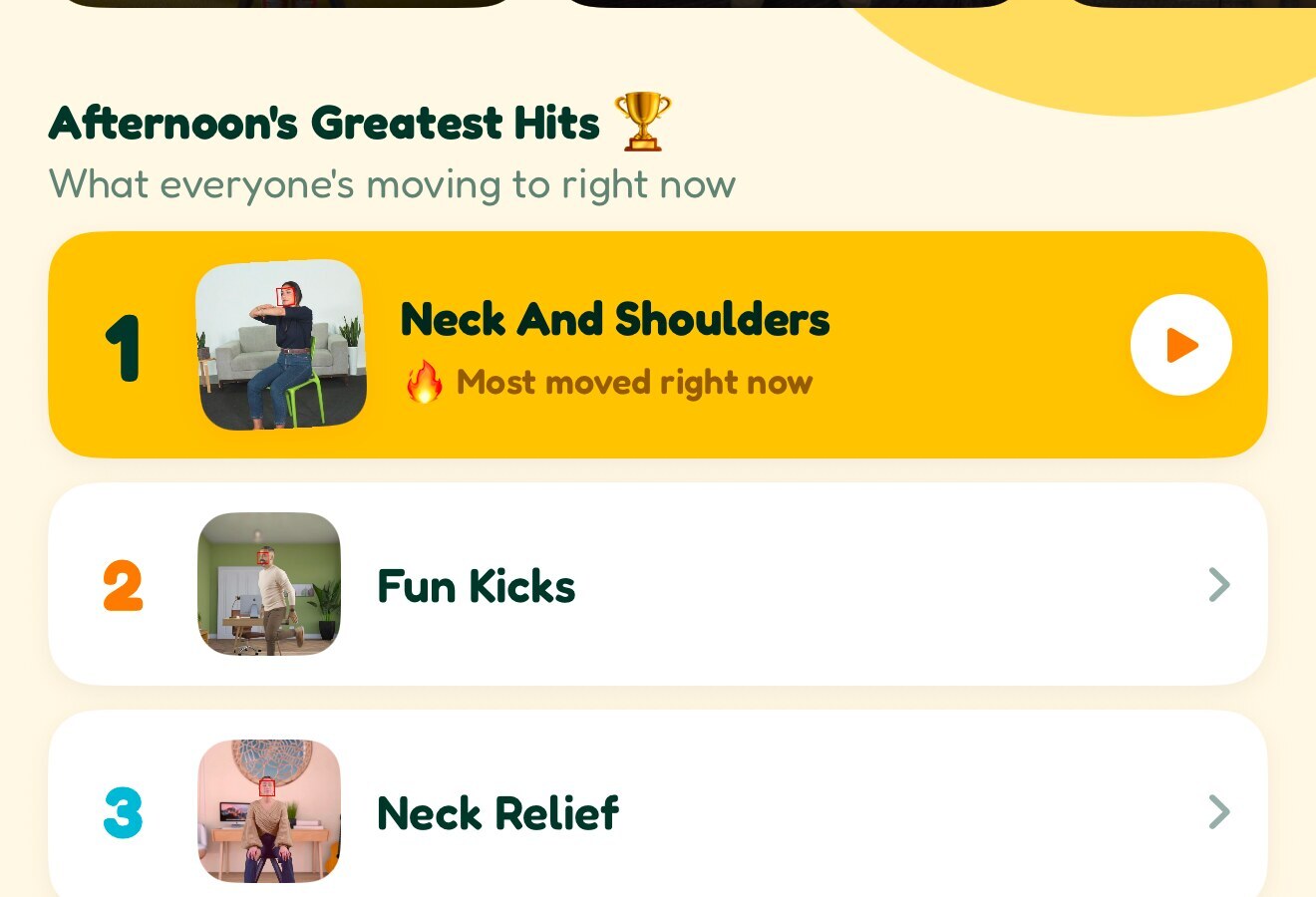
  • Afternoon’s Greatest Hits: the most moved packs right now

    A live, global crowd

    The home screen shows how many people have wiggled today, live, and the most moved packs right now. You are never the only one doing chair kicks.

Versatile

Wherever you are, however you feel.

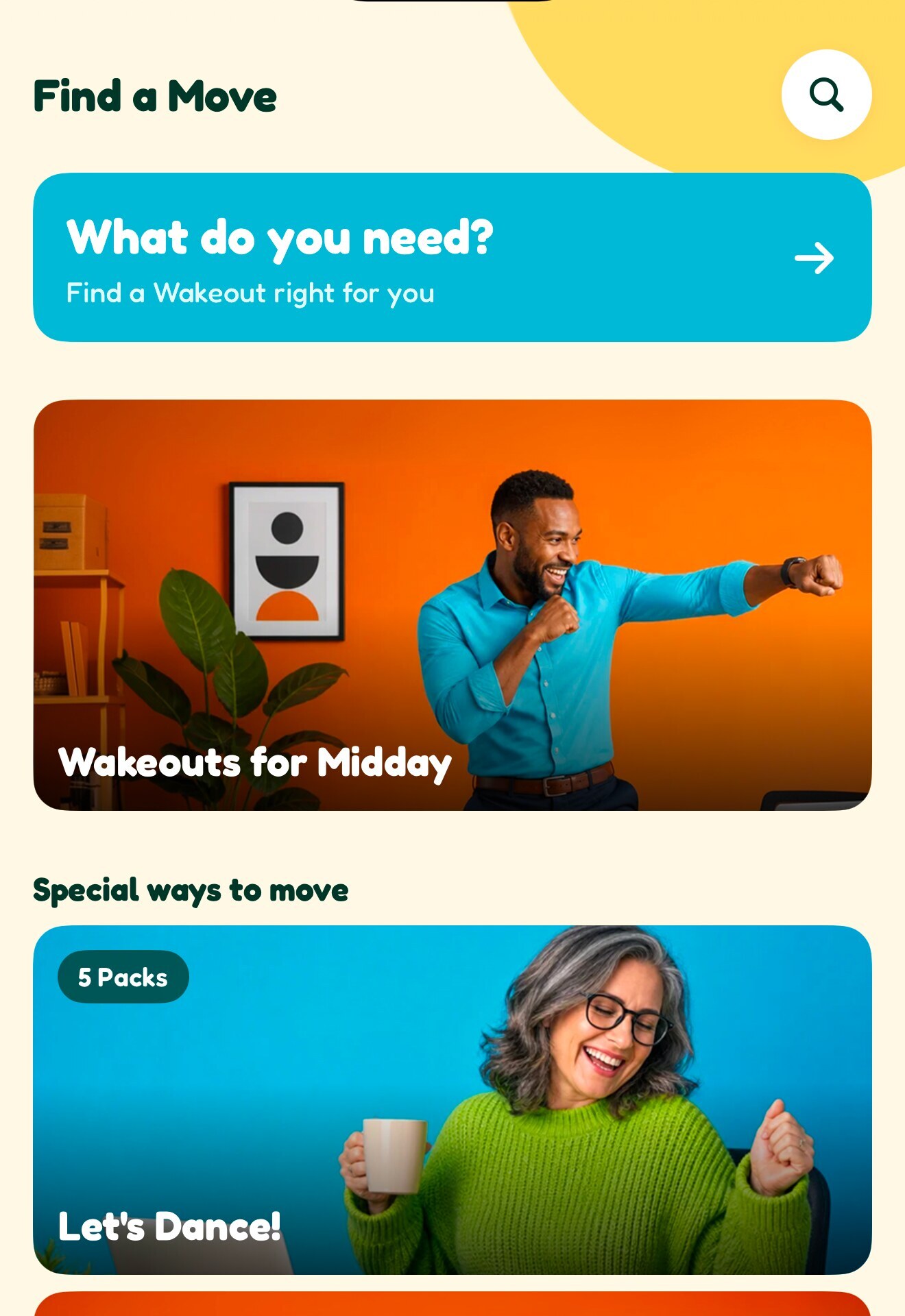
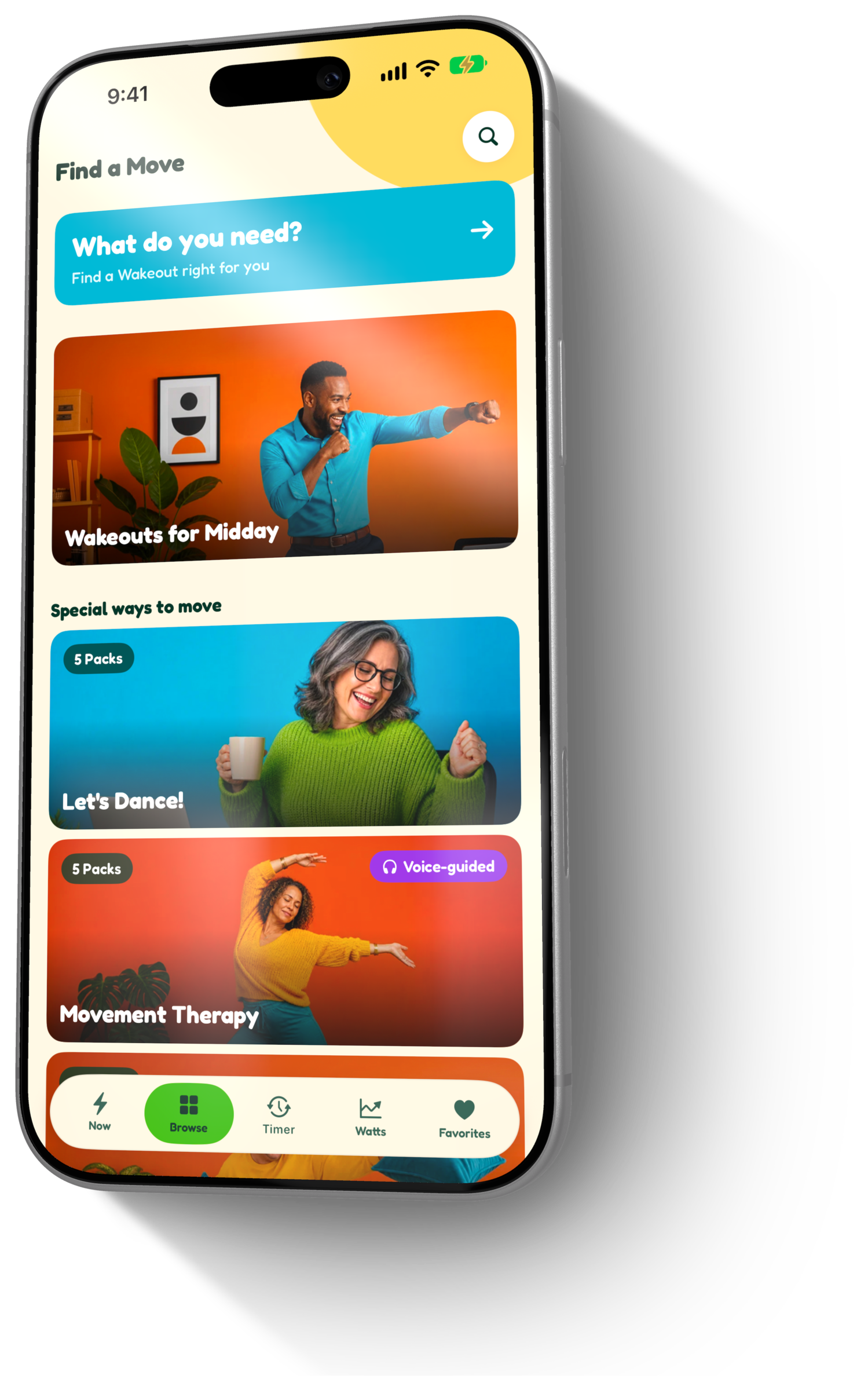
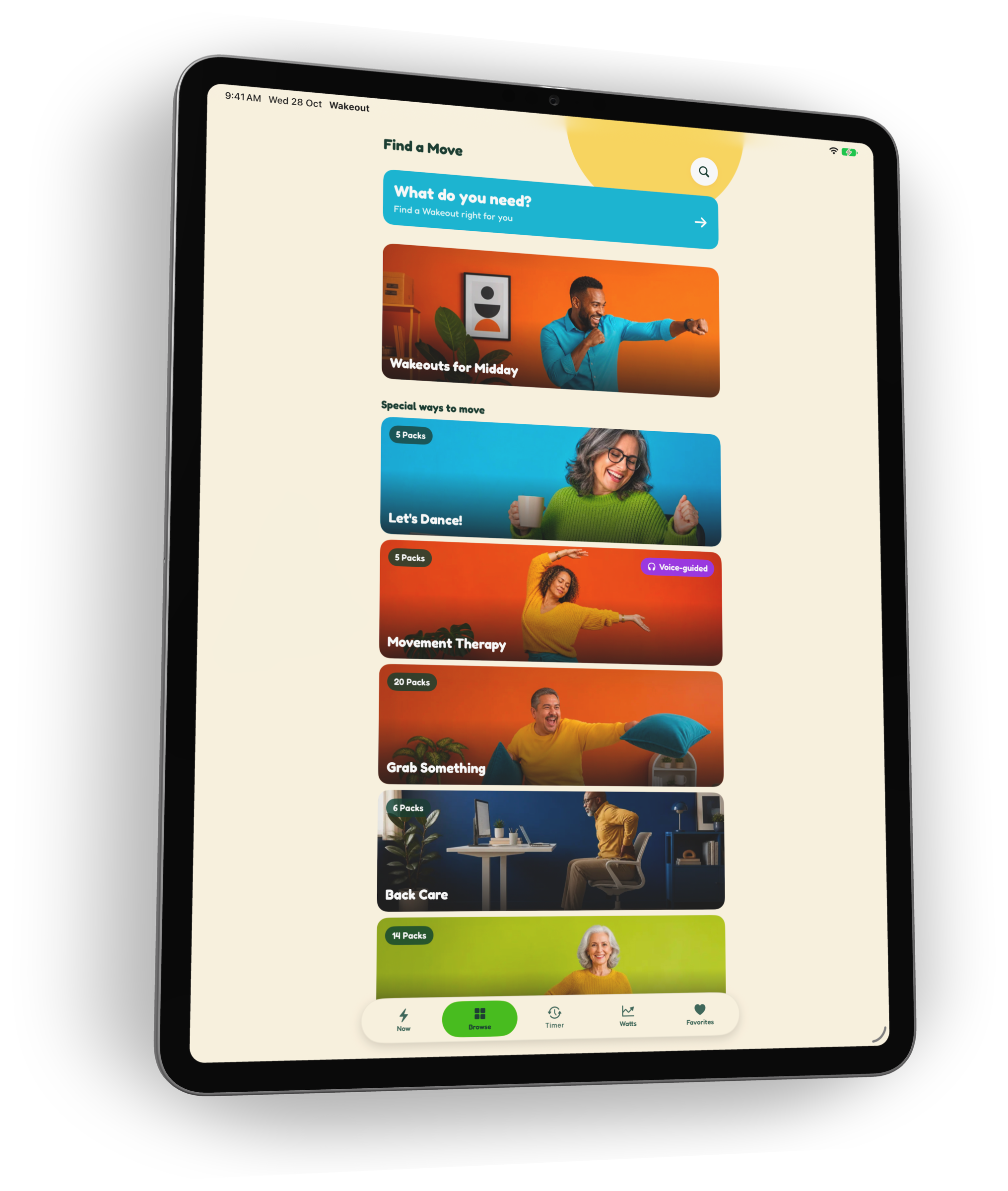
  • Find a Move: What do you need?, Wakeouts for Midday, Let’s Dance!

    3,000+ moves in 102 packs

    Dance breaks, back care, morning mobility, moves with a pillow or a water bottle, voice-guided Movement Therapy, and packs for the 60+ club, the couch and the edge of the bed.

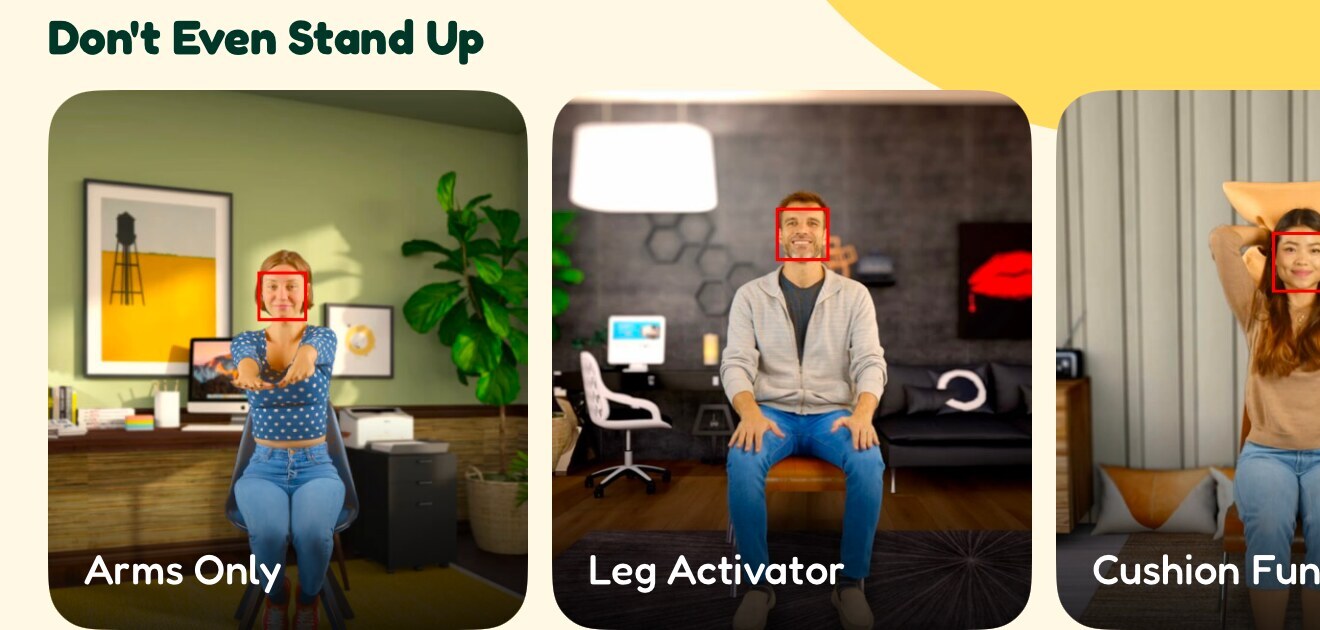
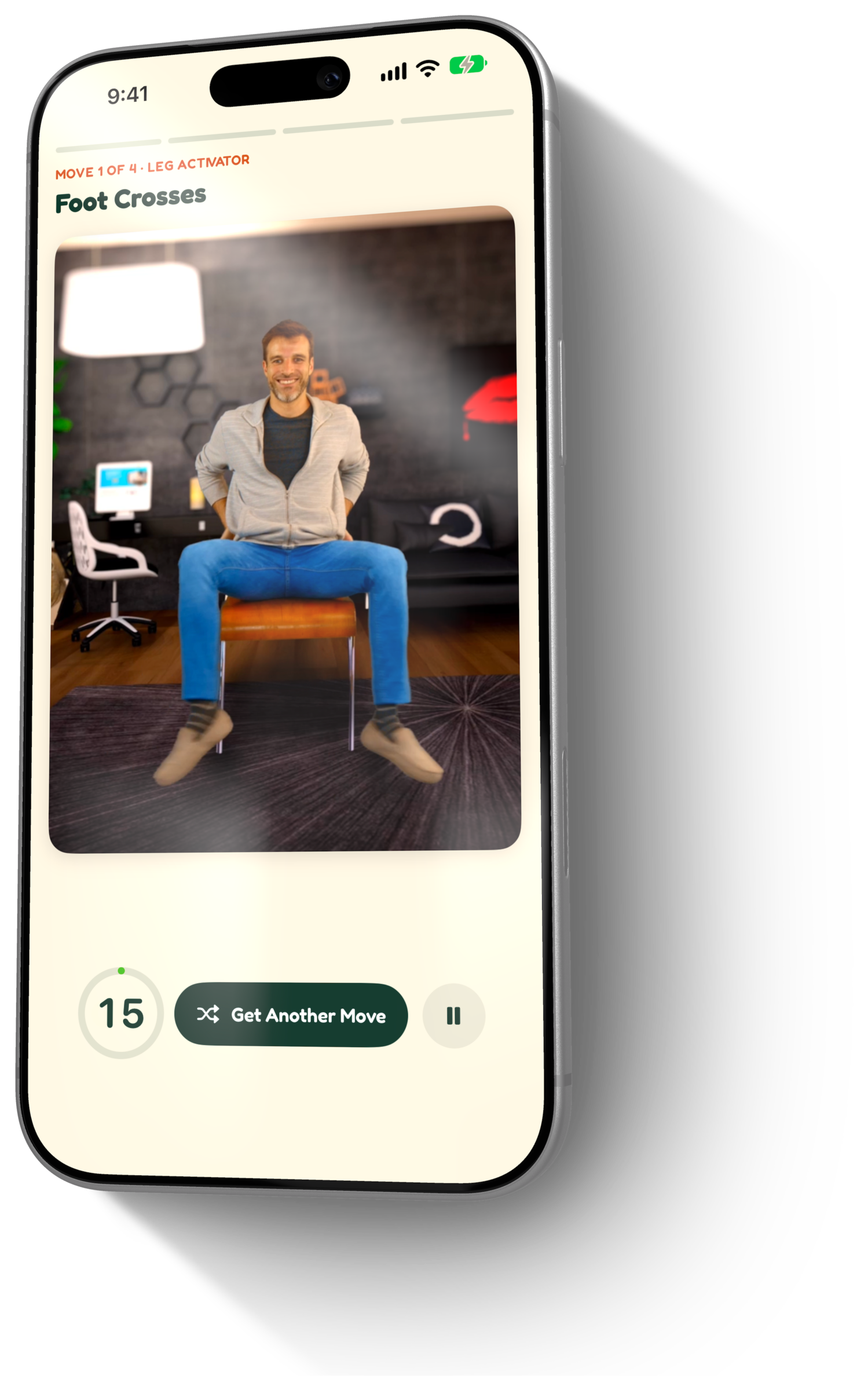
  • The Don’t Even Stand Up shelf: Arms Only, Leg Activator, Cushion Fun

    Seated or standing

    A whole shelf called Don’t Even Stand Up. Every move and every game can be played sitting down, at a desk or on the couch.

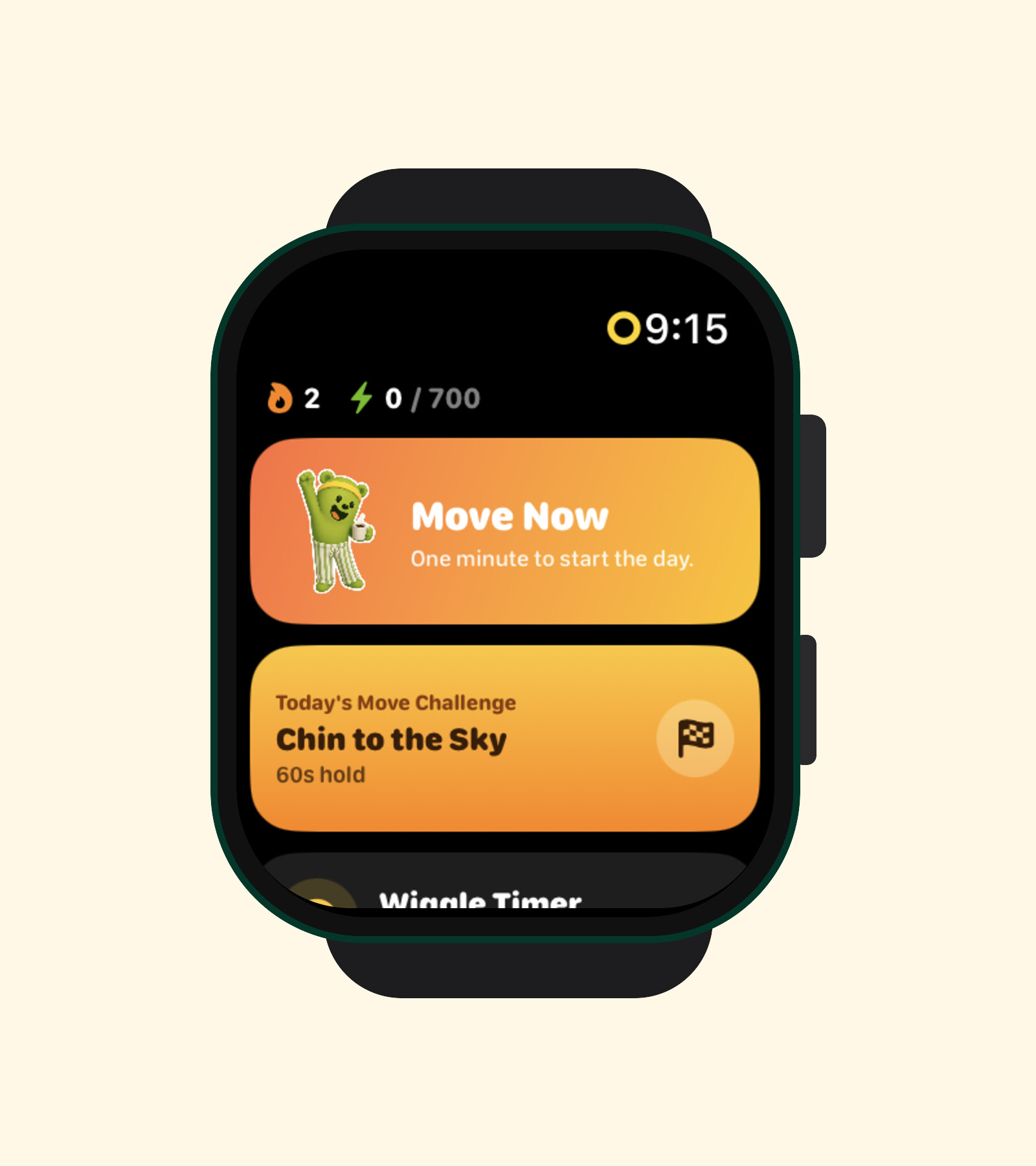
  • Wakeout on Apple Watch: Move Now and today’s challenge

    Apple Watch

    Move Now, the daily challenge, walk breaks and the Wiggle Timer on the wrist. The new watch app also works as a controller for the iPhone experience.

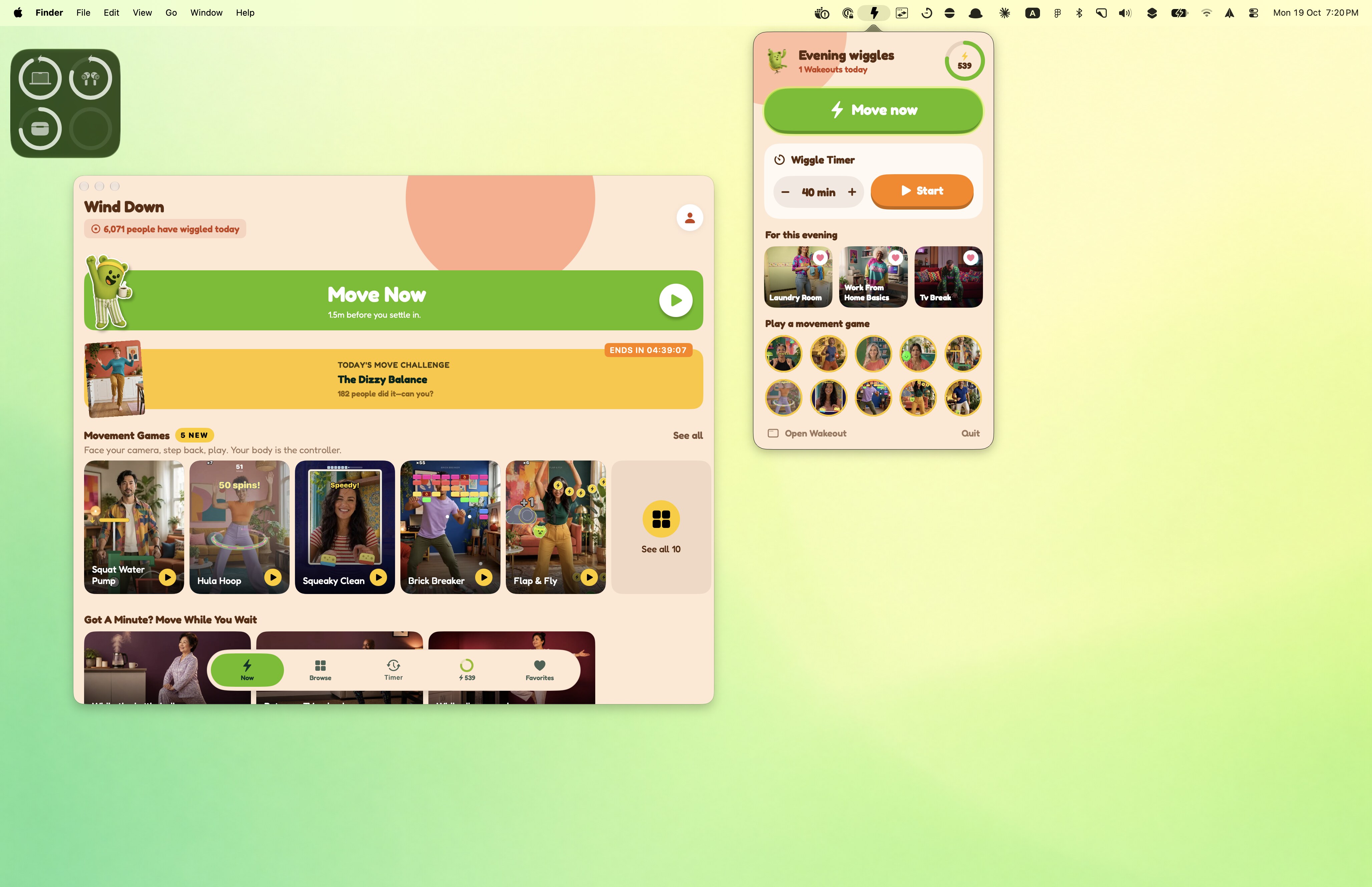
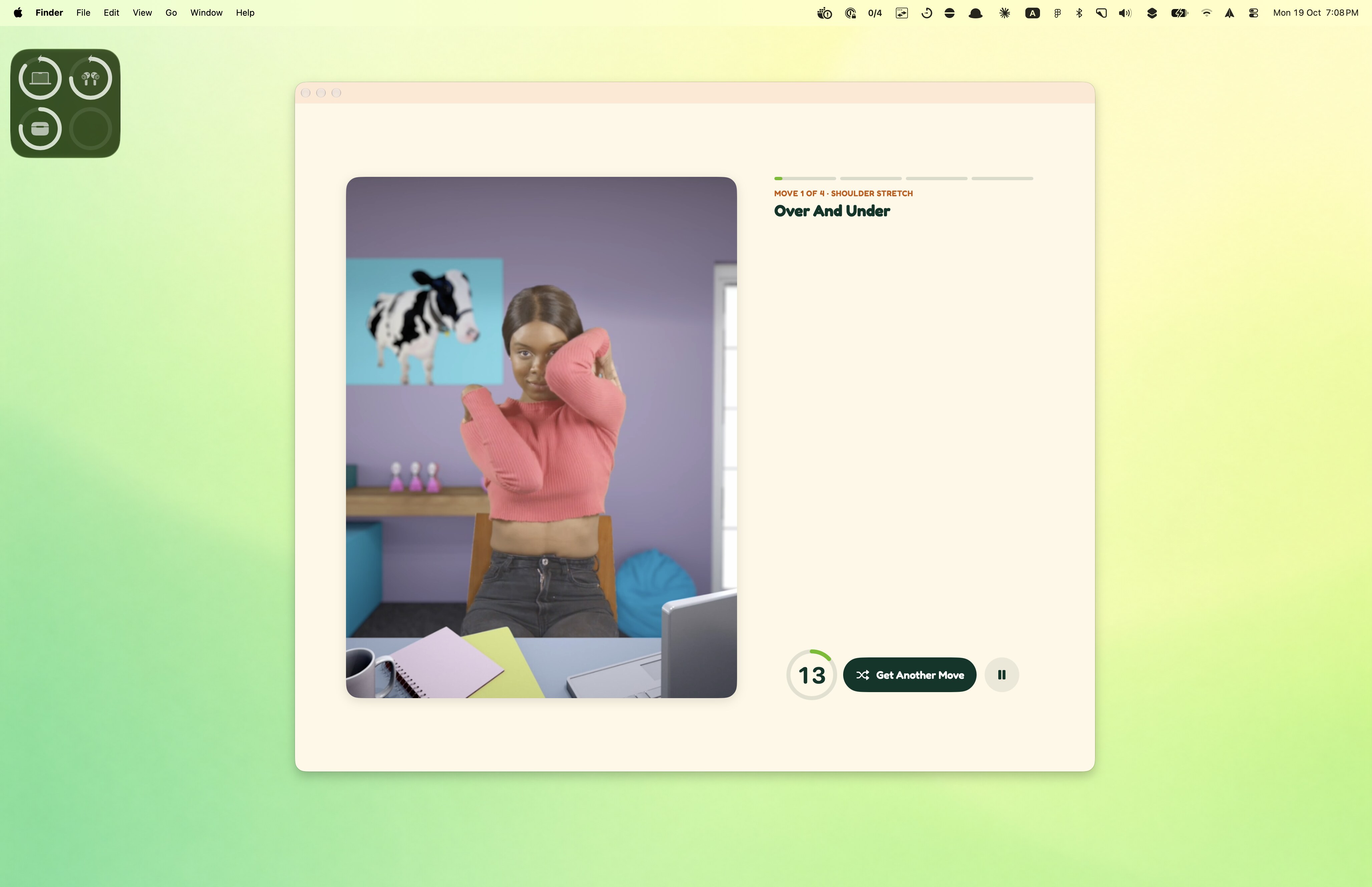
  • The Wakeout Mac app home screen next to its menu bar panel

    Mac

    The whole app on the Mac, plus a menu bar with Move Now, the Wiggle Timer and every game one click away. The movement games play through the Mac’s webcam.

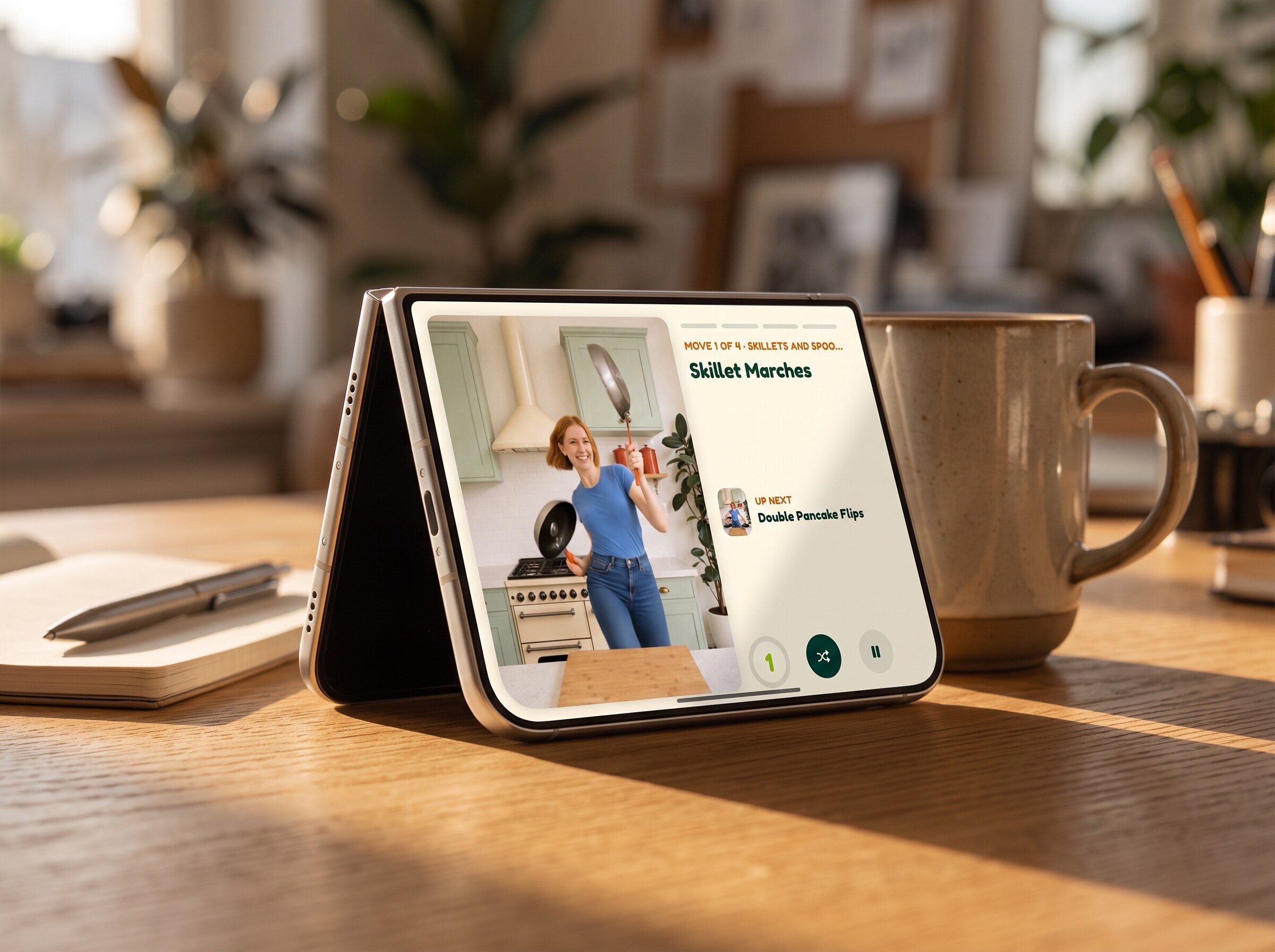
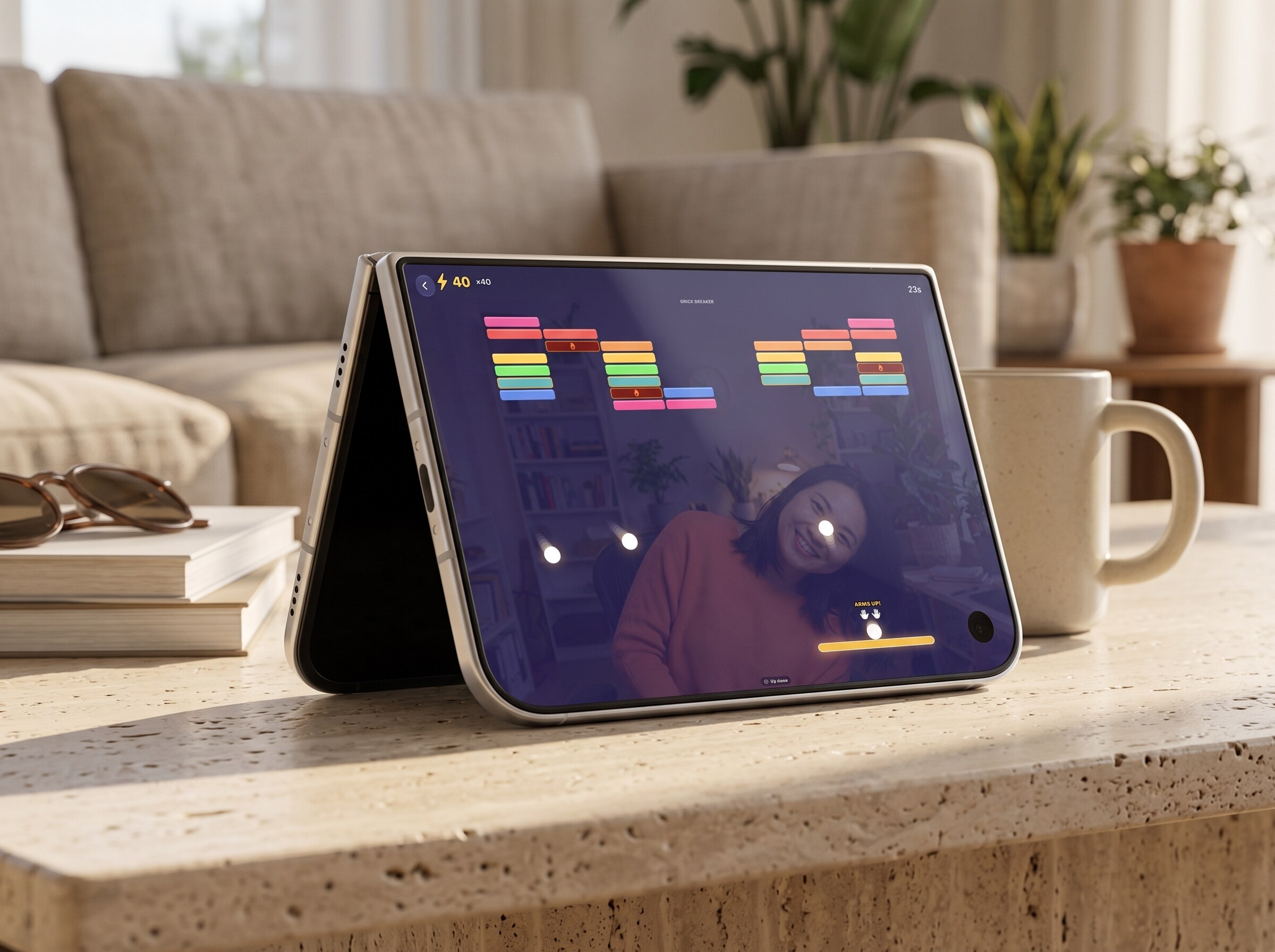
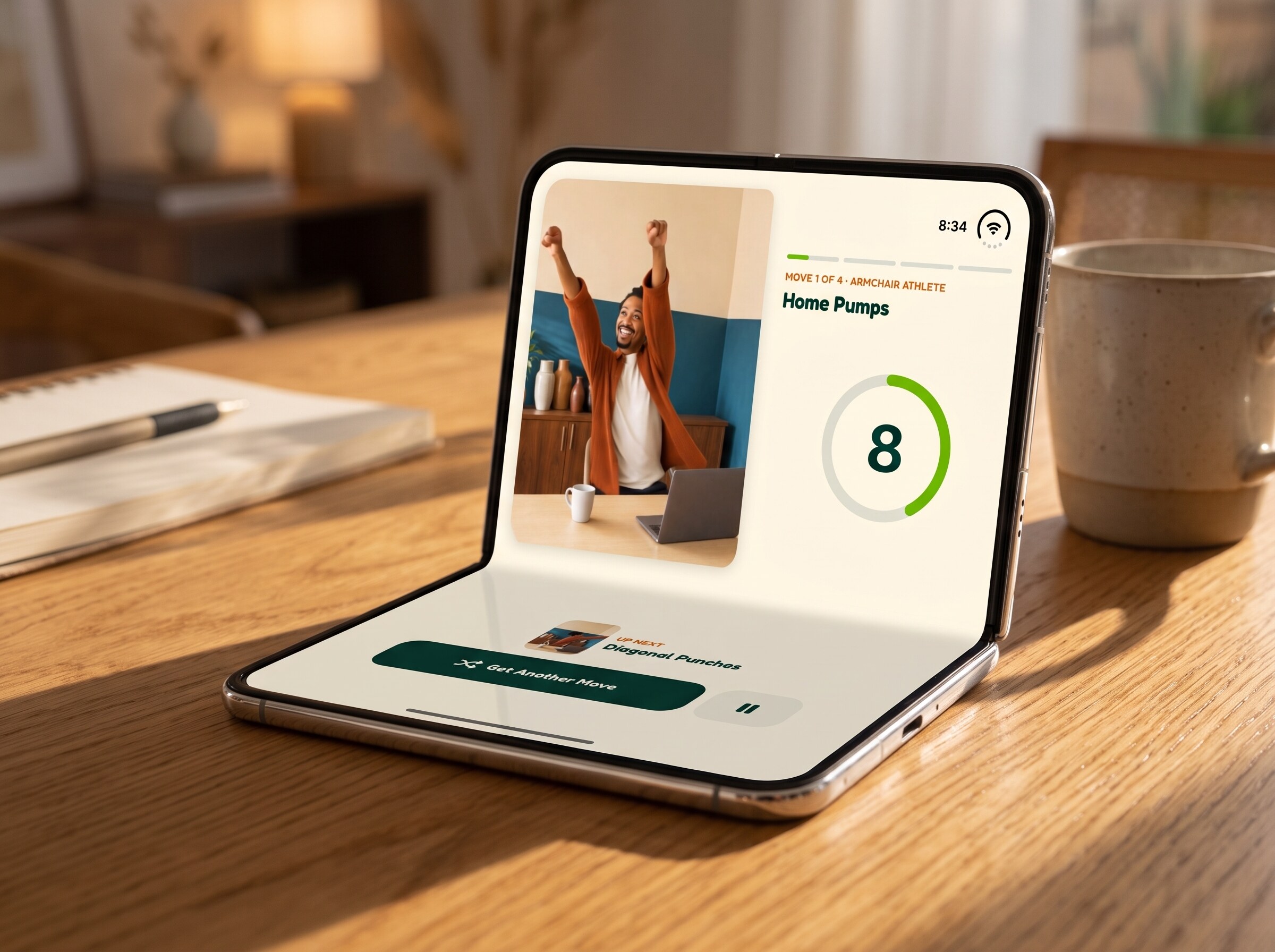
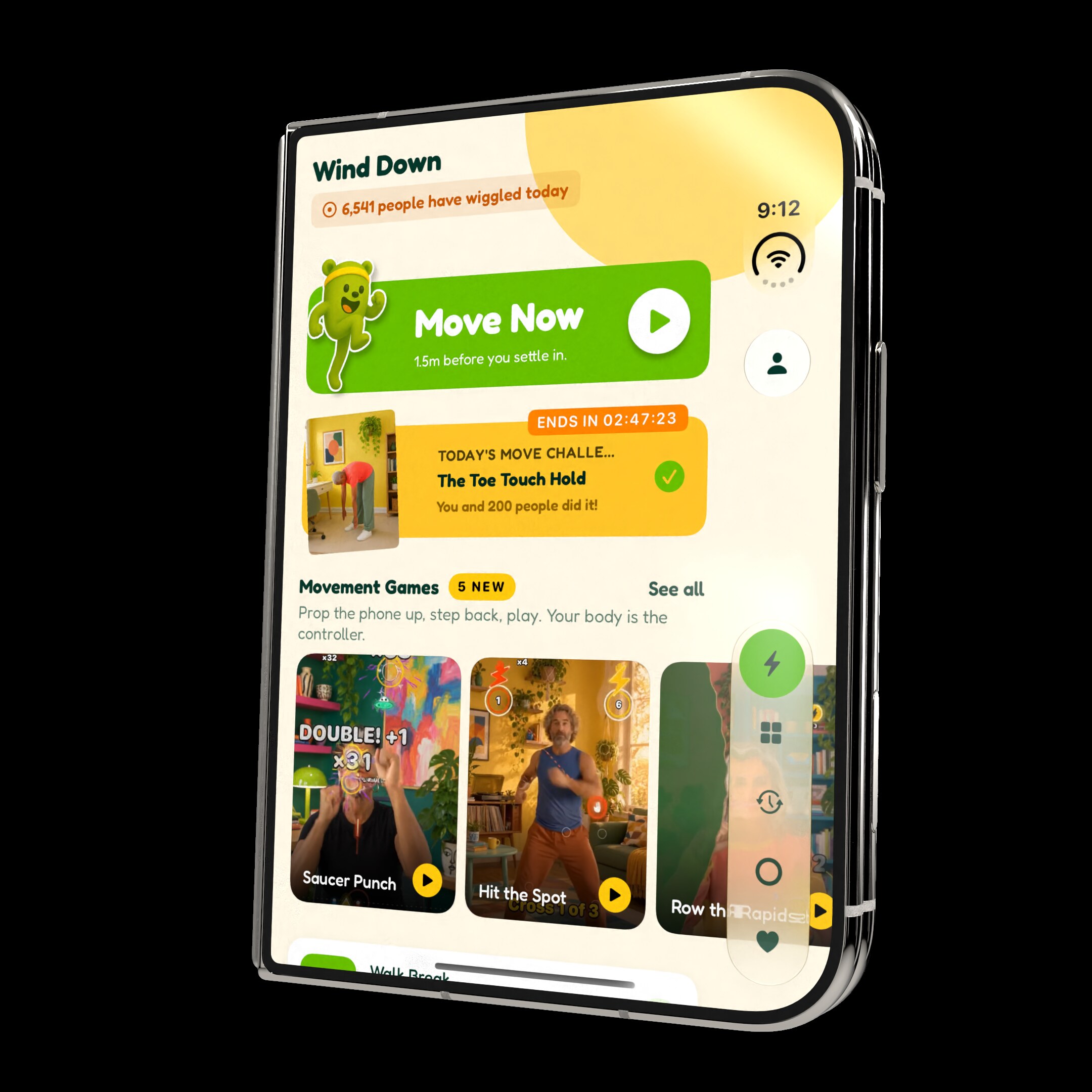
  • Wakeout on iPhone Duo in tent mode

    iPhone Duo and iPad

    Every pose of iPhone Duo has its own layout (tent mode props the camera up for the games), and iPad gets the whole app on the big screen.

Also in the box

  • Full support for iOS 27 widgets
  • The app changes with the time of day: energy in the morning, focus at midday, calm in the evening
  • Games run on the device; the camera video is never uploaded
  • One subscription covers every device, with Family Sharing
  • 19 languages
  • A free Chrome extension that turns new tabs into movement breaks

What’s new

New in Wakeout 11.

Wakeout 11 · movement games

The camera turns your body into the controller.

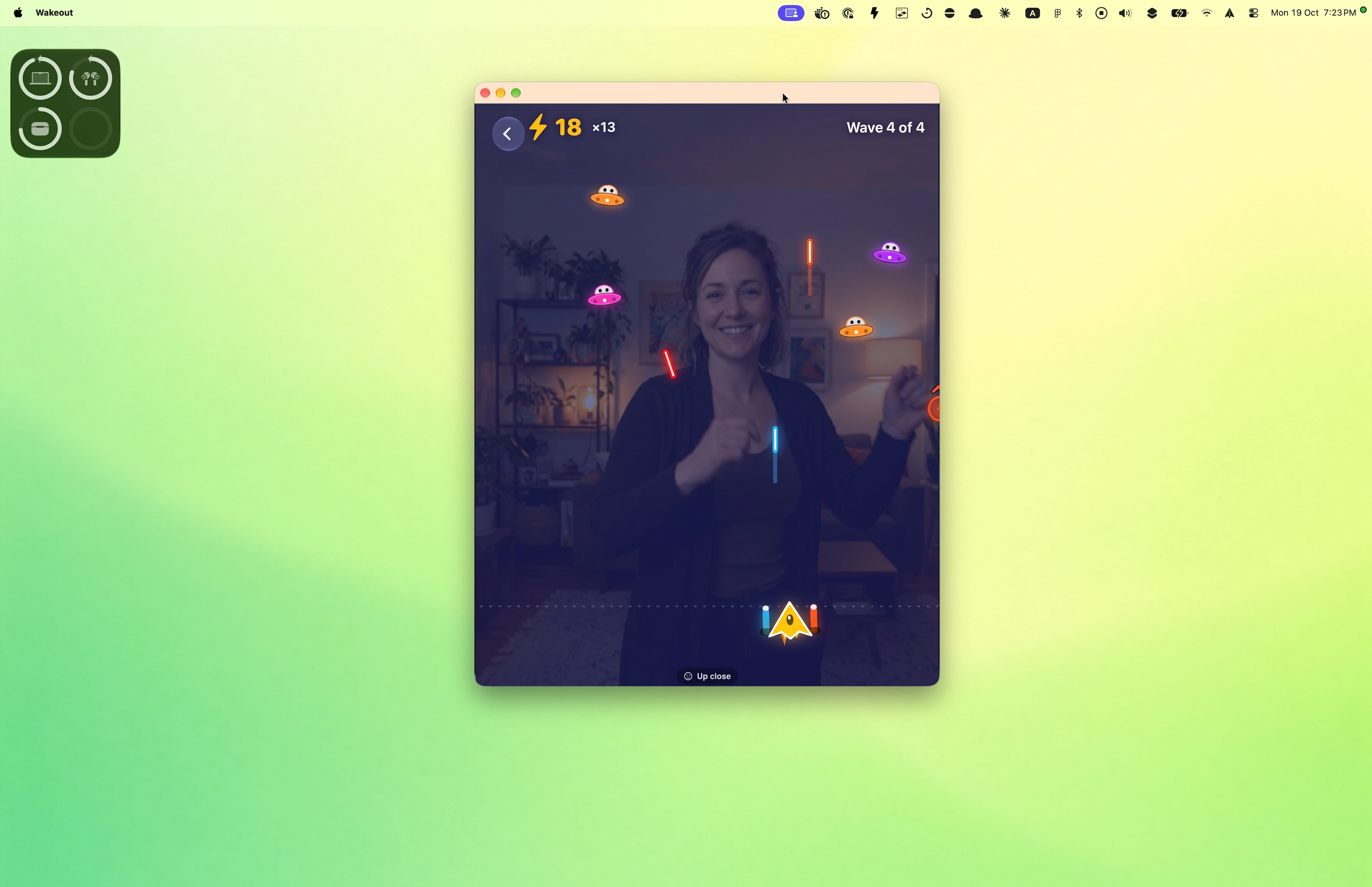
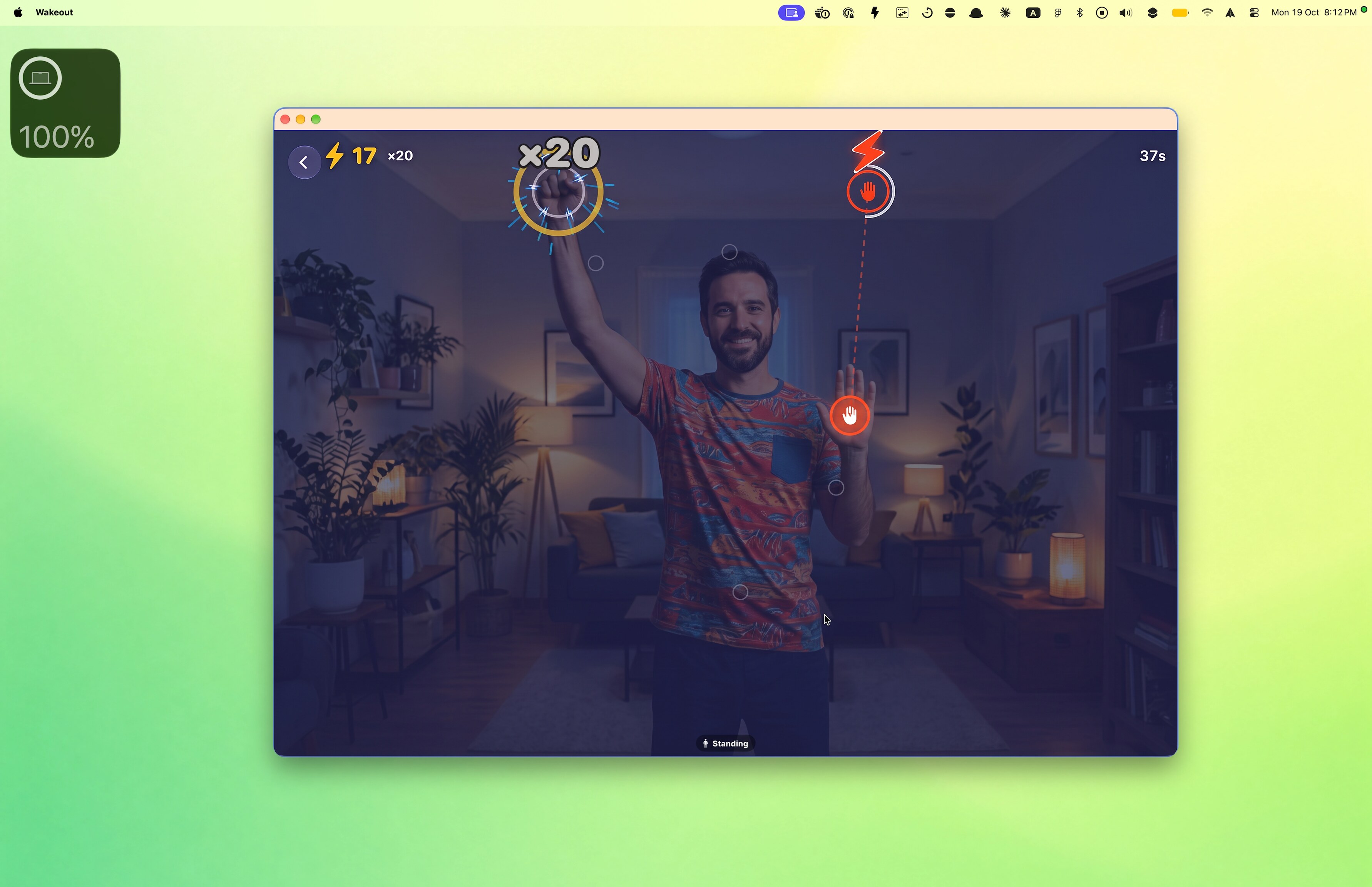
Ten games, no headset, no controller. Punch saucers out of the sky, row a river, keep a balloon up, hula hoop with your hips. Rounds last a minute or two, most work seated, and every move counts toward your day.

Hit the Spot gameplay in WakeoutSaucer Punch gameplay in WakeoutRow the Rapids gameplay in Wakeout

iPhone Duo

Every pose of iPhone Duo, each used its own way.

Wakeout supports every single pose, and none of them is just a bigger screen. Tent props the camera at the perfect angle for the games, laptop puts the controls on the flat half, book splits the player from what is next, and closed keeps a compact player on the outer screen.

Wakeout on iPhone Duo, tent: the compact playerWakeout on iPhone Duo, tent: brick breaker, wide

And there is more.

  • Daily move challenge

    A new one-minute challenge every morning.

  • Walk breaks

    A short walk that counts to 100 steps, then you are back.

  • A live global community

    Live counts of the people moving with you around the world.

  • Daily top packs

    The most popular movement packs of the day.

  • iOS 27 widgets

    Full support for the new iOS 27 widgets.

  • Apple Watch as a controller

    The new Apple Watch app controls the iPhone experience from your wrist.

  • Mac app with movement games

    The new Mac app plays the movement games through the Mac’s webcam.

Video

The App Store preview.

26 seconds of what Wakeout looks like right now: the one-minute moves, the morning challenge and the games. Portrait, 886×1920, H.264 with music. Embed it, cut it, put it in your piece.

Download MP4 (8 MB)

Screenshots

Framed and ready.

Apple Watch

Move Now and the daily challenge on the wrist.

Need something that is not here?

An interview, a full-access code to try every game, a different crop, a quote in Spanish. Write to Pedro and a human writes back.