Wakeout pack — 14 exercises
Zoom Meeting Fatigue
Relieve meeting fatigue with discrete desk movements you can do between calls.
sittingdeskmiddaydo anywhere14 exercises
30-second preview
Reach for this when…
You have a few minutes between back-to-back calls, your camera might flick on any second, and you want to loosen up without leaving your chair.
Why this happens
Videoconference fatigue isn't generic tiredness — it has specific mechanics. Continuous mutual gaze at faces only inches from your own activates the same brain regions as close-range social confrontation, for hours at a stretch. The small mirror of your own face in the corner triggers self-monitoring circuits that stay on the entire call. Lack of the usual movement cues that punctuate in-person conversation — shifting weight, glancing around the room, standing to grab something — deprives your nervous system of the rhythm it expects from social interaction. By the third back-to-back call, you're not bored, you're neurologically depleted. This pack is for the three-minute gap between calls when you can't stand up, can't leave the desk, and might have to come back on camera at any moment. Every movement is done seated in frame, most of them invisible on video, designed to discharge the very specific fatigue that stacked Zoom calls leave behind — neck tension from frozen posture, eye strain from pinned gaze, and the nervous-system buzz of six hours of face-to-face intensity.
About this routine
Best for knowledge workers with back-to-back video calls who need a reset without leaving the camera frame. Every movement is done sitting in your chair, with minimal visible motion — safe if your camera is already on or might switch on mid-break. No props, no standing, no changing position. Skip this pack if you have the ability to actually leave your desk between calls; a standing break and a walk will always beat seated micro-movement. Not medical advice — just the right-sized tool for the specific problem of stacked video calls.
Use this pack when you need to…
Built for these moments
Boost Energy
High-energy moves you can do seated or standing, like seated boxing and kicks, right at your desk when you need a lift.
Why this pack: Between calls, Alternating Arm Raises, Torso Turns and Puppet Arm Raises get you moving at your desk so you head into the next meeting feeling livelier.
Loosen Neck & Shoulders
Moves aimed at your neck and shoulders, plus arm-only work and push-ups or desk pumps where your arms hold you up.
Why this pack: Shoulder Back Rolls, Elbow Circles and gentle Look Up, Look Down and Look Around moves give your neck and shoulders some easy attention right at your desk.
Relax My Hands
Moves made just for your hands, focused on keeping them healthy and strong.
Why this pack: Wrist Circles and Forward Circles give your hands and wrists a little love between calls, and they are discreet enough to do right at your desk.
Gain Mental Clarity
Cardio moves like punches, kicks, jumps and desk pumps that send oxygen through your blood and leave your head feeling clearer.
Why this pack: Cat Cow, Full Turn Stretch and Bends With Hands Behind Head are discreet desk moves that give your mind a fresh reset before you hop on your next call.
Frequently asked
What people ask about zoom meeting fatigue
Why are Zoom meetings so much more tiring than in-person ones?
Video calls combine three specific fatigue drivers that in-person meetings don't have. Continuous close-range mutual gaze activates the same threat-assessment regions as intimate or confrontational face-to-face contact, for hours. Your own face in the corner triggers self-monitoring that runs nonstop. And the subtle delays and glitches in video force your brain to work harder to interpret signals it normally reads effortlessly. Add the lack of movement cues — no shifting around a room, no walking to the next meeting — and the nervous system has no way to discharge the load.
What can I do between meetings if I can't leave my desk?
Break the gaze fixation, reset the breath, and move what you can move without leaving the frame. Even twenty seconds of looking away from the screen to a point across the room resets accommodation reflexes in the eye muscles. A long exhale shifts the nervous system out of sympathetic dominance. Small seated movements — neck rolls, shoulder shrugs, seated twists — restore the micro-circulation that static sitting shuts down. This pack sequences all three in a window short enough to fit between calls.
Is it normal to feel exhausted after a day of video calls?
Yes — this is documented enough to have its own name, Zoom fatigue, and the mechanisms are real. You're running social-cognitive circuits at full load without the physical movement that normally accompanies social interaction. Most people feel more drained after four hours of video calls than after eight hours of in-person meetings, because the in-person version at least involves walking between rooms, standing, and varying gaze. If you can, batch video calls into blocks with actual movement breaks between; this pack is for when you can't.
Why does my neck hurt specifically after video calls?
Most people freeze their posture on camera — they find the angle that looks right and stop moving their head and neck for the entire call. The sternocleidomastoid and upper trapezius, which normally get micro-breaks every time you glance around, get zero relief. Combine that with the forward-head position most laptop cameras encourage, and you've built up hours of sustained load on the upper cervical muscles. If neck pain is severe by end of day, pair this pack with Neck Relief for deeper cervical work.
Won't people on the call see me moving?
The movements in this pack are chosen for low visual signature — slow shoulder rolls, seated twists done below the desk line, eye resets that look like you're thinking. Most of them read as ordinary fidgeting if caught on camera. Save the more obvious movements for the fully-between-meetings window when your camera is off. If your workflow includes a stand-up break between calls, the Post Meeting Recovery pack is a better fit — this one is for when you're stuck in frame.
You might also like
Packs built for the same body, a slightly different moment.
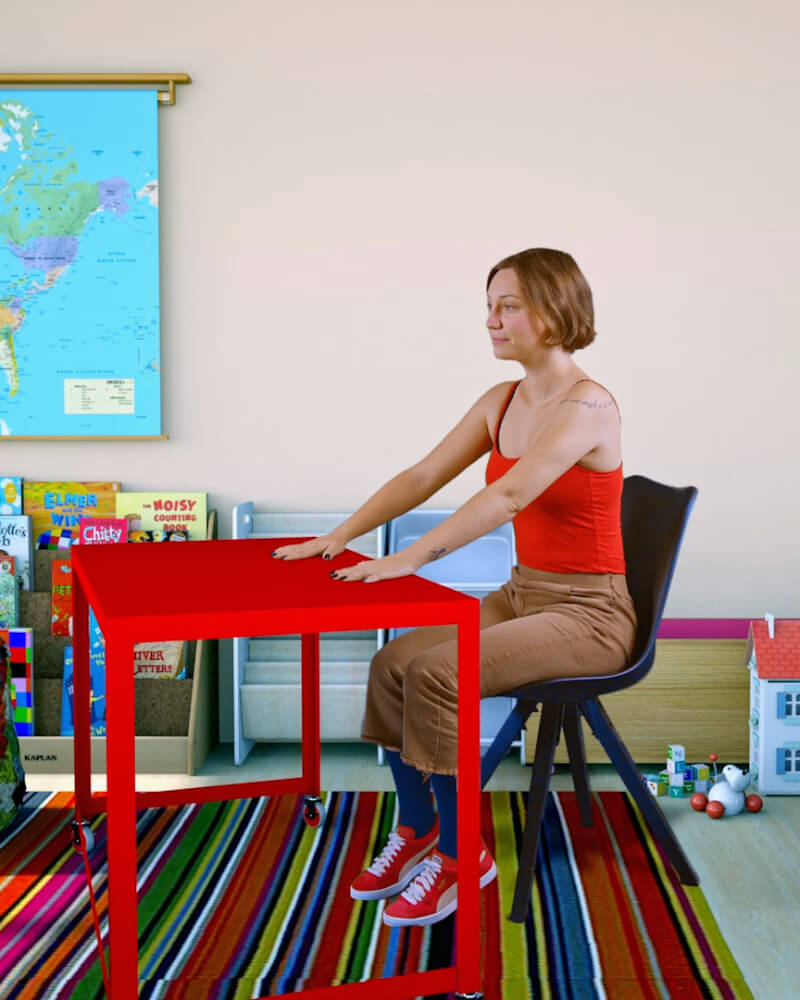 12 exercises
Desk Pump
Use your desk and chair as exercise equipment to maintain energy and strength.
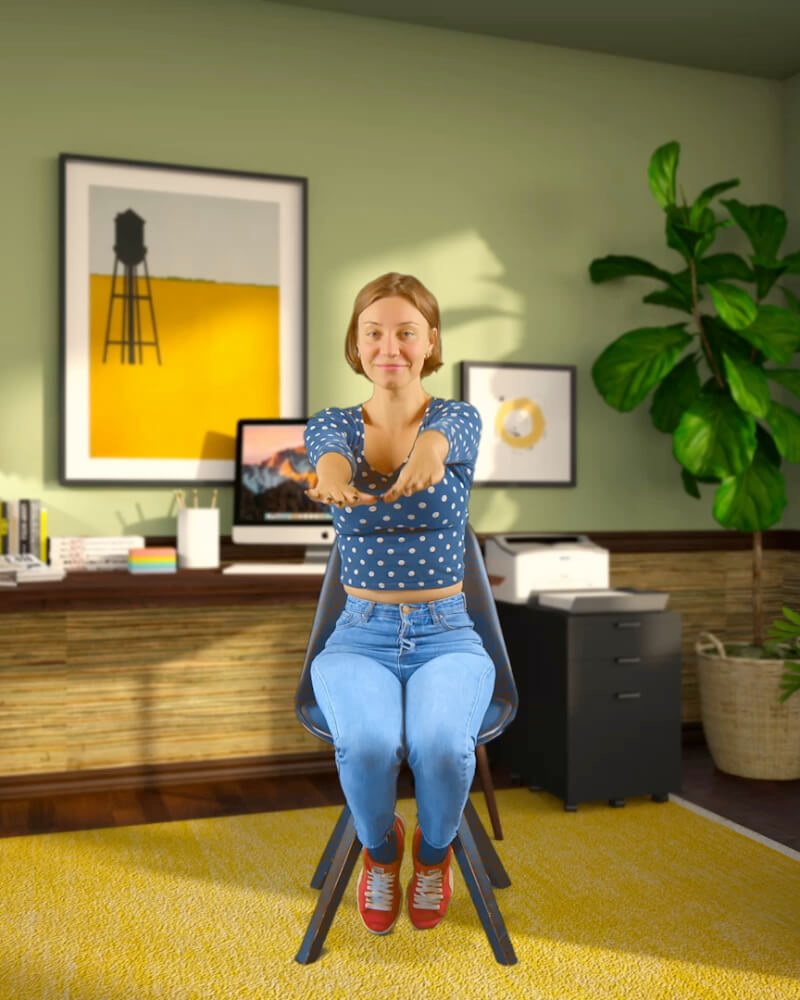 12 exercises
Arms Only
Desk-friendly upper body exercises that promote blood flow and energy while you work.
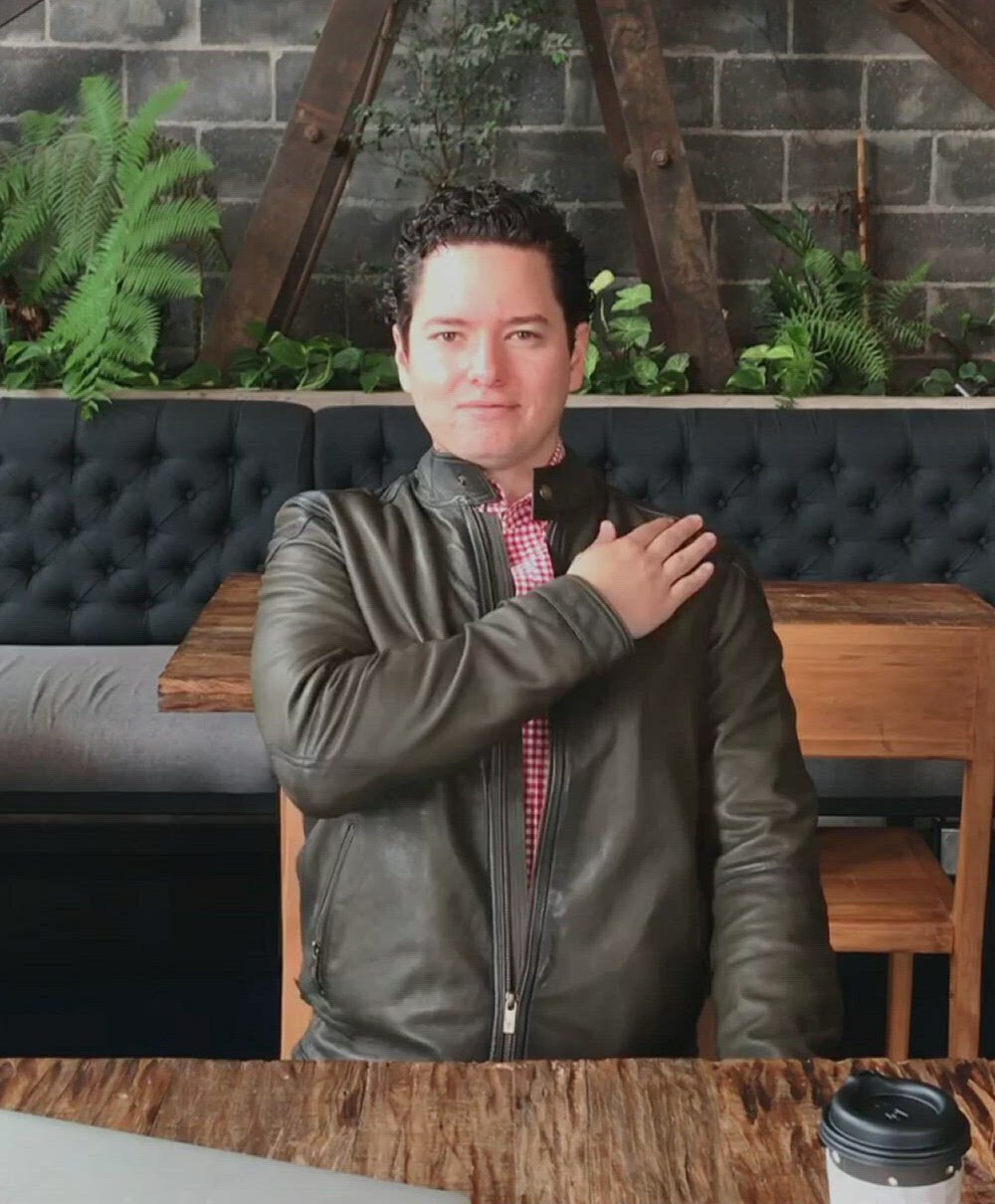 62 exercises
Coffee Shop
Discrete movements for public spaces that maintain energy without drawing attention.
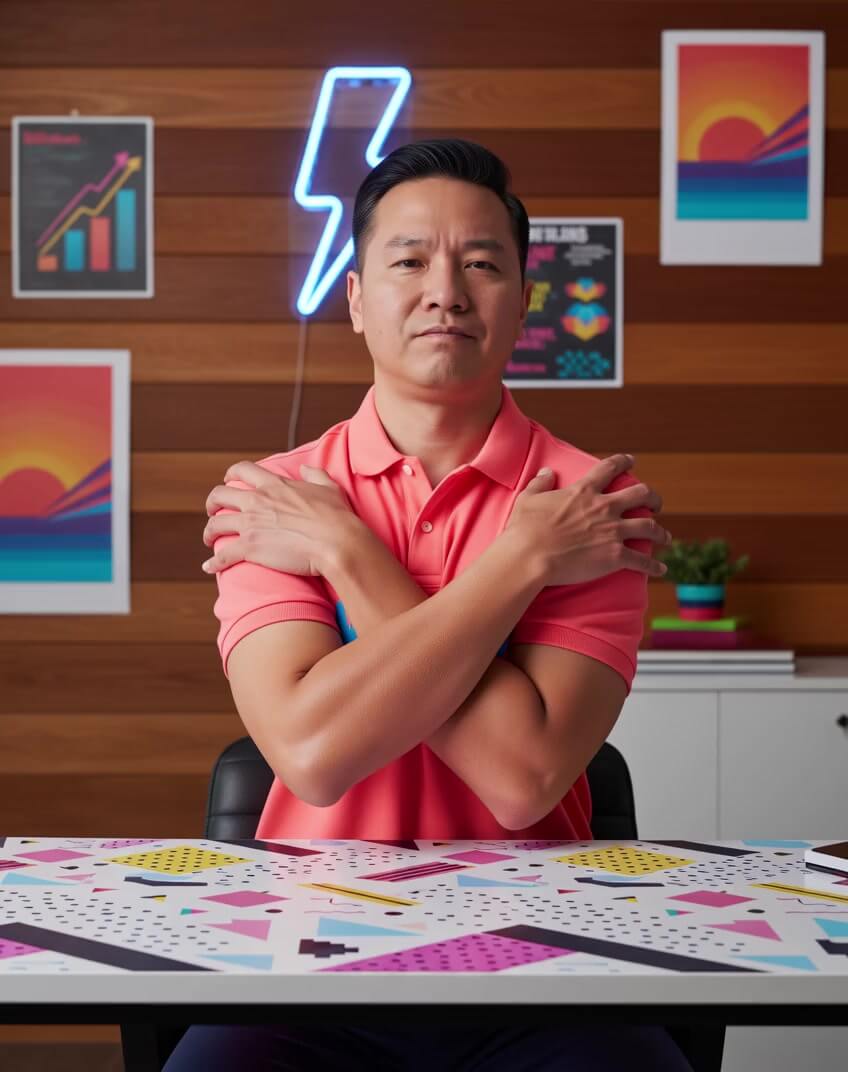 14 exercises
Flow State Primer
Prime your brain for deep work with seated movements that activate focus and flow state.
 18 exercises
Productivity Break By Francesco D'Alessio
Desk-based exercises designed to maintain focus and energy during work sessions.
Want the full routine?
Three minutes, guided by audio, in the iOS app. Or add Wakeout to Chrome — every new tab becomes a tiny movement break.