Wakeout pack — 13 exercises
Post-Meeting Recovery
Release mental weight and tension after long Zoom sessions with refreshing movements.
standingdesk / living roommiddaydo anywhere13 exercises
30-second preview
Reach for this when…
You just hit Leave Meeting, your brain feels heavy after that Zoom call, and you want to shake it off before the next tab.
Why this happens
Video calls tire the brain in ways phone calls and in-person conversations don't. The research on 'Zoom fatigue' points to three mechanisms: the cognitive load of processing faces at unnatural close-up distances, sustained direct gaze (which the body interprets as a mild social-threat signal no matter how friendly the meeting), and the absence of the small body-language cues that normally regulate conversation, which forces the prefrontal cortex to compensate. A full hour of that — let alone four hours back-to-back — leaves the brain in a specific kind of depletion that's not quite tiredness and not quite stress. This pack is built for the minute after a draining call ends. Standing up, breaking eye-line with the screen, and doing three to five minutes of gross motor movement resets gaze accommodation, re-engages the large muscle groups that sat still through the call, and gives the prefrontal cortex a real break. Not a workout. A neurological reset.
About this routine
Best in the thirty seconds after hitting 'Leave Meeting' and before opening the next tab. Requires enough floor space to stand and move arms freely. Skip if you're on a hard back-to-back schedule with under two minutes between calls — use Zoom Meeting Fatigue instead, which is seated and camera-safe. Safe in any context. Not medical advice — a reliably better use of between-meeting time than refreshing email.
Use this pack when you need to…
Built for these moments
Boost Energy
High-energy moves you can do seated or standing, like seated boxing and kicks, right at your desk when you need a lift.
Why this pack: Playful standing moves like Box Steps To Recovery and Knee Raise Applause shake off post-meeting sluggishness so you head back to work with fresh energy and focus.
Make Me Stand Up
Higher-intensity moves that get you up on your feet, from sit-to-stand flows to moves for your standing desk.
Why this pack: After back-to-back meetings, Laptop Closers and Breakout Room Breaks give you a playful reason to rise from your chair and get body and mind moving again.
Gain Mental Clarity
Cardio moves like punches, kicks, jumps and desk pumps that send oxygen through your blood and leave your head feeling clearer.
Why this pack: Processing Information and Agenda Shredder get you standing and moving with energy, getting your blood flowing so the meeting fog lifts and your thoughts feel clearer.
Improve Mood
Playful moves for when your mood dips at work, from dancing to pretend punches, kicks and a little fun with your office chair.
Why this pack: Release Tension, Synergy Side Stretch and Refresh Yourself are playful, meeting-themed moves that ease tension and refresh your mind after a long Zoom.
Frequently asked
What people ask about post-meeting recovery
Why am I so tired after video calls when I barely moved?
Video calls produce a specific cognitive fatigue pattern researchers call Zoom fatigue. Three main drivers: processing faces at unnaturally close distances, sustained direct gaze (which the brain interprets as mildly threatening even when nothing is wrong), and the absence of normal body-language cues, which forces the prefrontal cortex to do extra work filling in the missing information. The effect compounds across meetings, which is why a day of video calls leaves you more drained than an equivalent day of in-person conversation.
How quickly does a short movement break actually help?
The reset is faster than people assume. Three to five minutes of gross motor movement reverses much of the specific fatigue pattern — gaze accommodation returns with distance-looking, circulation to the lower body restarts, and the prefrontal cortex gets a genuine cognitive break from the sustained attention the call required. Most people report feeling notably more clear-headed entering the next task, compared to going directly from one meeting to the next with no transition.
What's the difference between this and just taking a walk?
A walk does most of the same things and is arguably better when you have ten minutes. post_meeting_recovery is built for the narrower window — the two to five minutes between calls when a walk isn't an option. It targets the specific recovery needs of video-call fatigue: eye-line break, posture shift, circulation, and mild sympathetic activation to counter the parasympathetic slump that follows high-focus screen time. If you can walk, walk.
Can I do this between calls without being obvious?
This pack assumes your camera is off and the meeting has fully ended. It involves standing, arm swings, and posture changes that would not be subtle on camera. If you're still on camera or preparing to be immediately, use Zoom Meeting Fatigue instead — that one is designed for seated, on-camera, mid-day use. post_meeting_recovery is the full-reset option when you actually have the transition window.
How many calls a day before I should be doing this?
The research suggests cognitive fatigue from video calls starts accumulating after about two hours of continuous video time, and becomes significant after four. For anyone whose day is primarily calls, building in a short recovery between every second or third meeting is probably more protective of afternoon cognition than any amount of coffee. The alternative — treating back-to-back calls as normal and hitting a wall at 3pm — is how most remote workers end up describing their Tuesdays.
You might also like
Packs built for the same body, a slightly different moment.
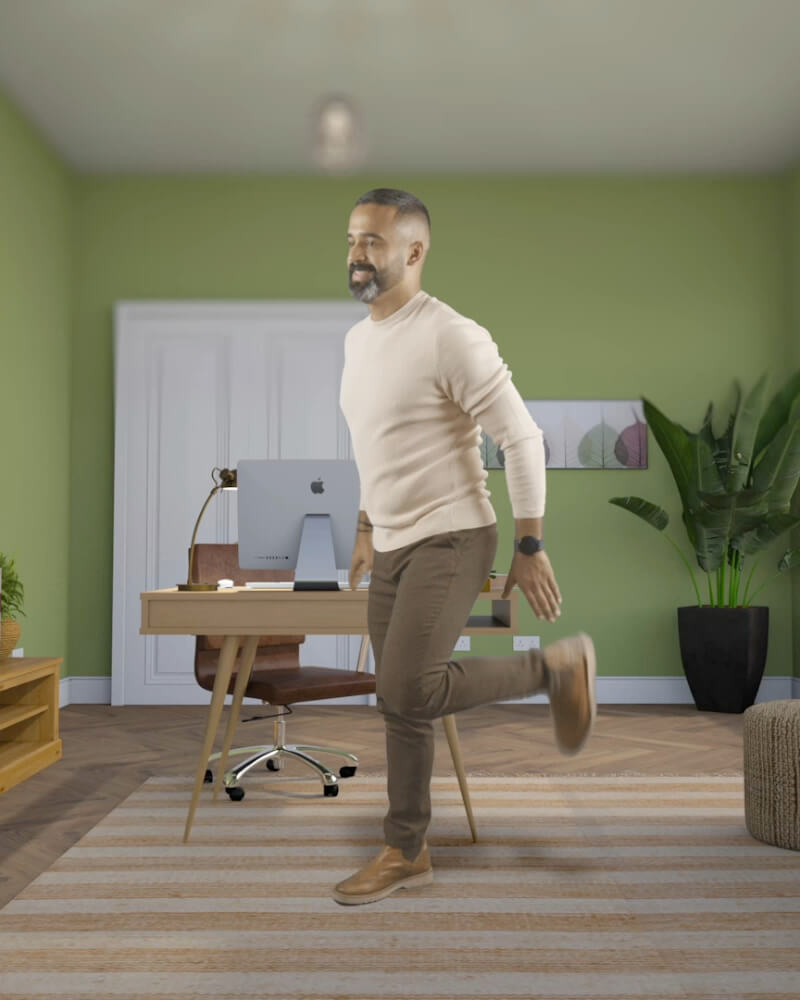 13 exercises
Fun Kicks
Playful kicking movements that energize your legs and promote lower body circulation.
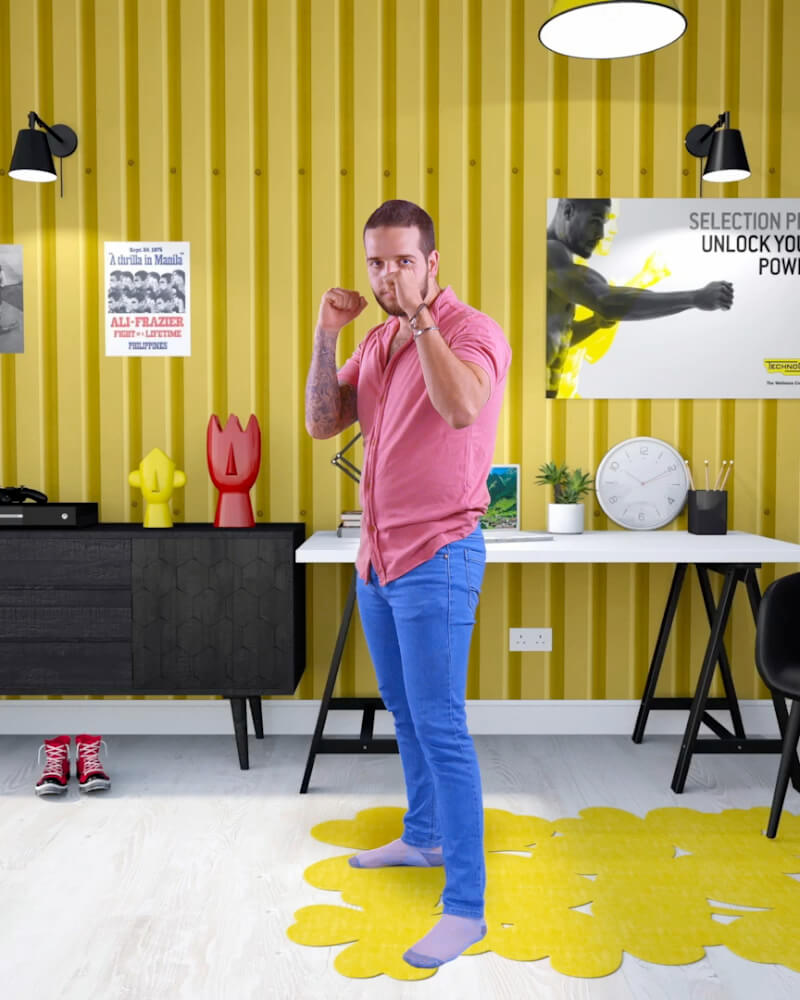 19 exercises
Standing Boxing
Upright boxing combinations that boost energy and confidence without equipment.
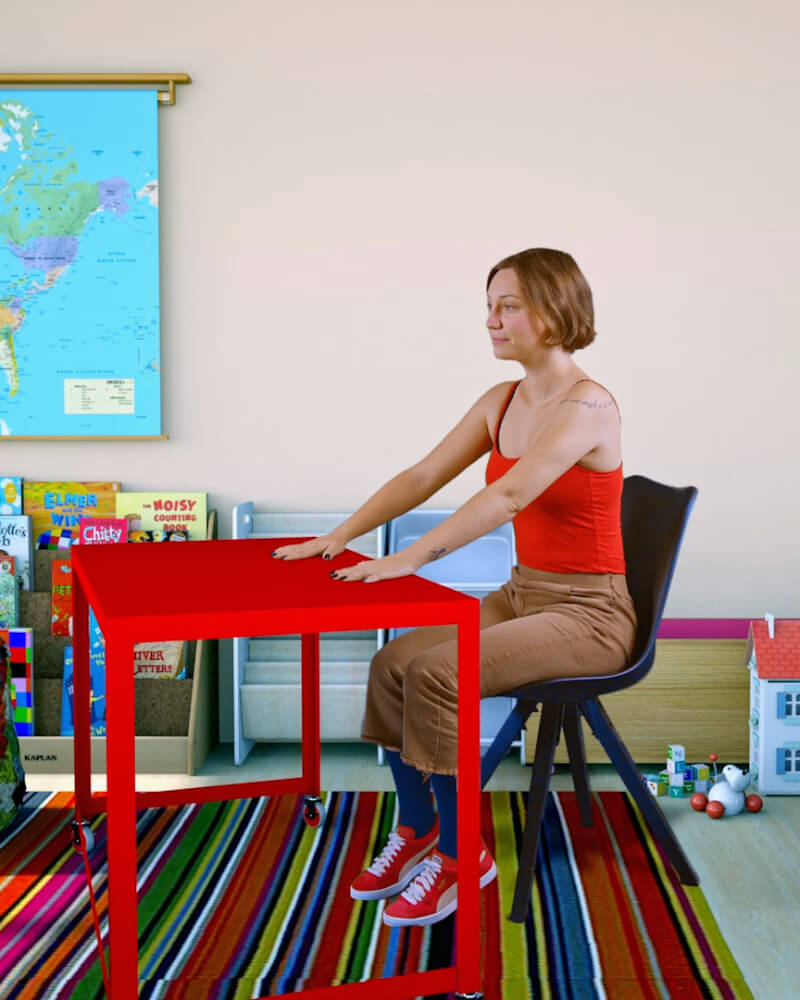 12 exercises
Desk Pump
Use your desk and chair as exercise equipment to maintain energy and strength.
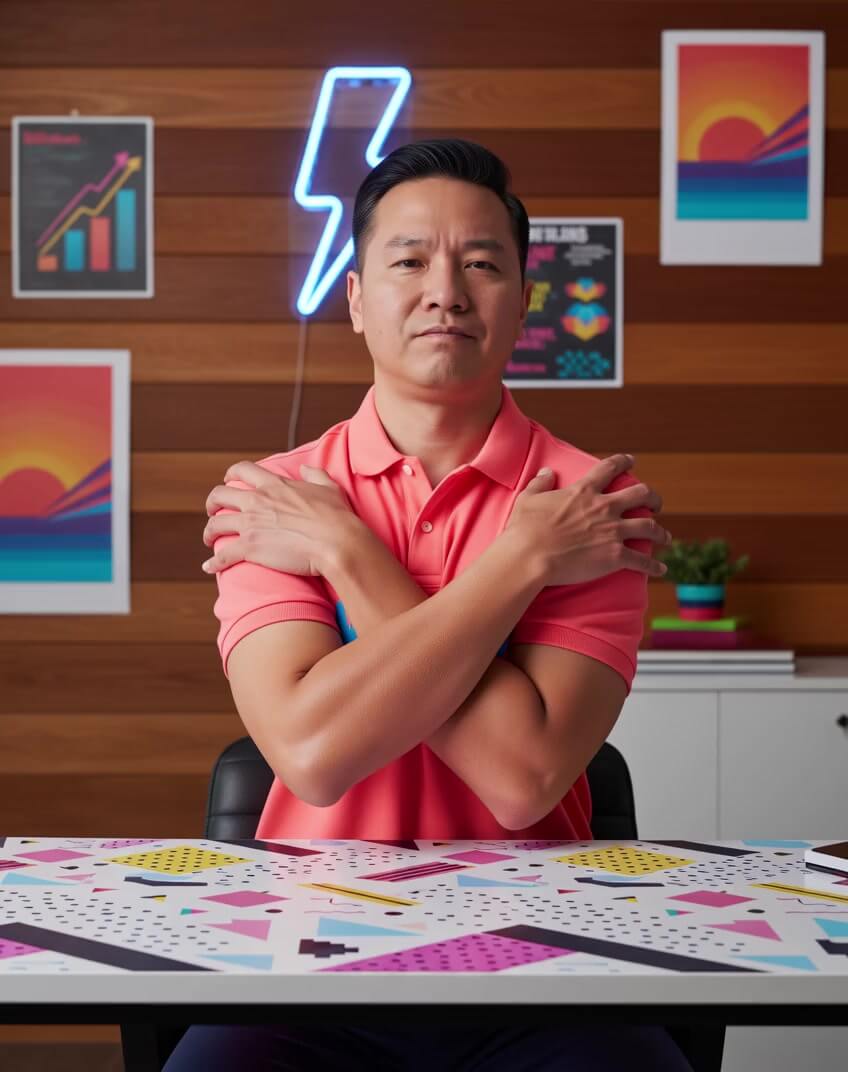 14 exercises
Flow State Primer
Prime your brain for deep work with seated movements that activate focus and flow state.
 13 exercises
Funrobics
Retro 80s aerobics with upbeat movements updated for modern times.
Want the full routine?
Three minutes, guided by audio, in the iOS app. Or add Wakeout to Chrome — every new tab becomes a tiny movement break.